Affiliate Partner Holdout Log Template for Brands 2026
Track affiliate partner holdout exposure, assignment, contamination, and outcomes in a dated log that separates test evidence from attributed sales.
On this page (9)

What Should You Compare Before Choosing?
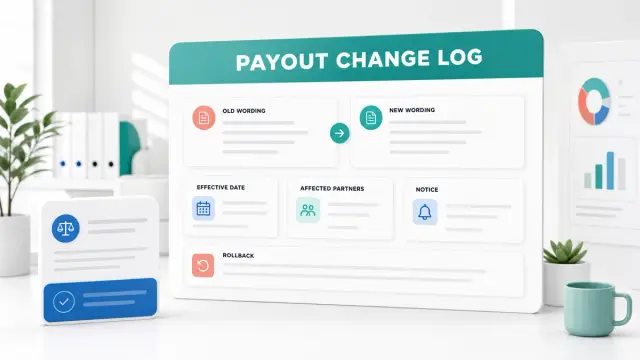
An affiliate partner holdout log template is a dated record of who was eligible for a test, what exposure actually occurred, which outcomes were recorded, and what changed during the measurement window. It helps a program team keep test evidence separate from platform attribution.
The log has a different job from an experiment plan. A plan sets the question, group rules, outcome, duration, and decision threshold before launch. A running log preserves daily evidence, deviations, source dates, and unresolved issues. Use the seven-step affiliate incrementality test plan for design decisions, then use this log to document what happened.
Quick Answer
For each test wave, record a stable test ID, eligibility rule, group assignment method, dated exposure proof, outcome snapshot and source, contamination or deviations, costs and outside changes, data-quality limits, and the decision owner. Keep a row history so a correction adds context instead of erasing the original evidence.
| Log field | What to save |
|---|---|
| Test and version | ID, dates, market, placement, and log version |
| Eligibility and assignment | Who could enter each group and how assignment was made |
| Exposure evidence | Partner, placement, date, count, and proof reference |
| Deviations | Control exposure, audience overlap, outages, or offer changes |
| Outcome snapshot | Metric, reporting window, source, export date, and status |
| Economics and context | Fee, commission, offer cost, price, inventory, and other campaigns |
| Quality and confidence | Missing data, group balance, tracking gaps, and design limits |
| Decision and owner | Threshold used, status, next action, and due date |
This affiliate partner holdout log is for operational evidence, not a promise that a test can prove lift. The design still has to support the conclusion. When assignment is not randomized or the groups are not comparable, label the result observational or inconclusive.
Set Up the Log Before the Test Starts
Create one test ID and define the unit the log tracks. A unit might be a test wave, placement, market, or date range. Keep the same ID across the plan, partner confirmation, data exports, and closeout so another reviewer can follow the evidence chain.
Record the time zone, start and end dates, data cutoff, primary outcome, and the treatment and control definitions. This is not a second copy of the test plan. It is the reference that lets the team decide whether a later event followed the agreed setup. Save the plan version or source location so you can check a change without relying on memory.
A useful affiliate partner holdout log template keeps these identifiers visible beside each dated event so the treatment and control records do not drift into separate files.
An affiliate partner holdout log template also needs a named owner and reviewer. The owner maintains the event record. The reviewer checks that the reported date, group, source, and status are complete. If one person does both jobs, record that fact and add an independent review for the final readout when the decision is important.
Eight Fields to Capture During the Test
1. Test identity and version
Record a short test name, unique ID, version, market, partner, placement, and wave. If a promotion is changed materially, create a new version or a linked follow-up test. A stable ID prevents rows from different offers or time periods from being joined by accident.
Keep a reference to the approved plan, partner confirmation, and the log export. Note when a definition changes and who approved it. Do not silently replace an old window, audience, or offer description after results arrive.
2. Eligibility and group assignment
Write the eligibility rule in plain language and name the source that defines the eligible audience. Record the assignment method, date, group labels, and aggregate size for each group. If a holdout is selected from a partner's audience, document the selection process and the reason the untreated group should represent the counterfactual.
Do not put names, email addresses, or other personal identifiers in a broad analysis sheet. Store individual-level records only in the approved system with the normal access controls. In the working log, use aggregate counts or restricted record references that another authorized reviewer can trace.
3. Exposure and delivery proof
For each wave, capture when the placement ran, the partner or placement type, the eligible audience size, the number exposed if available, and the evidence source. Acceptable references may include a dated partner report, archived page, campaign export, or a controlled internal file path.
Separate booked exposure from delivered exposure. An invoice or calendar entry shows an agreement, not proof that a placement appeared. Add the date you checked the evidence and the person who confirmed it.
4. Contamination and deviations
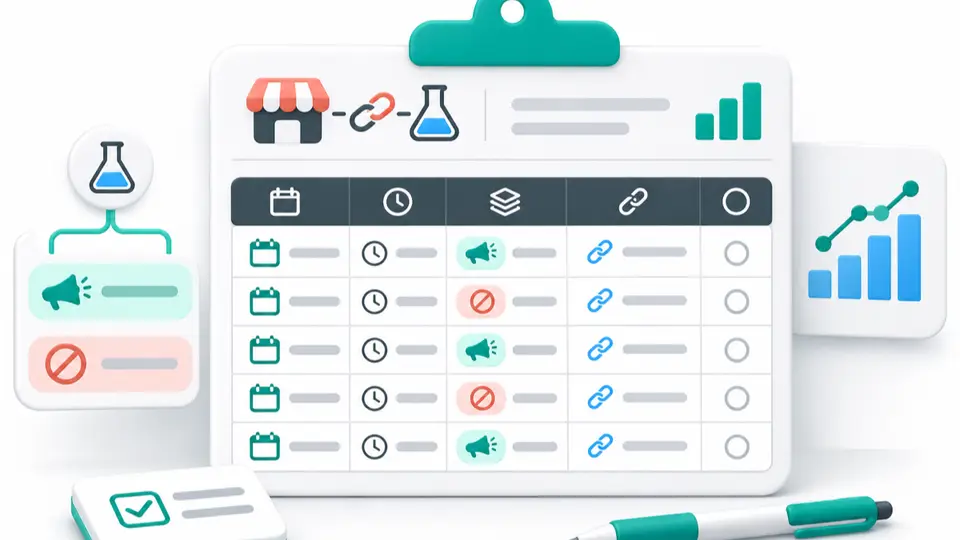
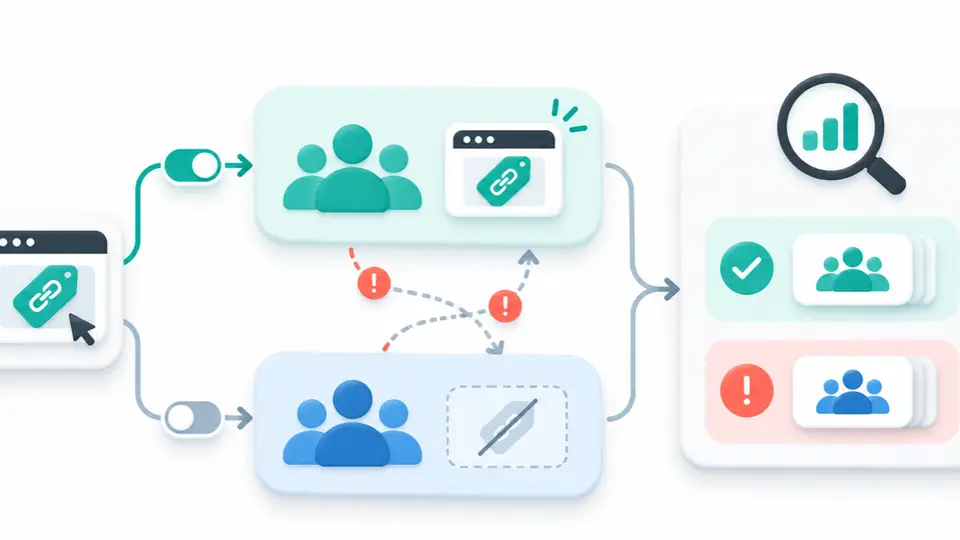
Record any event that could expose the control group or change treatment delivery. Examples include a partner email going to both groups, a public coupon appearing on a deal page, a paid placement running outside the test window, or an unexpected site-wide promotion.
Do not remove an affected row to make the groups look cleaner. Mark the event, estimate the affected count if the source supports it, and explain whether the analysis will exclude, adjust, or retain it. If the effect cannot be separated, note that the test has a contamination limit.
5. Outcome snapshot and data freshness
Name each metric, the unit, reporting window, system, filters, and export date. Store clicks, qualified leads, orders, approved transactions, refunds, and new customers as separate measures when the systems expose them. Record the latest data date so a reviewer can see whether a number is final or still moving.
Keep attributed sales distinct from incremental outcomes. A referral report describes how the program assigned credit under its rules. A holdout comparison estimates a difference between groups only when the design, exposure, and data quality support that interpretation.
6. Costs and outside changes
Track placement fees, commissions, discounts, and other test-specific costs with currency and source. Record changes in price, inventory, landing pages, creative, attribution settings, or other campaigns that could influence the result. If a shared cost needs allocation, save the rule that was chosen before the outcome was known.
The affiliate paid-placement cost worksheet can help teams keep fixed fees separate from commissions and other campaign expenses. The running log should point to that cost record instead of copying a second competing total.
7. Quality checks and confidence
Note missing dates, unmatched events, delayed reporting, tracking gaps, duplicate conversions, group imbalance, low volume, or selection bias. Record the check, the source, and its status. A blank field is not the same as zero, and an unavailable value should stay labeled unavailable.
The Awin guide to testing for incrementality explains why the comparison design and test type matter. The IAB/MRC measurement guidelines provide broader guidance on data quality and transparent methods for retail media. That document is not an affiliate-specific rulebook, but its measurement principles are useful when documenting sources and limitations.
8. Decision and follow-up
Record the threshold agreed in the plan, the status of the result, the decision, the owner, and a due date. Use statuses such as running, data pending, contaminated, inconclusive, reviewed, or closed. If the result is not yet mature, say which validation window remains open and when it will be checked.
The final action might be to renew, renegotiate, repeat with a stronger control, or stop. Add the evidence that supports the action and the reason for any exception to the original threshold. The result should be understandable to a teammate who did not build the test.
Copyable Affiliate Holdout Log Row
Use one row per test wave or dated evidence snapshot. Link detailed records instead of pasting private partner or customer data into a general report.
Use this affiliate partner holdout log template as an operational capture sheet for dated events, not as a substitute for the approved experiment plan.
| Test ID and version | Date and wave | Group and eligible count | Exposure and proof | Outcome and as-of date | Deviations or quality flags | Owner and status |
|---|---|---|---|---|---|---|
| [ID, version] | [Date, time zone, placement] | [Treatment or control, count] | [Partner, format, count, source] | [Metric, value, window, export date] | [Issue, affected rows, action] | [Name or role, due date, status] |
Keep the record append-only where practical. If a source report changes, save the new as-of date and add a correction note that points to the original. Do not overwrite a prior value without a traceable reason.
Keep Attribution and Lift Separate
A tracked affiliate order is not automatically an incremental order. The affiliate platform may assign credit to a valid referral, while the reader might have purchased through another route without the placement. A holdout comparison can help estimate additional outcomes, but only if the groups and outcome measure are credible.
The log should preserve the evidence needed to test that claim: group construction, actual exposure, a consistent outcome window, relevant costs, and material changes during the test. If those pieces are missing, report what the platform attributed and state that incremental lift could not be established.
Do not make a strong causal claim from a simple before-and-after comparison. Seasonality, a brand campaign, product availability, or a promotion may explain the difference. If the groups were selected rather than randomized, say how that may bias the result.
Use Program Listings and Closeout Records Carefully
If your company is an affiliate software vendor, the Rewardful, FirstPromoter, and Tapfiliate listings are examples of public partner terms. They are affiliate program profiles, not proof that a product supports a particular experiment field. Check product documentation and your account configuration before relying on a reporting feature.
After the test, reconcile the evidence with the affiliate campaign postmortem template. A closeout record can summarize the final outcome and next action, while the holdout log preserves the dated events that support that conclusion. Keep the two documents linked and use the same test ID in both.
Conclusion: Preserve the Evidence Behind the Decision
A dated log makes a holdout test easier to review and harder to overstate. Keep the group rules, exposure proof, outcome source, and unresolved issues visible, then browse the FindAffiliates directory for more program-owner research.
FAQ
What should an affiliate holdout test log include?
Include a stable test ID, eligibility and assignment, exposure proof, outcomes with source dates, deviations, costs, quality checks, decision status, and a named owner. Keep a trail for changes and corrections.
Is an affiliate partner holdout log the same as a test plan?
No. A test plan defines the question, comparison groups, primary outcome, duration, and decision threshold before launch. A log records actual exposure, data snapshots, issues, and decisions as the test runs.
Can affiliate attribution prove incremental sales?
No. Attribution assigns credit under a tracking rule. Incrementality estimates the difference caused by an activity compared with a credible control. Report the two measures separately.
Should the log contain customer names or emails?
Usually not in a broad analysis log. Use aggregated counts or references to records in the approved system, and follow the organization's access and retention rules for any individual-level data.