12-Field Affiliate Payout Reconciliation Exception Log
Use this affiliate payout reconciliation exception log template to document variances, assign owners, preserve evidence, and control payout release.
On this page (10)
What Should You Compare Before Choosing?
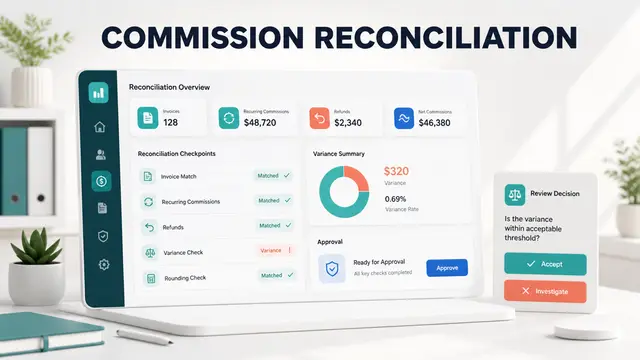
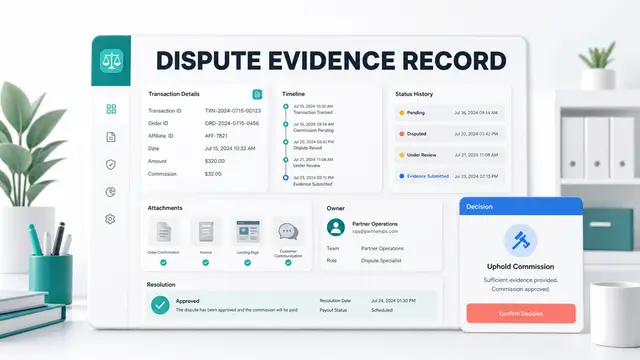
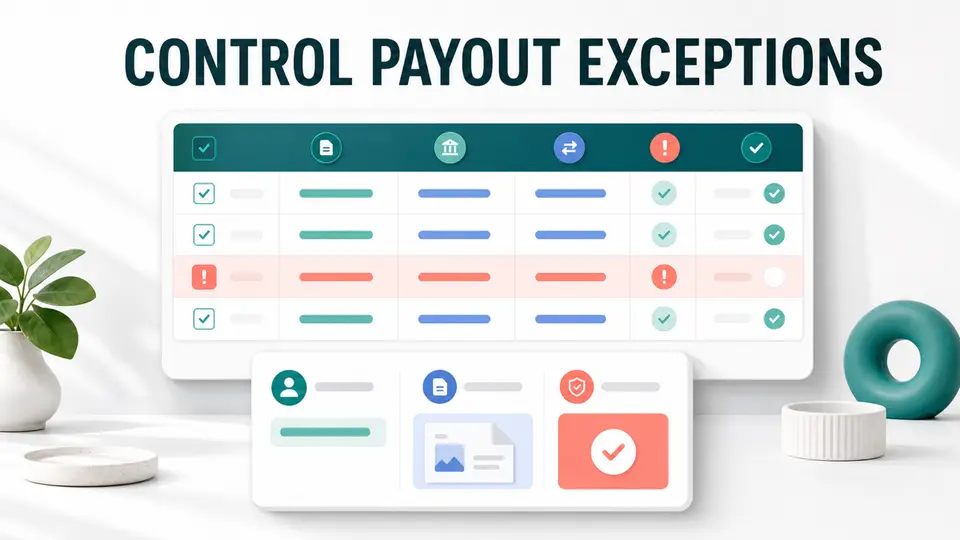
An affiliate payout reconciliation exception log turns unexplained payout differences into owned, testable work. It records what failed to match, how much is affected, which evidence supports the issue, who must fix it, and what must happen before the payout line can be released.
This 12-field template is for exceptions already found during reconciliation. It does not replace the full payout audit, define partner-facing policy, or serve as a bank-detail store. Its job is to preserve a clean path from variance detection to correction, review, and closure.
Quick Answer and Copyable Template
Every exception needs a stable ID, linked source records, a category, amounts, statuses, evidence, ownership, a decision, settlement proof, and close criteria. If a material variance remains unexplained, a reversal is unclear, payment confirmation is missing, or a manual adjustment lacks approval, keep the affected line out of the release file.
| Exception ID | Detected | Linked IDs | Type | Expected | Recorded | Variance | Status and time | Evidence | Owner and due date | Decision | Settlement and closure |
|---|---|---|---|---|---|---|---|---|---|---|---|
| EX-2026-071 | 2026-07-27 | Partner 418, invoice 9842, commission 6610 | Refund mismatch | 0.00 | 120.00 | 120.00 | Approved at 09:12 UTC | Invoice and refund references | Finance Ops, 2026-07-29 | Hold and reverse | Open, reviewer required |
Use non-sensitive system identifiers instead of customer names, bank details, tax records, or credentials. Evidence links should point to controlled records with appropriate access.

How This Template Differs From an Audit
The affiliate payout audit checklist tests whether eligible billing events, commissions, approvals, payout files, and settlement records agree. The exception log begins only after one of those tests finds a difference.
The partner payout FAQ examples explain timing, thresholds, statuses, and disputes to affiliates. The log is an internal operations record. It should contain investigation evidence and controlled decisions, not public promises or sensitive payment data.
Platforms such as Rewardful, FirstPromoter, Tapfiliate, and PartnerStack expose different records and workflows. Keep the 12 fields stable while mapping each platform's status names to your own controlled definitions.
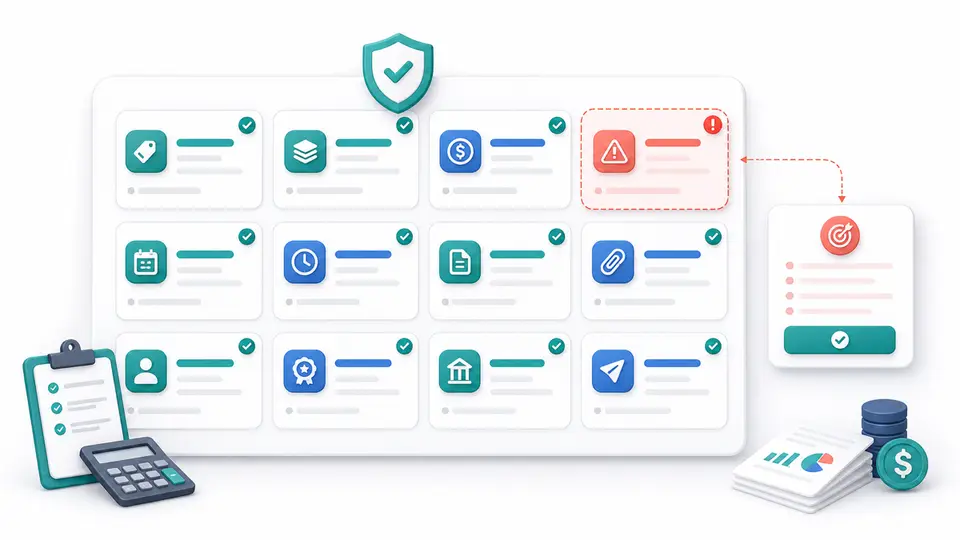
The 12 Fields in an Affiliate Payout Exception Log
1. Exception ID and payout cycle
Create one immutable exception ID and record the affected payout period, program, legal entity, currency, and export version. A stable ID prevents the same problem from appearing as disconnected notes in finance, support, and affiliate-platform records.
Do not overwrite an old exception when the problem returns. Link the new ID to the earlier one so recurring causes remain visible.
2. Detection date and source control
Record the date, time zone, reviewer, and reconciliation test that found the difference. Examples include invoice-to-commission matching, approved-balance-to-export matching, and payout-file-to-bank-settlement matching.
This field shows where the control failed. It also helps distinguish a newly created problem from an older issue discovered late.
3. Linked record identifiers
Capture the non-sensitive IDs needed to trace the lifecycle: partner, referral, customer, transaction, subscription, invoice, commission, payout line, batch, and payment reference. Include only the identifiers relevant to the exception.
Names and email addresses are weak matching keys. Stable IDs reduce duplicate records and make retesting reproducible.
4. Exception type
Use a controlled category instead of free text. Useful values include missing commission, duplicate commission, wrong rate, wrong deal or tier, refund mismatch, chargeback mismatch, status mismatch, manual adjustment, threshold or hold error, payout-method failure, currency difference, tax hold, and export-versus-settlement mismatch.
A controlled taxonomy makes recurring patterns countable. Add a new category only when an existing one cannot describe the root problem.
5. Expected amount and rule
Record the amount the approved program rule should produce, plus the rule version, rate, eligible revenue basis, cap, tier, currency, and effective date. If the expected amount is not yet known, mark it as unresolved instead of entering zero.
The expected value should be reproducible from source evidence. It is not the number needed to force the totals to match.
6. Recorded amounts by system
Keep separate columns for billing, affiliate tracker, payout file, and payment-provider amounts. A single "actual" field can hide where the records diverged.
For example, billing may show a refunded invoice, the affiliate platform may still show an approved commission, and the payout file may include the old balance. Separate values reveal the broken handoff.
7. Variance and severity
Calculate the variance using a documented direction, such as recorded payout less expected payout. Add severity based on amount, partner impact, recurrence, fraud risk, compliance risk, and whether the issue blocks the full batch.
Do not use amount alone. A small repeated status error can reveal a system problem, while a large timing difference may already have a documented explanation.
8. Commission and payout status timeline
Record the observed statuses and timestamps, including pending, due, approved, held, declined, paid, failed, returned, or canceled as applicable. Preserve who or what changed the status.
FirstPromoter's official activity log documentation shows the value of actor, timestamp, entity ID, status transition, and export-action evidence. Use the equivalent records available in your stack.
9. Evidence references
Link to the source export, invoice, refund, commission history, payout line, platform event, support ticket, and payment result needed to prove the exception. Store references, not copied secrets or unnecessary personal data.
Record the export time and filters. A dashboard screenshot without underlying IDs is weak evidence because the display can change.
10. Owner, priority, and due date
Assign one accountable owner, one reviewer, a priority, and a target resolution date. Add an escalation date when the issue could delay a payout or affect multiple partners.
Avoid shared ownership such as "finance and marketing." One person should be responsible for the next action, even when several teams provide evidence.
11. Decision, reason code, and approval
Use controlled outcomes such as approve, correct, hold, decline, defer, or recover. Record the reason code, corrective action, approver, approval time, and any linked change request.
Manual adjustments require independent approval. The affiliate commission approval workflow provides a separate decision framework for eligibility and authorization.
12. Settlement proof and closure
Close the exception only when the corrective action is complete, affected records agree or have a documented accepted difference, the reviewer has retested the control, and the payout-cycle impact is recorded.
If money moved, retain a non-sensitive payment reference and final status. If the item moves to a later cycle, record the new period and carried amount.
Exception Severity and Aging Rules
Use a simple rule set that operations and finance can apply consistently.
| Level | Typical condition | Release action |
|---|---|---|
| Critical | Suspected fraud, wrong payee, duplicate payment, or unsupported destination change | Stop the affected batch and escalate immediately |
| High | Material unexplained variance, missing reversal, or unapproved manual adjustment | Hold affected lines until reviewed |
| Medium | Explainable status or timing mismatch with incomplete evidence | Assign owner and resolve before cycle close |
| Low | Documentation gap with no amount or eligibility impact | Correct promptly and include in control review |
Add aging bands such as 0 to 2 days, 3 to 5 days, 6 to 10 days, and over 10 days. Escalate based on the next payout date and partner impact, not only the age of the ticket.
Release Gate for the Payout File
Before release, reconcile three totals:
approved payable balance + authorized adjustments = payout file total + documented held balance
Then reconcile the released file:
payout file total = settled payments + pending provider items + failed or returned exceptions
Do not release an affected line when any of these conditions remain:
- A material variance has no evidence-based explanation.
- A refund, chargeback, or reversal has not reached the commission record.
- A manual adjustment lacks a reason code and independent approval.
- The payee or payment instruction changed without controlled verification.
- The payout provider result cannot be tied back to the payout line.
- The exception owner, due date, or next action is missing.
Rewardful's official commission payment documentation separates commission review, export, external payment, and marking commissions paid. That separation is a useful control point. Confirm payment before closing the corresponding exception.
Common Mistakes
Do not use one free-text notes column as the entire log. It cannot support consistent categories, aging, ownership, or analysis.
Do not delete an incorrect line and replace it without retaining the original reference. The correction may fix the total while destroying the explanation.
Do not store bank account numbers, tax forms, customer secrets, or credentials in the exception log. Use restricted source systems and non-sensitive references.
Do not close an item because the totals now match. Retest the broken control and record the corrective action, reviewer, and downstream impact.
Source Confidence and Limits
Official platform documentation supports the need for payout states, export records, status transitions, external payment confirmation, and activity history. Each SaaS program still needs its own definitions, approval roles, materiality rules, retention schedule, and access controls.
This affiliate payout reconciliation exception log is an operational template, not legal, tax, or accounting advice. Confirm local requirements with qualified professionals and the team's finance policies.
Key Takeaways for 12-Field Affiliate Payout Reconciliation Exception Log
A reliable affiliate payout reconciliation exception log makes every difference explainable and owned. Use the 12 fields to trace the affected records, classify the problem, preserve evidence, calculate the variance, assign remediation, approve the decision, and prove settlement.
Keep affected lines out of the release file until material differences and payment risks are controlled. Use FindAffiliates to compare affiliate platforms, then map their records into one consistent finance workflow.
FAQ
What is an affiliate payout reconciliation exception log?
It is an internal record of payout differences that require investigation or correction. It connects the affected IDs, amounts, evidence, owner, decision, settlement result, and close criteria.
Which payout exceptions should block release?
Block an affected line when a material variance is unexplained, a reversal is missing, a manual adjustment lacks approval, the payee changed without verification, or payment cannot be tied to the payout record.
Should the exception log contain bank or tax details?
No. Store sensitive payment and tax data in controlled source systems. Put only non-sensitive record IDs and restricted evidence references in the log.
When can a payout exception be closed?
Close it after the corrective action is complete, the evidence is retained, the broken control is retested, the reviewer signs off, and any payout-cycle impact is recorded.