Partner Payout Help Center Change Log Template 2026
Use this partner payout help center change log template to record effective dates, affected partners, wording, balances, notices, owners, and rollback.
What Should You Compare Before Choosing?
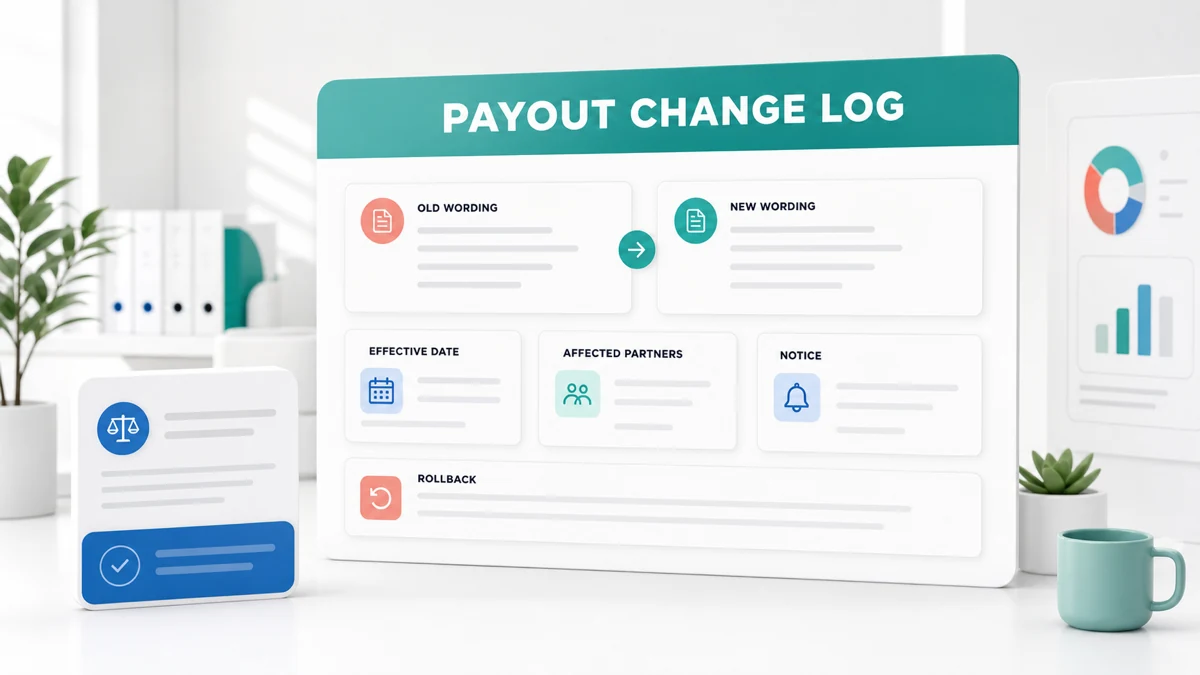
A partner payout help center change log template gives program owners one record of what public payout wording changed, when it takes effect, who is affected, how existing balances are treated, and who can roll the change back. It prevents the help center, portal, onboarding emails, and support replies from describing different rules.
Use the template before changing payout timing, thresholds, balance treatment, payout methods, status definitions, or support paths. It is an operational control, not a substitute for program terms, legal review, or account configuration. If any treatment is undecided or not public, write unknown and assign an owner instead of guessing.
Quick Answer and Required Fields
The minimum partner payout help center change log template needs an effective date, affected partner group, old wording, new wording, treatment of existing balances, notice path, change owner, approver, evidence links, and rollback plan. Add a status and review date so a drafted change cannot be mistaken for a live one.
FirstPromoter's official payout documentation describes monthly payout aggregation, payout terms, minimum payment amounts, and payout methods. Those controls show why a wording change can affect more than one page. The documentation does not prove which setting is active in your account.
Google's current Gmail sender guidance emphasizes accurate sender identity, authentication, and responsible sending. Requirements vary by volume and message type. Review the current guidance before sending broad partner notices, use a recognizable sender, and keep service notices focused on the actual change.
Copyable Change Log Template
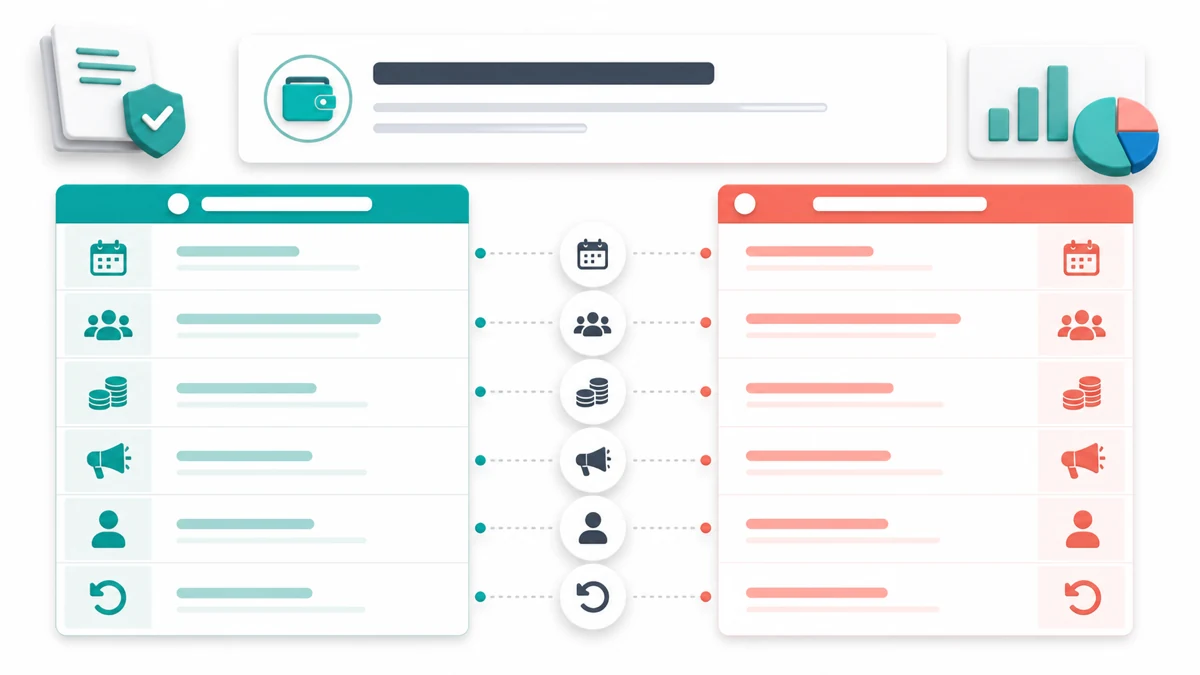
Copy this partner payout help center change log template into your controlled documentation system. Use one change ID per policy decision. Link related changes instead of overwriting earlier history.
| Field | What to record |
|---|---|
| Change ID | Immutable ID such as PAY-2026-014 |
| Status | Draft, approved, scheduled, live, rolled back, or superseded |
| Requested date | Date and time zone when the change entered review |
| Effective date | Exact date and time zone when new wording applies |
| Affected partners | All partners or a defined segment, campaign, country, entity, or cohort |
| Affected balances | Opening balances, pending commissions, approved commissions, carryovers, and in-flight payouts |
| Change type | Timing, threshold, method, status, eligibility, support path, or wording-only clarification |
| Old wording | Exact public text and page location before the change |
| New wording | Exact approved text and destination page |
| Operational rule | System behavior the wording is meant to describe |
| Notice path | Email, portal banner, help-center banner, direct outreach, or no notice with reason |
| Notice timing | Send date, reminder date, and time zone |
| Owner | Person responsible for implementation and partner questions |
| Approver | Finance, partner operations, legal, or executive reviewer as required |
| Systems and pages | Help center, terms, portal, platform settings, email templates, support macros, payout runbook |
| Evidence | Approval, configuration snapshot, test result, and notice archive |
| Rollback trigger | Specific condition that pauses or reverses the change |
| Rollback steps | Prior wording, settings, balance treatment, owner, and notice path |
| Validation date | Date another reviewer confirmed systems and copy agree |
| Open questions | Unknown terms, dependencies, and named owners |
Record exact copy, not a summary such as "updated payout language." A future reviewer should be able to reconstruct the public promise and the underlying control before and after the effective date.
Define Existing Balance Treatment
A policy change can be clear for new commissions while leaving older balances ambiguous. Separate at least four populations: pending commissions, approved unpaid commissions, balances below a threshold, and payouts already in process.
For each population, choose and document one treatment:
- Grandfather under the old rule.
- Move to the new rule on the effective date.
- Split by earning or approval date.
- Hold for manual review.
- Mark unknown until finance or counsel decides.
Do not use a help-center edit to make a silent retroactive balance decision. The partner payout FAQ examples show the questions partners expect about timing, thresholds, and statuses. The affiliate payout policy examples help turn the final operating rule into plain public wording.
Use a balance impact table for the specific change:
| Balance group | Old treatment | New treatment | Effective rule | Notice required | Owner |
|---|---|---|---|---|---|
| Pending before cutoff | [old rule] | [new or grandfathered rule] | [date and time zone] | [yes, no, unknown] | [name] |
| Approved, unpaid | [old rule] | [new or grandfathered rule] | [date and time zone] | [yes, no, unknown] | [name] |
| Below threshold | [carryover rule] | [new carryover rule] | [date and time zone] | [yes, no, unknown] | [name] |
| Payout in process | [current state] | [complete, stop, or review] | [batch cutoff] | [yes, no, unknown] | [name] |
Build the Notice Path
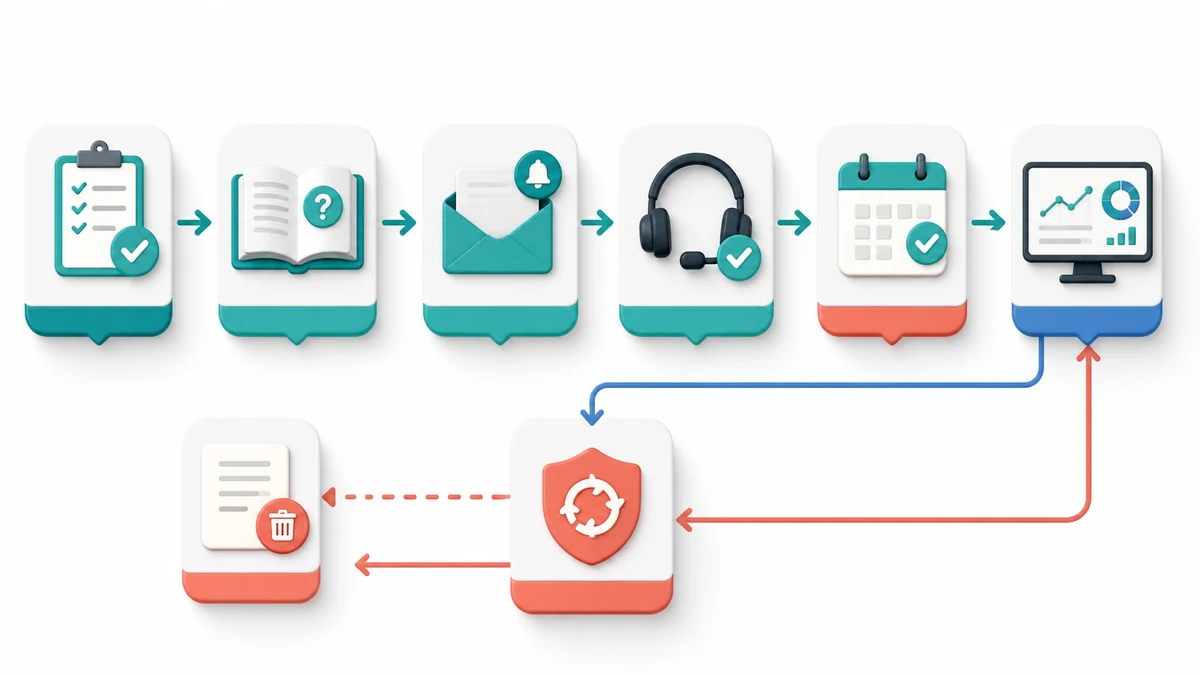
The partner payout help center change log template should name every place where partners can encounter the rule. Update the help center first in a staged or approved state, then coordinate the portal, onboarding, payout reminder, support macro, and direct notice for the effective date.
Use a notice record with these fields:
- Sender identity and reply path
- Affected partner segment
- Change ID and effective date
- Plain summary of what changes
- What does not change
- Existing balance treatment
- Action required, if any
- Link to the full help-center entry
- Support owner and response path
- Send result, bounce handling, and archive location
Do not call an operational email "urgent" unless immediate action is genuinely required. Do not mix a payout-policy notice with promotions. If only some partners are affected, segment from authoritative program records and preserve the selection logic.
Add an Operational Rollback Plan
A rollback is more than restoring old copy. It must address settings, balances, notices, and any payout files created while the change was active.
Set specific triggers
Useful triggers include a configuration mismatch, incorrect balance migration, unexpected partner segment, broken payout method, contradictory terms, failed notice delivery to a material group, or an approval withdrawn before launch. Choose triggers based on your risk controls rather than a generic list.
Preserve the prior state
Save the old wording, page version, platform settings, balance export, partner segment, notice draft, and approver record before implementation. A screenshot alone may not preserve filters or machine-readable values.
Sequence the rollback
Pause the affected payout or setting change when safe, restore the approved prior rule, recalculate affected balances, compare the new result with the preserved export, obtain review, and notify impacted partners. Do not mark rollback complete until public wording and system behavior agree again.
Keep the original log entry
Change status to rolled back and link the corrective record. Never delete the original entry. The history explains why partners may have received two notices and why a balance changed twice.
Platform Mapping and Source Confidence
Program owners may compare the FirstPromoter affiliate program, Rewardful affiliate program, or PartnerStack affiliate program while evaluating partner operations. Each tool can use different status names, payout records, integrations, and controls.
Map your internal definitions to the platform without copying vendor wording blindly. For every change, verify the live account's payout terms, threshold, methods, campaign scope, and effective settings. If the platform behavior, partner agreement, or regional requirement is not public, record unknown until the responsible owner confirms it.
Official documentation can show supported features and general workflows. It cannot prove that your help center matches your configuration or that a notice reached the intended partner. Retain dated configuration evidence, content versions, notice results, and reviewer sign-off.
Example Change Entry
This fictional entry demonstrates structure without inventing real earnings, volumes, or vendor terms.
| Field | Example |
|---|---|
| Change ID | PAY-2026-014 |
| Status | Draft |
| Effective date | [YYYY-MM-DD, time zone] |
| Affected partners | [Named campaign or all partners] |
| Old wording | Payouts follow [current approved rule]. |
| New wording | Starting [date], payouts follow [new approved rule]. |
| Existing balances | Unknown, finance owner must select grandfather, migrate, split, or hold |
| Notice path | Help center, portal notice, direct email, support macro |
| Owner | [Partner operations owner] |
| Rollback trigger | Settings and published wording do not match at validation |
| Rollback | Restore prior copy and settings, recalculate balances, review, notify affected partners |
The example stays in draft until balance treatment, approval, and validation are complete. A publication date alone should never activate an undecided financial rule.
Key Takeaways for Partner Payout Help Center Change Log Template 2026
A partner payout help center change log template keeps financial wording, platform settings, partner balances, notices, and rollback ownership connected. Record the old and new text, effective date, affected group, balance treatment, approval, evidence, notice path, and rollback before the public page changes.
Treat unknown as a valid temporary status, not an invitation to guess. Browse the FindAffiliates directory when comparing partner platforms, then verify the actual account configuration and approved program terms before communicating a change.
FAQ
What belongs in a partner payout help center change log?
Include a change ID, status, effective date, affected partners, affected balances, old and new wording, operational rule, notice path, owner, approver, evidence, validation date, rollback trigger, and rollback steps.
Should existing partner balances follow a new payout rule?
There is no universal answer. Document whether balances are grandfathered, migrated, split by date, or held for review. If the treatment is undecided, mark it unknown and do not imply a result in public copy.
When should partners receive notice of a payout change?
Use the timing required by applicable agreements, laws, platform rules, and your approved policy. Operationally, give partners enough clear notice to understand the effective date, affected balances, required action, and support path.
What should trigger a payout policy rollback?
Set triggers before launch. Examples include mismatched settings and wording, incorrect balance treatment, wrong partner segmentation, broken payout methods, withdrawn approval, or a notice failure that prevents the change from being communicated as planned.