Affiliate Content Map Template: 9 Fields for Publishers
Use an affiliate content map template to connect each query to a page promise, evidence source, internal links, owner, and review date before publishing.
On this page (8)
What Should You Compare Before Choosing?
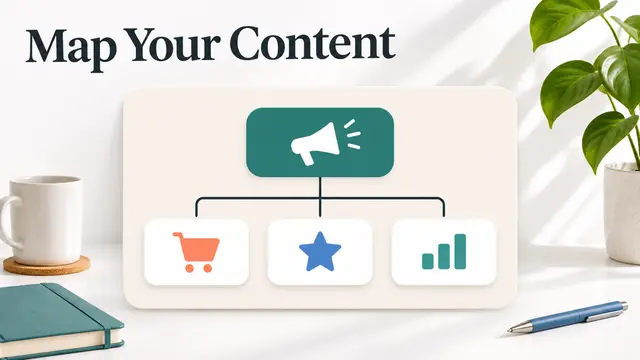
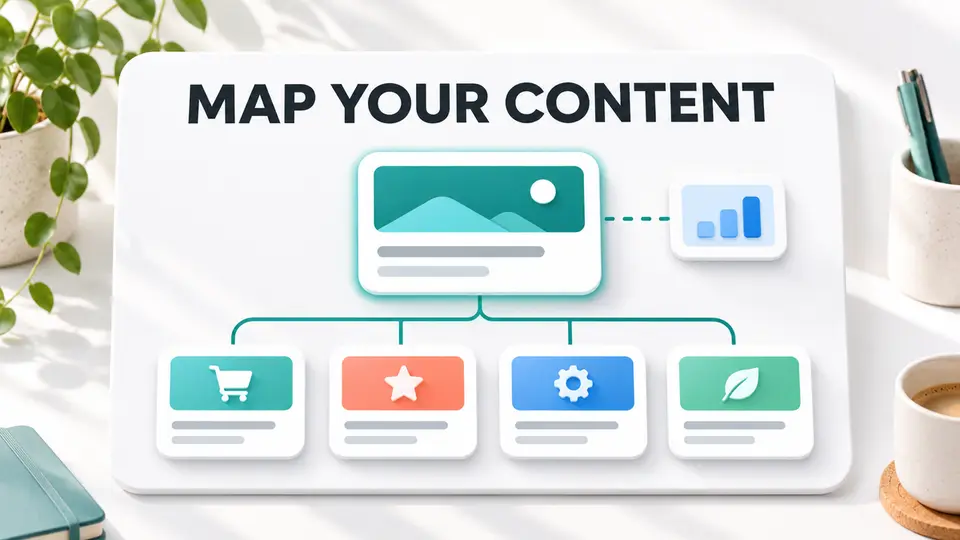
An affiliate content map template connects each target query to one useful page, its evidence, internal links, and a review trigger. It helps a publisher plan a focused cluster before drafting, so two pages do not chase the same reader question.
Use the worksheet below as one row per planned page. The map is a planning record, not a promise of rankings, traffic, or commissions. Keep the query and reader problem at the center, then add only the research, program links, and publishing details needed to answer that problem well.
Quick answer: What should the map include?
| Field | What to record |
|---|---|
| 1. Audience and job | Who needs what decision or task? |
| 2. Cluster and pillar | Where does the page belong? |
| 3. Target query | What would the reader search? |
| 4. Page promise | What distinct answer will this page provide? |
| 5. Evidence plan | Which facts need current sources? |
| 6. Program candidates | Which offers may fit, and what needs verification? |
| 7. Format and action | What structure will help the reader decide? |
| 8. Link path and owner | How will pages connect, and who maintains them? |
| 9. Review trigger | What change should reopen the page? |
A strong affiliate content map template makes page intent, evidence gaps, and ownership visible before a writer creates a draft. It also helps a small site choose the next page based on reader need instead of adding another loosely related keyword.
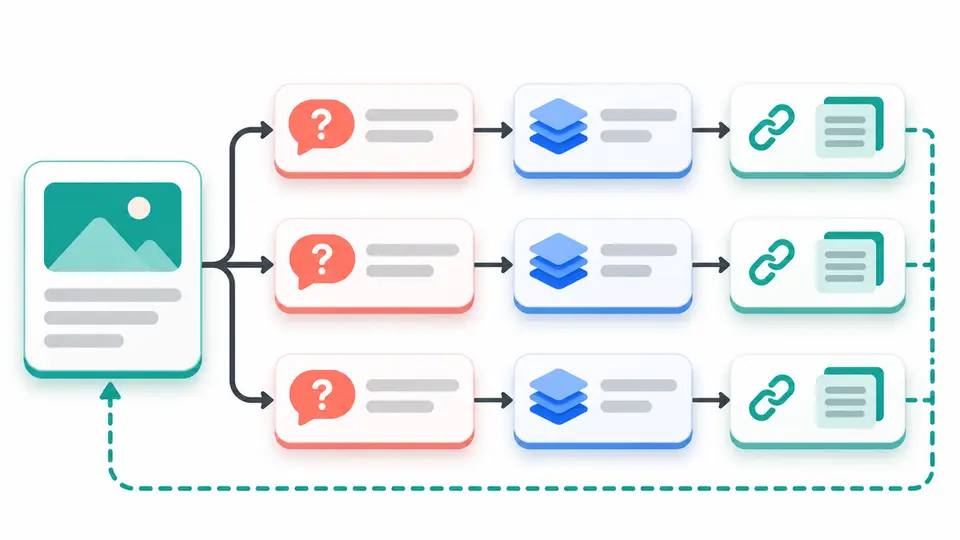
Copy the nine fields above into a spreadsheet and use one row per planned page. Fill every column before drafting so a writer can see the page promise, source work, and owner at a glance.
How to fill the nine fields
1. Name the audience and the job
Describe the reader in terms that change the answer. “Affiliate marketer” may be too broad. “A newsletter publisher choosing programs for a new audience” gives the writer a clearer job to solve.
Write the decision the reader is trying to make, such as comparing offers, checking channel fit, or planning a first review. A defined job keeps the page useful when the keyword itself is broad. It also makes weak topic ideas easier to reject because the map asks who would benefit from that specific answer.
2. Assign a pillar and cluster
Choose one main pillar, then place the page in a cluster of related questions. The pillar gives the site a broad subject. The cluster groups pages that support a shared reader need without repeating the same intent.
Keep the cluster label consistent across the map, draft, and internal link plan. If two planned rows use nearly the same query and promise, combine them or give one a narrower job. Google recommends creating content for an intended audience and a clear purpose, rather than producing pages mainly to attract search traffic. Its people-first content guidance is a useful check when a cluster starts to grow.
3. Record a specific target query
Write the exact phrase a person might search, then note the search intent beside it. “Affiliate tools” is a topic. “How to compare affiliate programs for a newsletter” is a question with an audience and task.
Use autocomplete, related searches, visible results, forum questions, and your own Search Console data as signals. Do not enter an invented monthly volume. If you have access to Search Console, its Search Analytics documentation explains how to review queries, pages, clicks, impressions, and devices for your property. Those are site data, not a guarantee of demand for every phrase.
4. State the page promise
Write one sentence describing what the page will help the reader do. “Compare three program routes for a design publisher and list the terms that still need account verification” is testable. “Cover affiliate marketing” is not.
Choose a format that fits the question: a checklist for repeated checks, a comparison for two or more options, a template for a reusable record, or a guide for a sequence of decisions. The headline should match the content. If the title promises a numbered list, the body must contain that exact number of substantial items.
5. List the evidence before drafting
Name the official pages, agreement sections, pricing documents, or directory records needed to support each factual claim. Include the source date and note which fields are not public. For changing terms, record the market and account type because a rate or permission can vary by region or partner route.
Use separate evidence statuses such as verified, account-only, and unavailable. Do not turn a missing public cookie window into an estimated number. A useful page tells readers what is known, what remains uncertain, and where they can confirm it.
6. Add program candidates as research leads
Program pages help a writer discover possible offers, but a directory listing is not the provider's final agreement. For a content cluster about publisher tools, the Shopify affiliate program, Webflow affiliate program, and SiteGround affiliate program are examples of different categories to investigate.
In the map, record each candidate and what still needs checking: eligibility, permitted channels, commission basis, attribution, region, or payout terms. The page promise should remain useful even if an offer changes or a program becomes unavailable. Always verify a provider's current official source before presenting a term as current.
7. Select a format and reader action
Decide what the reader should do after the answer. A listicle might help shortlist offers; a comparison may clarify fit; a worksheet may organize source checks. Make the action specific and reasonable. A map should not promise a downloadable file unless the publisher has actually made one.
Match the format to the evidence. A short checklist is better than a program roundup when the verified offers are too few for substantial profiles. A comparison table is useful when the source data supports the same fields for each option. If a field is not available, state that instead of leaving readers to infer a winner.
8. Plan links, ownership, and status
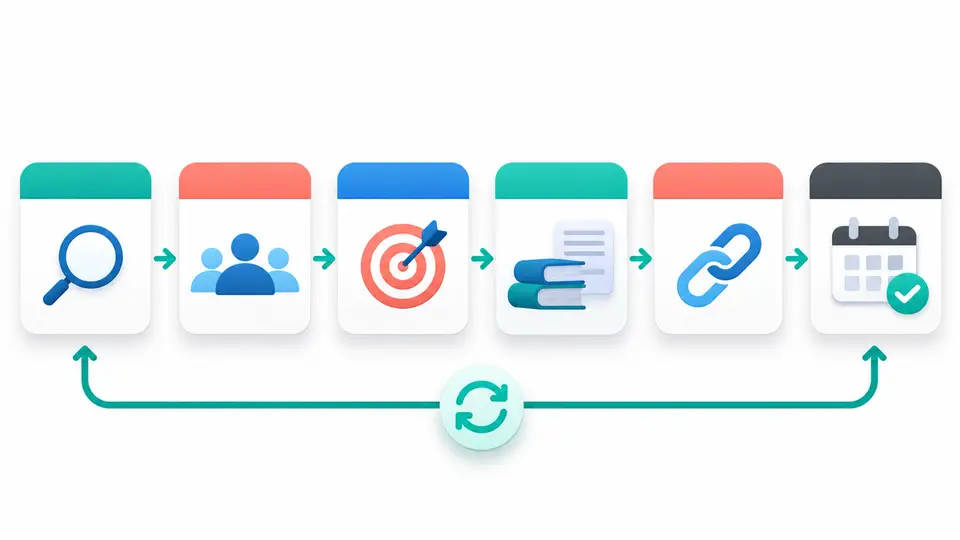
Write the page that introduces the reader to this topic and the pages that should receive a link from it. Prefer a small set of relevant links over a large list of loosely related pages. A map should also identify an owner and a simple stage such as researched, drafting, published, or review needed.
For example, a publisher can start with an affiliate niche content map guide, validate the opportunity with an affiliate niche validation scorecard, then use an affiliate content refresh checklist when evidence changes. These pages serve different jobs, so explain the connection instead of linking them only because they share a keyword.
9. Set a review trigger
Choose an event that means the page should be reopened. Examples include an official terms change, a product category update, a broken destination, a change in the audience's channel mix, or enough Search Console data to reveal a different query pattern.
A date can help with regular maintenance, but a trigger is more useful than a calendar reminder alone. Record what to recheck, who will own it, and what evidence closes the review. That way a future update does not require rebuilding the research from scratch.
Example: map a small publisher cluster
Imagine a creator who publishes tutorials about website tools. One page could compare two program routes using current eligibility and commission sources. A supporting guide could explain allowed placements, while a setup page covers what to configure before publishing.
Give each page a different reader job. If the answers are almost the same, combine them. This example is only a planning pattern. Verify current terms with each provider and record a source date beside every finding.
Use performance data to refine the map
After publication, review queries and pages in Search Console. Impressions with few clicks may suggest a clearer title or description. A useful related query may point to a follow-up. Search data can omit some queries, so treat it as one demand signal.
Update the map with what readers ask, which claims need rechecking, and what page would answer a distinct next question. Do not create a second page only because a phrase appears in a report. First confirm that it serves a separate reader job.
Mistakes that make a map hard to use
Treating a calendar as the map
A calendar records when a page should publish. The map records why it exists, what it must prove, and how it connects to other pages. Keep dates in the calendar and page intent, sources, and links in the map.
Giving every query its own article
Several phrases can share the same intent. Combine rows that promise the same answer, or name a real difference in audience or task. More URLs do not automatically make a stronger plan.
Skipping source ownership
Terms change and a page can outlive its researcher. Assign an owner and review trigger so someone knows when to recheck an important fact.
Key Takeaways for Affiliate Content Map Template: 9 Fields for Publishers
A useful affiliate content map template gives every planned page a distinct reader, query, promise, evidence plan, link path, owner, and review trigger. Start with a small cluster, publish only when the evidence supports the answer, and use real performance data to refine the next step.
When you are ready to research offers for that cluster, browse the FindAffiliates directory and verify each provider's current program terms before making a recommendation.
FAQ
What is an affiliate content map?
An affiliate content map is a page-by-page plan that connects audience questions to distinct articles, evidence needs, internal links, and review ownership.
What should an affiliate content map template include?
A useful template includes the audience, search query, page promise, source plan, relevant program candidates, format, internal links, owner, status, and review trigger.
How is a content map different from a content calendar?
A content map defines why each page exists and how it supports a topic cluster. A content calendar schedules when a page will be produced or published.
How often should publishers update a content map?
Review it when program terms change, a destination breaks, the site adds a new content area, or performance data suggests that reader questions have shifted.