Affiliate Channel Rules Change Log: 8 Fields for Creators
An affiliate channel rules change log tracks each program's allowed placements, market, source, effective date, approval status, and content updates.
On this page (8)
What Should You Compare Before Choosing?
An affiliate channel rules change log records what each program allows, where the rule came from, when it changed, and what you did in response. It turns scattered emails and policy pages into evidence you can use before publishing or sending a promotion.
The most useful log is specific to a program, channel, market, and placement. A rule for an opt-in newsletter may not cover a direct message, a paid post, or a different country. Eight fields make the record clear enough to review later.
Quick answer: What should the log capture?
| Field | Record | Why it matters |
|---|---|---|
| 1 | Program and account | Identifies whose terms apply |
| 2 | Channel and placement | Defines the actual promotion |
| 3 | Source and captured wording | Preserves the evidence |
| 4 | Permission status | Shows allowed, conditional, or approval needed |
| 5 | Market and audience | Limits the rule to its scope |
| 6 | Published and effective dates | Separates notice from enforcement |
| 7 | Approval and proof | Shows who approved and how |
| 8 | Impact and next review | Connects the change to action |
An affiliate channel rules change log is useful after a program sends a notice, updates a policy, or changes a channel approval. Keep one for each relevant program so you can find the right source quickly and identify promotions that need review.
Eight fields to keep in every change record
1. Program and account
Record the program's exact name, network if applicable, account identifier or internal label, and the person responsible for checking it. Include the market or storefront when the program has regional versions. Similar brand names or accounts can have different contracts, so a generic row titled "Amazon" or "Creator program" is not enough.
For example, distinguish a US Associates account from a separate regional account. Keep sensitive identifiers in an approved private system rather than a public spreadsheet. The change log only needs a safe reference that lets the owner find the correct dashboard and agreement.
2. Channel and placement
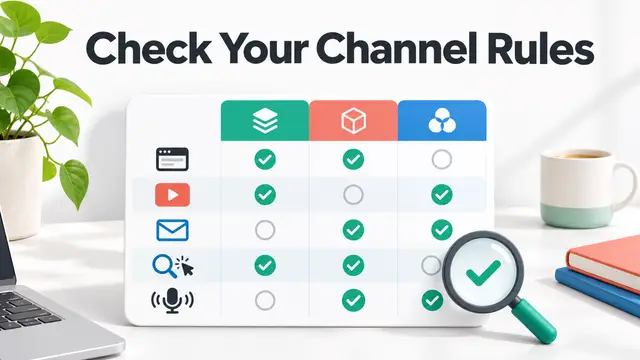
Describe how the link will reach the audience, not just the platform name. "Social" might mean a public post, a private community, a direct message, or a paid placement. "Email" might mean an opt-in newsletter or an unsolicited bulk message. Those are different situations.
Write the placement and audience expectation in plain language. For a newsletter, note the list and how subscribers opted in. For video, note whether the link appears in a description, pinned comment, or spoken callout. A reviewer should be able to compare the planned use with the actual program rule.
3. Source and captured wording
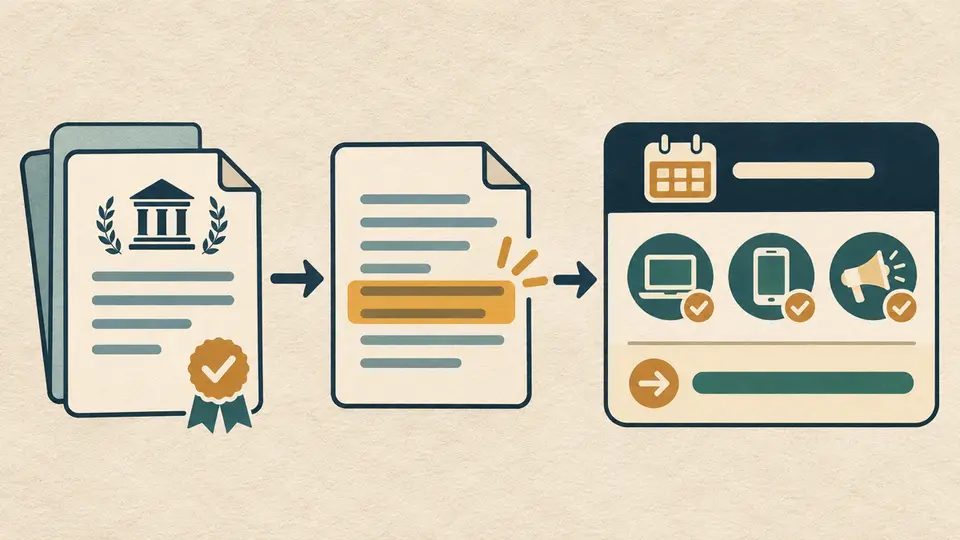
Save the official policy URL, section name, date checked, and a short exact excerpt or a secure copy of the relevant text. Keep enough context to understand the rule and its exceptions. Do not rely on a search snippet, a forum post, or a remembered summary as the source of truth.
If the source is a dashboard message or partner email, record its date and sender and keep the original in the appropriate account. Link to a stable policy page when one exists. The purpose is traceability: a future reviewer should be able to find what you read and distinguish the official wording from your interpretation.
4. Permission status and conditions
Use a small, consistent status list such as allowed, allowed with conditions, approval required, prohibited, or unclear. Then write the condition in full. "Allowed" without a channel, market, or audience condition can be misleading.
A conditional permission may depend on opt-in, clear disclosures, a required landing page, or prior written approval. If the policy does not answer the question, label it unclear and ask the program through an official route. Do not convert silence into permission, and do not treat approval for one placement as approval for every promotion.
5. Market, audience, and product scope
Note the country or storefront, audience type, product category, and any relevant account tier. Some rules vary by geography, product, or the relationship between publisher and customer. These details explain why a change may apply to one part of your business but not another.
For example, an email permission for one program may depend on local privacy requirements and the program's agreement. A different market can have a separate contract. If the scope is unknown, record the uncertainty and avoid applying the rule outside the documented case.
6. Notice date and effective date
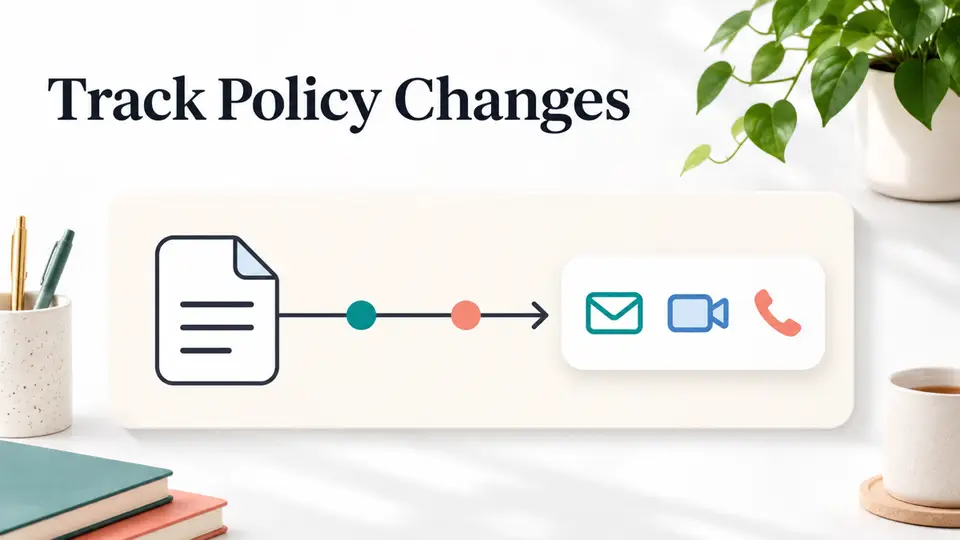
Capture when the update was announced and when it starts applying to your account. Those dates can differ. Also record when you checked the source and when your team made the change. This produces a simple timeline and helps explain whether a campaign ran under the old or new terms.
The distinction is visible in current program documents. eBay Partner Network's Network Agreement says the terms take effect for existing partners on September 28, 2026, while describing prior written approval for electronic communications. A log should preserve both dates instead of recording only when someone noticed the update.
7. Approval and supporting proof
Record whether approval is required, requested, granted, denied, or expired. Include the approval date, approving team or contact, scope, and a safe reference to the written evidence. Do not store passwords or private tokens in the log.
If approval is still pending, keep the placement paused. When it arrives, compare the granted scope with the planned channel and market. A request for an email newsletter does not automatically authorize paid social, text messages, or a second regional account. Keep a note of any limits and any renewal or reapproval trigger.
8. Content impact and next review
List every asset that depends on the rule: articles, landing pages, email sequences, social profiles, link hubs, scheduled posts, or creator briefs. Assign an owner, action, due date, and verification result. If the change does not affect a live asset, record that decision and why.
Set the next review date based on risk and source behavior, not a universal interval. A program that sends frequent notices may need a shorter check. A stable informational page may need a check when the agreement changes or before a new campaign. Link the action to the affiliate content refresh checklist when existing pages need a structured update.

Example: email permission can depend on the program
Official program rules show why a creator should track each channel separately. Amazon Associates' Program Policies allow Special Links in email, SMS, and direct messages from social media sites only when the communications are solicited, meaning opted into by the customer, and otherwise comply with the agreement and related guidelines.
The eBay Partner Network agreement takes a different route. It says promoting participating sites through email or other electronic communications, including SMS and instant messaging, requires prior written approval. Keep written approval with the program record and confirm which placements it covers.
| Program example | Official rule to record | What to verify before use |
|---|---|---|
| Amazon Associates | Opted-in messages and compliance with the agreement and guidelines | Account scope, disclosure, destination, and current policy wording |
| eBay Partner Network | Prior written approval for electronic communications | Approval status, covered channels, market, and effective terms |
These are examples from current public documents, not a universal rule for other programs. Your account agreement and official program notices control. The log helps surface a question; it cannot grant permission.
How to keep the record useful
Use one row per meaningful program, channel, market, and rule change. Keep the original source and a short note explaining your interpretation. Mark summaries as your own reading. If the source changes, create a new version rather than overwriting the old record. The affiliate channel rules change log should make each decision easy to trace.
When an update arrives, assign an owner to compare it with active placements. Pause the affected promotion while you confirm scope, update any outdated material, save proof, and close the task with a date. A lightweight log is easier to maintain than a large tracker nobody checks.
Before you join or compare offers, directory listings can help build your inventory. Start with the FindAffiliates pages for Shopify, Webflow, and SiteGround, then verify terms with each provider before promoting. The affiliate channel eligibility checklist can help with the initial channel review; this log is for tracking later changes.
Mistakes that make a channel log unreliable
Saving only the date you noticed a change
The announcement date, effective date, review date, and action date can differ. Store each one separately so you can reconstruct the timeline.
Using a platform name instead of a placement
"Instagram" is not a full description. A bio link, paid ad, story, direct message, and private group may be treated differently. Record the placement and audience.
Reusing approval outside its scope
Keep the written approval and compare it with the proposed use. If it names one list, one market, or one communication type, do not silently extend it.
Overwriting old versions
Keep prior records so you can explain past decisions. Add a new version with its source and effective date, then mark the old record superseded.
Make the log part of campaign maintenance
Add a rules check when you join a program, create a new placement, receive a notice, or refresh a promotion. Route unclear cases to the official contact and keep the affected campaign paused until the written answer covers the planned use. Update the affiliate channel rules change log before relaunching.
Then update the assets, document the decision, and set the next review. Browse the FindAffiliates directory when researching programs, but use the provider's current agreement for final permissions. A good log makes the answer easier to find next time.
FAQ
What is an affiliate channel rules change log?
It is a dated record of a program rule, its source, the affected channel and market, permission status, approval evidence, and the actions taken on related content.
How often should affiliate program rules be checked?
Check when joining, before adding a new channel or market, after a program notice, and during relevant content reviews. The right interval depends on how often the program changes its terms and how risky the placement is.
Does approval for one channel cover other channels?
Not automatically. Read the written approval and program terms for the specific placement, audience, and market. Ask the program when the scope is unclear.
Can a directory listing replace the program agreement?
No. A directory listing can help you discover and compare programs. Confirm current permissions and terms in the provider's official agreement or account.