Affiliate Product Evidence Log Template: 8 Fields for 2026
Use an affiliate product evidence log template to record claim sources, test methods, limitations, disclosure checks, and review dates before publishing.
On this page (14)
What Should You Compare Before Choosing?
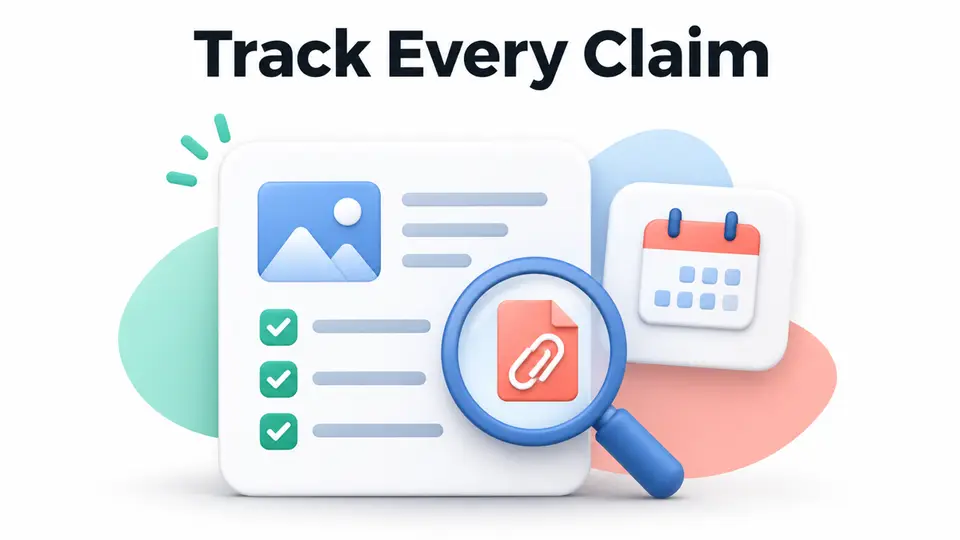
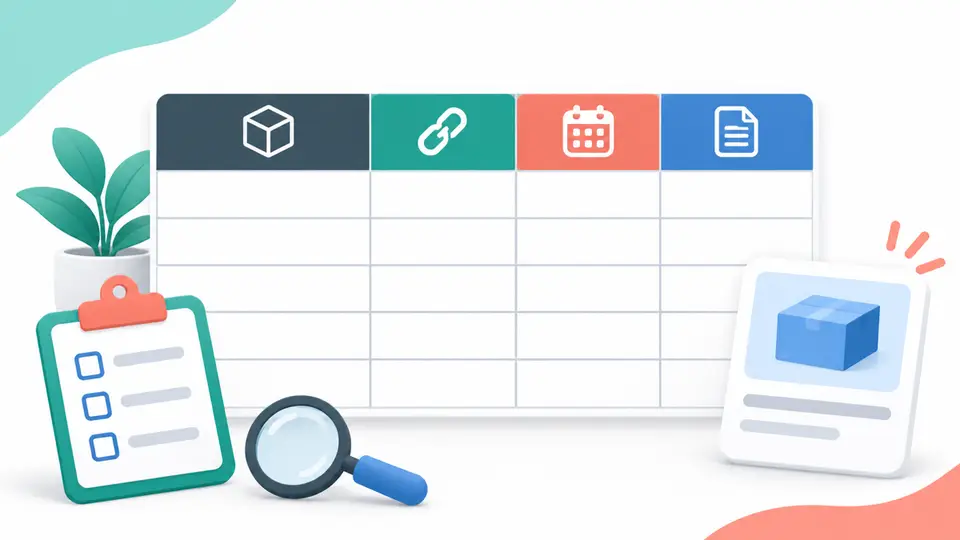
An affiliate product evidence log template helps a publisher keep track of what supports each important product claim in a review or comparison. It records the exact statement, its source, the method used to check it, and the limits a reader should know. The log is a work file that makes review updates easier to explain.
This is different from a product scorecard, which helps decide whether an item fits an audience, and from a review template, which structures the article for readers. The evidence log sits behind the published page. It helps you avoid turning a product page into an unsupported claim or implying that you tested something you only read about.
Quick Answer: What Goes in the Log?
Record each factual claim as a separate row. Include the wording, product or plan, source link, checked date, evidence method, scope or limitation, commercial relationship, and next review action. Keep source evidence separate from opinion and disclosure. If a claim cannot be supported, revise or remove it before publication.
| Field | What to capture |
|---|---|
| Claim | The specific statement readers will see |
| Product scope | Model, plan, region, version, or use case |
| Source | Direct URL, document, test file, or interview |
| Checked date | When you reviewed the evidence |
| Method | Hands-on test, official documentation, or other method |
| Limits | What the evidence does not establish |
| Relationship | Affiliate link, free sample, payment, or other connection |
| Action | Keep, verify, rewrite, remove, and next review date |
An affiliate product evidence log template should also let an editor mark each claim as vendor-stated, personally tested, or still unresolved.
How to Build a Useful Record
Start with one claim per row, not one row per product. A review may say that a plan includes a feature, supports a device, has a particular renewal price, or works in a particular workflow. Each statement can rely on different evidence and can become outdated at a different time. A product-level notes page can link to the claim rows, but it should not replace them.
Google's reviews system asks writers to provide insightful analysis and original research rather than thin summaries. It does not require a particular spreadsheet or log. Use this template as an editorial control that helps you preserve the support for your own work and find claims that need a fresh check.
---
1. Write the Claim in Reader-Facing Language
Copy the sentence or phrase that will appear in the article. Keep it specific enough that another editor can check it. “The product is easy to use” is hard to verify. “The setup guide takes a new user through importing contacts and sending a test campaign” points to a feature or workflow you can inspect.
Separate one claim from another. If a sentence says a service is affordable, works in five countries, and includes live support, those are three different facts. Splitting them prevents one strong source from making weaker statements look supported. It also makes later updates easier when one detail changes but the others remain true.
2. Identify the Product, Plan, and Scope
Record the exact product name and the version, plan, location, or customer type that the claim applies to. A feature can exist only on a paid plan. Availability may differ by country. A product tested on one device may behave differently on another. A clear scope keeps a narrow observation from becoming a universal promise.
Add the intended reader or use case if it changes the recommendation. A workflow that is useful for a solo creator may not fit a team with shared permissions or compliance needs. When a product has many plans, link the claim to the specific plan and date you reviewed rather than writing “the platform includes” without qualification.
3. Save a Direct Source and Its Date
Use the most direct reliable source you can access: a product manual, support article, public terms page, test record, receipt, interview notes, or product demonstration. Save the URL and the date you checked it. If a page is likely to change, preserve a short note about the relevant section so you can find it again.
A vendor page can support a statement about what the vendor currently advertises. It cannot independently prove that a feature works as promised or that every user will get the same result. Attribute vendor claims in the article and use another method when the reader needs evidence of performance. Avoid copying private customer data into the log.
4. State How You Checked It
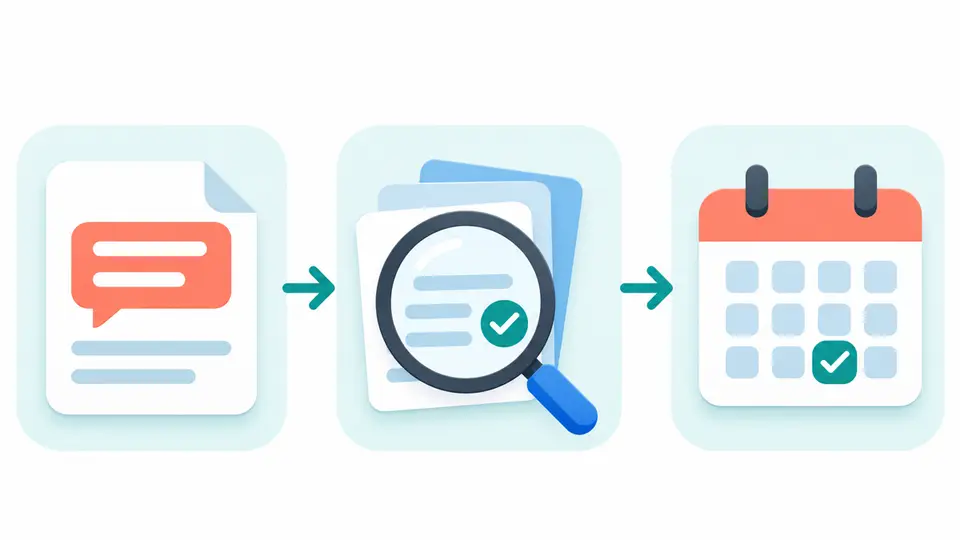
Describe the method plainly. “Used the trial for two weeks and exported a sample list” is different from “reviewed the public help article.” For a test, record the device, setup, duration, test inputs, and steps that affect the result. For a comparison, say which plans, markets, and features you checked.
Do not claim hands-on use when you have not used the product. The FTC endorsement guidance says an endorsement should reflect the endorser's honest opinion and not make claims the marketer could not legally make. Your method note helps you choose accurate wording, but it does not replace a careful review of the applicable rules.
---
5. Record the Limits and Open Questions
Write what the evidence does not prove. A feature may work in a demo but not under a real account's limits. A vendor's plan table may not explain regional taxes or renewal terms. A single test cannot establish that every user will have the same experience. Naming limits makes your final recommendation more useful and helps another editor see where the article needs caution.
Use an explicit status such as verified for this scope, vendor-stated, observed once, unresolved, or no longer current. These labels describe your evidence quality. They do not claim that an independent lab approved the product. Keep unanswered questions visible until you resolve them or rewrite the claim to fit what you know.
6. Keep Alternatives and Comparisons Separate
If a claim compares products, record the evidence for each side. Use matching dates, plans, regions, and test methods where possible. If one vendor publishes a price and another requires a sales conversation, label the difference instead of treating missing information as a negative result. A comparison is easier to trust when the reader can see what was and was not checked.
For example, a publisher researching course or commerce tools can use the Teachable affiliate program, Shopify affiliate program, and Kit affiliate program as discovery starting points. The listing is not product evidence. Check the actual tool and current program terms separately, and do not imply an endorsement because a directory page exists.
7. Track Commercial Relationships Separately
Add a field that reminds the editor to disclose an affiliate link, free product, payment, or other relevant relationship. The FTC says material connections that consumers may not expect can affect how they evaluate a recommendation, and should be disclosed clearly and conspicuously in context. The exact disclosure depends on the facts and placement, so consult the current guidance for your situation.
Disclosure is not proof that a product claim is accurate. A clear disclosure tells readers about the relationship. A source link, test note, or other evidence supports the factual claim. Keep both checks visible so completing one does not create a false sense that the other is done.
8. Set a Recheck Date and a Clear Action
Give every time-sensitive claim a next review date or an update trigger. Price, plan limits, product availability, policy, compatibility, and program access can change. A public software feature may need a slower review cadence than a product with fast releases. Choose a schedule that fits the risk and the rate of change, not an arbitrary universal interval.
Use a short action vocabulary: keep, verify, rewrite, remove, or escalate. If the source is inaccessible, do not mark the claim verified. If a source conflicts with another source, record both and explain the uncertainty. A reusable affiliate product evidence log template stays useful when the source and review date sit beside each claim. The affiliate product review template helps structure the published review, while the eight-point product selection scorecard addresses whether an item fits the audience. The log supports the evidence behind those decisions.
A Simple Review Routine
Before an article goes live, filter the log for unresolved claims and missing sources. Check the page copy against the saved wording, confirm that each claim has the right product scope, and make sure the relationship disclosure appears where readers can see it. After publishing, revisit the log when a reader reports a mismatch, a product changes, or a new source contradicts an important statement.
The log can be a spreadsheet, document, or editorial system field. Pick the format your team will maintain. Restrict access to sensitive test accounts and remove personal data that is not needed. The goal is a traceable editorial decision, not a large archive of screenshots or customer records.
Key Takeaways for Affiliate Product Evidence Log Template: 8 Fields for 2026
An affiliate product evidence log template keeps product claims connected to sources, scope, method, limits, and review dates. It helps editors update a page without inventing proof or overstating what a test showed. Use the log alongside a reader-facing review and a separate disclosure check. Browse the FindAffiliates directory when you need to research relevant program listings for a defined audience.
FAQ
What is an affiliate product evidence log?
It is an editorial record that connects each important product claim to its source, scope, verification method, limitations, commercial relationship, and next review action.
Is an evidence log required for affiliate reviews?
This is a practical editorial workflow, not a claim that a specific law or search engine requires a spreadsheet. Follow applicable rules and keep enough support to write accurately.
Does a vendor product page prove a product works?
It can support what the vendor currently says about the product. It does not, on its own, prove real-world performance or every user's experience.
Is affiliate disclosure the same as product evidence?
No. Disclosure explains a material commercial relationship. Evidence supports factual product claims. A review may need both.
How often should I update an evidence log?
Recheck claims when a relevant product, price, policy, availability, or plan changes. Choose dates and triggers based on how quickly the fact can become stale.