Affiliate Report Backfill Checklist: 8 Publisher Checks
Use this affiliate report backfill checklist to recover exports, match transactions, prevent duplicates, and document gaps after a report interruption.
On this page (7)
What Should You Compare Before Choosing?
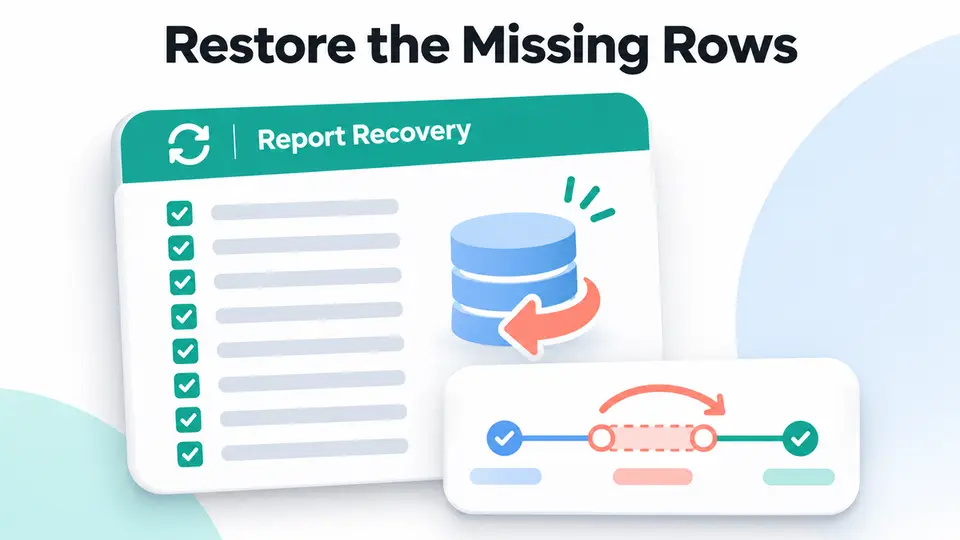
An affiliate report backfill checklist helps publishers rebuild a missing period after an export, scheduled job, or reporting connection stopped working. The goal is to restore your analysis from the reporting source while preserving the original records and avoiding duplicate rows.
This process is for a gap across a date range or a failed report refresh. It is different from asking a network to add a single untracked sale. It is also different from investigating why two valid reports show different totals. First decide which problem you have, then use the narrowest safe recovery path.
The affiliate report backfill checklist below is built for period-wide recovery, while a single missing action follows the network's inquiry process.
Quick answer: restore the report, then reconcile it
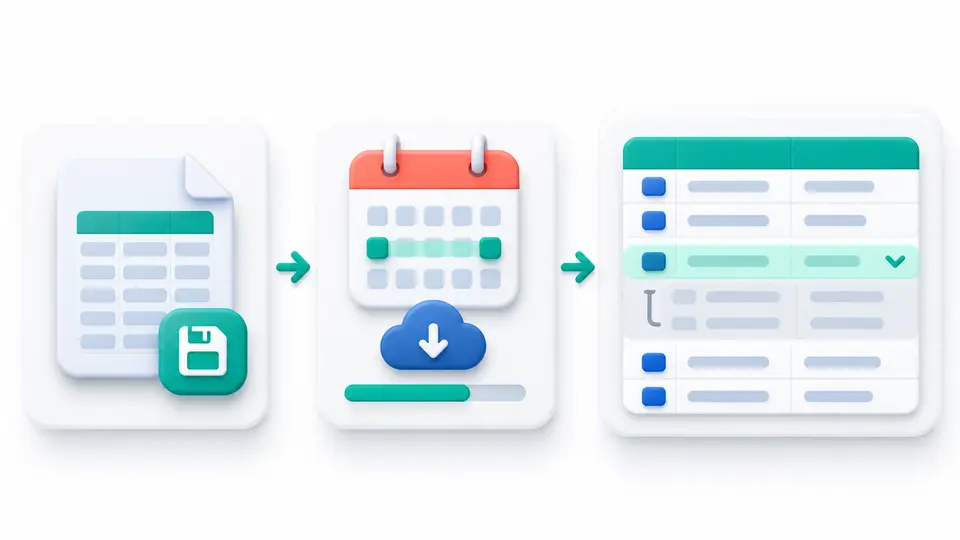
Save the last good export and its filters. Request or download only the missing date range, include a short overlap with the last good period, and match rows using stable transaction identifiers. Keep each source status intact, compare counts and totals, and record anything unresolved before updating your analysis.
This affiliate report backfill checklist separates the recovery window from a single-transaction eligibility question.
| Recovery step | Evidence to keep | Main risk to prevent |
|---|---|---|
| Preserve the last good report | Original file, filters, download time | Overwriting the baseline |
| Bound the missing period | Start and end times, timezone | Gaps or repeated days |
| Match stable identifiers | Action, order, or transaction IDs | Duplicate rows |
| Keep source statuses | Pending, approved, declined, reversed | Treating tracked as payable |
| Reconcile totals | Row counts and amount checks | Hiding an unexplained variance |
What this backfill does and does not change
A report backfill repairs your working copy or analysis. It does not change the network's transaction ledger, prove that every eligible order was tracked, or make a pending commission payable. Downloading an older report can restore visibility, but the source platform still controls the action status and contract terms.
If one order is absent after the provider's normal reporting delay, use the provider's transaction inquiry process instead. For a single case, the guide to investigating missing affiliate commissions covers the evidence to collect. If a transaction exists but two reports disagree, use the affiliate reporting discrepancies checklist to compare definitions and filters.
Eight checks for an affiliate report backfill
1. Name the failed report and the missing window
Write down which report stopped, when it last completed successfully, and which period is absent. Include the account, program, report name, timezone, filters, status selection, currency, and any scheduled export settings. A note such as “November is missing” is too broad to reproduce.
Keep the first missing timestamp and last confirmed timestamp separate. Reports may group events by click date, order date, action date, clearing date, or payment date. If you do not identify the date basis, a complete export can still look incomplete when compared with a different view.
2. Preserve the last good export
Save the original file before you repair anything. Record its filename, download time, report parameters, row count, and a checksum if your workflow supports one. Keep the original read-only and create a new working copy for the recovered rows.
Also save screenshots or notes showing the active filters. A report downloaded later may use a new default, a different status set, or a changed date range. Without the old settings, you cannot tell whether a change came from the backfill or the query.
3. Ask the reporting source for a bounded window
Request only the period you need, with a small overlap at both ends. The overlap helps catch timezone boundaries and delayed updates. Do not assume that every network uses the same report retention period or supports an unrestricted export.
Before requesting a bulk query, check the provider's rules. For example, Awin's missing-sale guidance asks publishers to provide identifiers and transaction details for a specific missing sale. Its bulk Transaction Queries tool requires access and is described for publishers with frequent untracked-sale requests. That is a provider workflow, not a general permission to inject data into an account.
Treat the affiliate report backfill checklist as your local recovery procedure. The provider's own tools may support a narrower process.
4. Match rows by stable transaction identifiers
Use the source action ID, order ID, transaction ID, or another documented unique key. Compare identifiers before appending rows. If the source does not expose a stable ID, create a composite key from fields that are available, such as program, order reference, event date, action type, and currency, then manually review collisions.
Do not match on commission amount alone. Two separate orders can have the same amount, while one order can have different amounts after a correction. Keep the source ID in your working table even if you later summarize by week or program.
5. Protect the overlap from duplicate rows
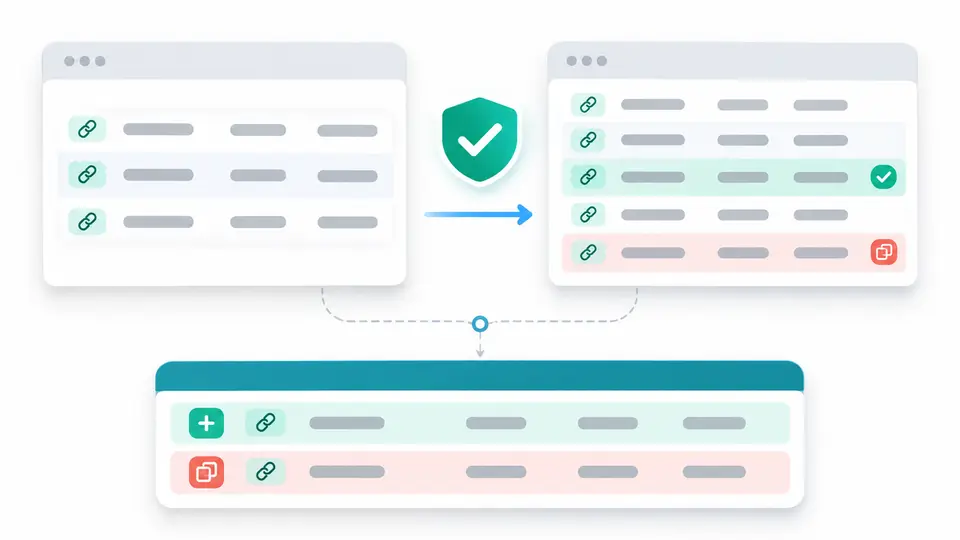
Sort the old and recovered exports by the chosen key. Mark exact repeats, new rows, changed rows, and unresolved matches in separate groups. When the same ID appears in both exports, compare the status and modification date before deciding which row represents the current source state.
Never delete a changed source row just because its earlier version exists. Keep a revision note or both snapshots, then use the latest valid record in the analytical view. This preserves the audit trail and helps explain why totals moved after a backfill.
6. Keep event dates and payment dates distinct
A tracked action, approved action, cleared commission, and cash payment are different events. Use the date field that answers your question, and do not shift an old order into the date when the report was regenerated.
Keep the event date, clearing date, and payment date in separate columns when the source provides them. Check the provider's field definitions before combining them, and do not assume the export timestamp is the order date. Rakuten Advertising says advertiser confirmation may affect when orders appear and recommends waiting 24 to 48 hours before checking a report. That timing is Rakuten guidance, not a universal rule.
7. Reconcile counts, statuses, and amounts
Use the affiliate report backfill checklist to compare the recovered date window with the old baseline, using the same currency, timezone, statuses, program filters, and event-date basis. Check row counts first, then distinct IDs, gross sale values, commission totals, and reversals. Compare pending and approved actions separately.
Do not describe a higher row count as recovered earnings. A newly visible transaction may remain pending, be non-commissionable, or later be reversed. Rakuten's missing sales guidance explains that a reported order may still fail program eligibility, and that a specific transaction inquiry follows its own review process.
8. Document the backfill and close the gap
Record who ran the export, when, which source and filters were used, the file version, and the row counts before and after deduplication. List changed statuses and unresolved records with a next review date. Redact customer names, addresses, email addresses, and authentication data from any support evidence unless the provider specifically needs a protected identifier.
Close the issue only after the new export reconciles to your saved baseline or every remaining difference has an owner and an explanation. If the same gap recurs, document the job failure and update monitoring so the next run catches it earlier.
A compact recovery log
Use a simple record beside the original exports. A spreadsheet or issue ticket can contain: report name, program, account, requested start and end, timezone, status filters, source file, retrieval time, old row count, recovered row count, duplicate count, changed-status count, amount variance, owner, and next action.
Keep each source file unchanged. Make any normalized date, currency conversion, or status mapping in a separate column so a reviewer can trace the result back to the downloaded value. Add a note whenever a provider uses a different field name or date definition.
If your review spans multiple provider types, the affiliate network versus direct program guide explains why reports and inquiry paths can differ. Directory listings such as PartnerStack, Rewardful, and Tapfiliate can help readers identify offers, but a listing is not a substitute for the report and contract in their own account.
Key Takeaways for Affiliate Report Backfill Checklist: 8 Publisher Checks
An affiliate report backfill checklist is complete when the missing period is reproducible, duplicate rows are explained, source statuses stay intact, and remaining variances have a documented owner. Keep the recovery in your analysis layer unless the provider's own inquiry process confirms a source transaction needs attention. After you reconcile the report, browse the FindAffiliates directory to compare programs using verified account terms.
FAQ
What does an affiliate report backfill mean?
It means recovering a missing period of report data from the source and merging it into a working analysis. It does not automatically add transactions to the network or confirm that commissions are approved.
How do I avoid duplicate transactions during a backfill?
Preserve the old export, request a bounded period with overlap, and match rows by a stable action or order identifier. Compare status and modification dates when the same identifier appears more than once.
Should I backfill a missing sale or file an inquiry?
Use a report backfill when a date range or export is missing. Use the provider's transaction inquiry when one eligible order is missing from the source report after the provider's stated delay.
Does a backfilled affiliate sale count as paid commission?
No. A backfilled row only restores report visibility. Check the source status, program terms, validation period, clearing date, and payment record before treating an amount as payable or paid.