TikTok Shop Product Eligibility: 6 Checks for 2026
TikTok Shop product eligibility depends on category, seller quality, and creator access. Use six checks to diagnose restrictions before filming.
On this page (9)
What Should You Compare Before Choosing?
TikTok Shop product eligibility is checked at more than one level. A creator may be able to enter the affiliate marketplace but still be unable to add a particular item to a Showcase, video anchor, or LIVE. The seller and the product also have their own qualification rules.
Start by identifying which gate is failing. If you treat every rejection as an account ban, you may abandon an eligible product or channel. If you treat every rejection as a product issue, you may miss a category-specific creator threshold. The fastest way to diagnose TikTok Shop product eligibility is to separate account, category, seller, and listing checks.
TikTok's US Affiliate Creator Product Selection Policy, dated September 30, 2026, explains category rules for creators. Its Affiliate Marketing Policy, updated October 21, 2026, covers seller and product qualification too. This guide focuses on product-level access. The separate TikTok Shop affiliate requirements guide covers account onboarding and general creator entry.
Quick answer: TikTok Shop product eligibility depends on the product category, creator health and performance, and the seller's product status. Check the category rule first, then verify scores and product quality in Seller Center or the creator app.
| What you see | First check |
|---|---|
| A product cannot be added to a Showcase, video, or LIVE | Check the creator rule for that product category |
| A category uses general creator thresholds | Confirm PPS is at least 3.5 and CHR is at least 150 |
| A tailored category rejects a creator with no recent sales | Confirm the content-quality path and current category rule |
| A creator qualifies but an item is missing or restricted | Check the shop and individual product qualification |
| An invitation-only category is unavailable | Choose an open category; applications may not be available |
1. Check whether the issue is account access or one product
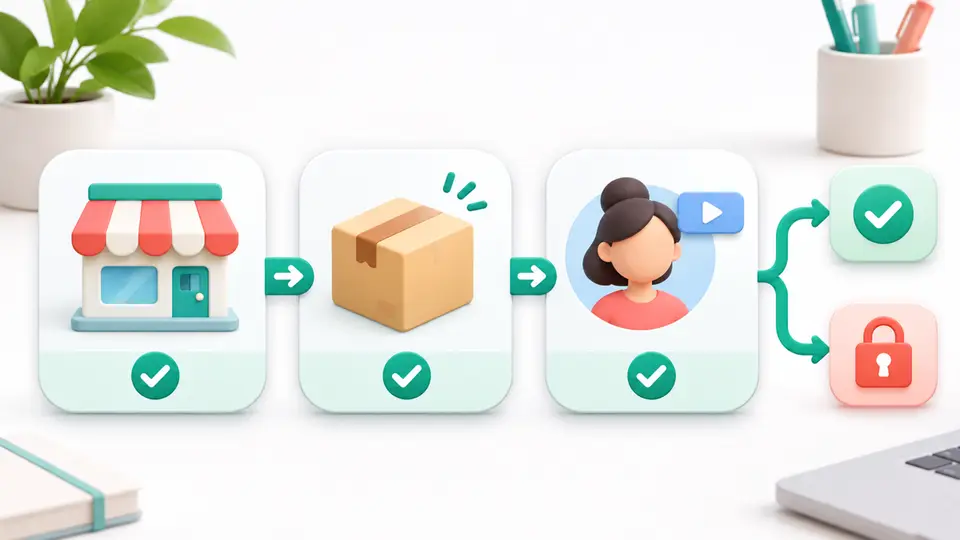
First, note what still works. If you can browse ordinary affiliate products but one item cannot be added, the issue may be specific to that product or its category. If the marketplace itself is missing, account access or account health may be the right place to start.
The product-selection policy applies when an affiliate creator adds certain products to a Showcase, a LIVE, or a video anchor. It does not replace the general rules for registering as a creator. Passing an account-level requirement does not automatically unlock every product.
Keep the evidence narrow. Record the product name, its displayed category, the surface where you tried to add it, and the exact notification. This prevents a product-specific result from being treated as a platform-wide decision.
2. Identify which category rule applies
TikTok uses different rules for different product categories. Under its general eligibility criteria, creators need a Promotion Performance Score of at least 3.5 and a Creator Health Rating of at least 150. The listed examples include AV receivers, collectibles, home cinema systems, large home appliances, pre-owned products, refurbished electronics, smart devices, tool organizers, universal accessories, and virtual goods.
Some wellness-related categories use a separate path. The current policy names beauty supplements, aromatherapy essential oils, fitness supplements, herbal supplements, sleep and snoring products, and vitamins, minerals, and wellness supplements. For this group, the policy allows either a recent track record of sales or consistently high-quality ecommerce content, even without recent sales.
Some sensitive or newer categories are invite-only. The policy gives sexual wellness, performance enhancers, collectible coins, and digital games as examples. It says those categories are not open for applications or access requests.
TikTok's current page has a count mismatch: the prose says 17 categories and 11 categories under the general rule, while the numbered list displays 12 general examples and six tailored categories. This guide avoids relying on a total. Use the current in-app category label and the current Seller Center policy when a product does not match the examples above.
3. Compare your creator scores with the category rule
For products under the general criteria, TikTok lists a PPS threshold of 3.5 and a CHR threshold of 150. Check both values in the account tools rather than assuming that a good result on one score makes up for a low result on the other.
Products in a tailored category do not use the same stated test. The policy says a creator can qualify through a recent record of sales or a consistent ability to make high-quality ecommerce content. Do not assume that no recent sales automatically ends the review, and do not assume that one strong video guarantees access.
A product restriction can also reflect an invite-only rule rather than a score problem. Improving a score will not make a category open to applications if TikTok currently limits that product group to invited creators.
4. Check seller qualification and product quality
Creator eligibility is only one side of the decision. TikTok's Affiliate Marketing Policy says a shop must meet its own qualification criteria before individual products are assessed. The policy lists a Shop Performance Score of 3.5 or higher as the shop threshold.
Each product is then evaluated separately. TikTok says the product's Voice of Customer Index must be below 1.5 times the average for products in the same listing category. It also excludes products with certain intellectual property, fair-trading, or customer-review violations, and products flagged as inauthentic or unoriginal.
That means two products from the same shop can have different affiliate availability. A creator may be qualified, the shop may be active, and one listing may still fail its own quality or policy check. Sellers with a Shop Performance Score between 3.0 and 3.5 cannot add new products, even though existing collaborations may continue.
5. Use the rejection notice as evidence
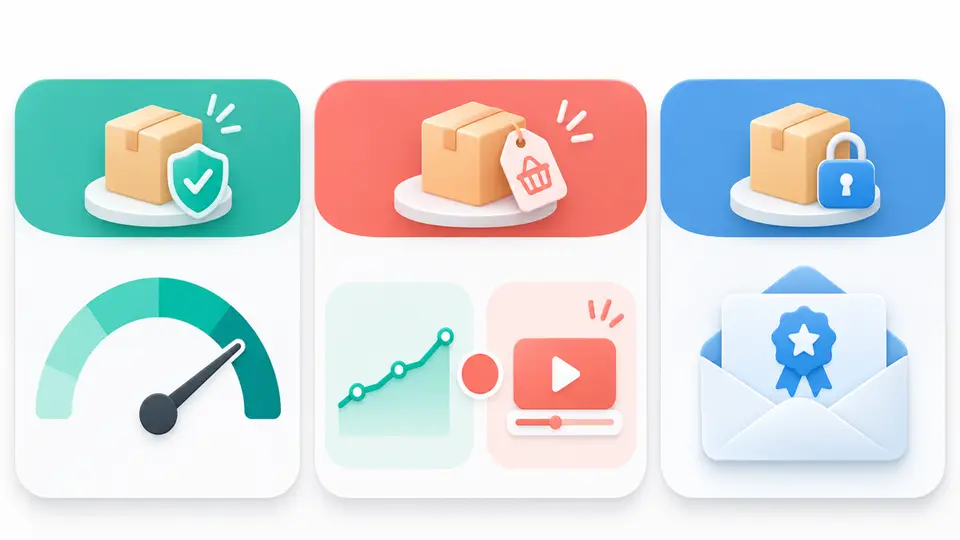
TikTok says an automated notification explains why a product could not be added. Save it before trying a different category or changing your content plan. The message can point to a low PPS, a low CHR, sales history, content quality, or an invite-only category.
The policy also says eligibility is checked in real time when a creator selects a product. If a score becomes available later, selecting a product again triggers a new check. A previous product selection is not automatically removed if a creator's PPS later falls below the threshold.
Do not infer a general account ban from one failed product selection. Compare the notice with the category rule, then check the item itself. If the explanation is missing or does not match the current policy, capture the date and ask TikTok support about that exact product and category.
6. Keep a separate content path for relevant offers
A TikTok Shop restriction applies to TikTok Shop access for that product. It does not tell you whether another affiliate program will accept you, allow your traffic source, or convert for your audience. Treat each program's approval and promotion rules as a separate decision.
For product-discovery content, the Etsy affiliate program listing is a starting point for reviewing a different product marketplace. For store-building education, the Shopify affiliate program listing concerns referrals to the commerce platform, not commissions on every product sold in a shop. For creator design tutorials, the Canva affiliate program listing is a separate software offer.
These examples are not substitutes for TikTok Shop eligibility. They are only useful when they match the content you already make and the current program terms allow your channel. The Instagram versus TikTok affiliate link funnel guide explains why destination and reporting paths differ across social platforms. Creators without a blog can also review affiliate programs for TikTok creators before choosing an off-platform route.
Key Takeaways for TikTok Shop Product Eligibility: 6 Checks for 2026
When a product cannot be added, check the category rule, creator scores, seller qualification, and the product's own status. The notice should tell you which part to investigate. Recheck TikTok Shop product eligibility before changing a promotion plan because thresholds and product categories can change.
Find more creator-friendly offers in the FindAffiliates directory, and compare each program's channel rules before you publish a link.
FAQ
Why can I not add a TikTok Shop product to my Showcase?
TikTok may restrict a product because of its category rule, your PPS or CHR, your sales record or content quality, an invite-only rule, or a seller and product qualification issue. Read the automated notice and check the current policy for that category.
What score do I need to promote TikTok Shop products?
The general product-selection rule lists a PPS of at least 3.5 and a CHR of at least 150. Some categories use a sales-history or content-quality path, and invite-only categories follow a different access rule.
Does creator account approval mean every product is eligible?
No. Account access, creator category eligibility, shop qualification, and individual product qualification are separate checks. TikTok evaluates a seller's products individually.
Can I keep promoting a product if my PPS later falls?
TikTok's current policy says a successful product selection is checked in real time and a later PPS drop does not affect that past selection. Review the policy and your in-app status before publishing new content.