TikTok Affiliate Landing Page Examples Without a Website
Use these TikTok affiliate landing page examples to build a no-website path with clear disclosure, focused offers, mobile proof, tracking, and upkeep.
On this page (13)
What Should You Compare Before Choosing?
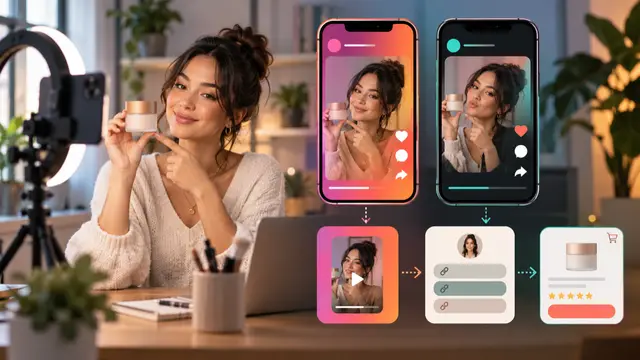
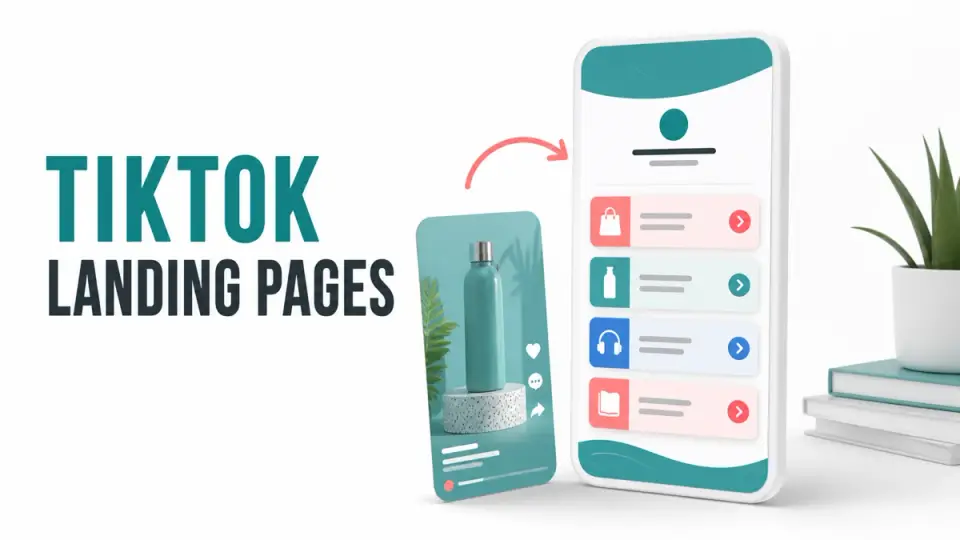
TikTok affiliate landing page examples are useful for creators who need a focused destination but do not operate a full website. A hosted link page, form page, newsletter landing page, or approved merchant destination can bridge the gap between a short video and a buying decision.
The short answer is to build one mobile-first page for one viewer job. Repeat the video's promise, disclose the affiliate relationship before the relevant links, explain why the recommendation fits, and give the viewer one clear next step.
Quick answer: A no-website creator still needs context, disclosure, and maintenance. Use a hosted page you control enough to update, test every link on mobile, and follow TikTok plus program-specific rules for the exact promotion.
| Viewer intent | Best landing-page pattern | Primary action |
|---|---|---|
| Wants the tool shown in a tutorial | Single-offer bridge | View the recommended tool |
| Is choosing between two products | Two-choice comparison | Pick by use case |
| Wants the creator's complete setup | Focused tool stack | Open one relevant category |
| Needs more education | Email-first page | Request the promised resource |
| Has objections before buying | FAQ bridge | Resolve one decision barrier |
What No Website Actually Means
No website usually means no self-hosted blog or large content site. It does not mean sending viewers through an unexplained link. The creator can use a hosted link-in-bio service, newsletter landing page, form, storefront, or approved program page as the destination.
The page still needs an owner and a review schedule. It should load quickly on a phone, show the creator identity, repeat the content promise, disclose any material connection, and make the next action obvious.
TikTok's official commercial content disclosure instructions say creators promoting a brand, product, or service must use the platform's content disclosure setting. Platform labels and an off-platform page solve different problems, so use the required TikTok setting and clear landing-page wording when both apply.
Program and regional rules also matter. A TikTok Shop promotion may require an in-app product path and may restrict attempts to redirect shopping activity. A separate software tutorial may allow an approved profile or landing-page link. Check the current rule for the product, account, country, and partner agreement before publishing.
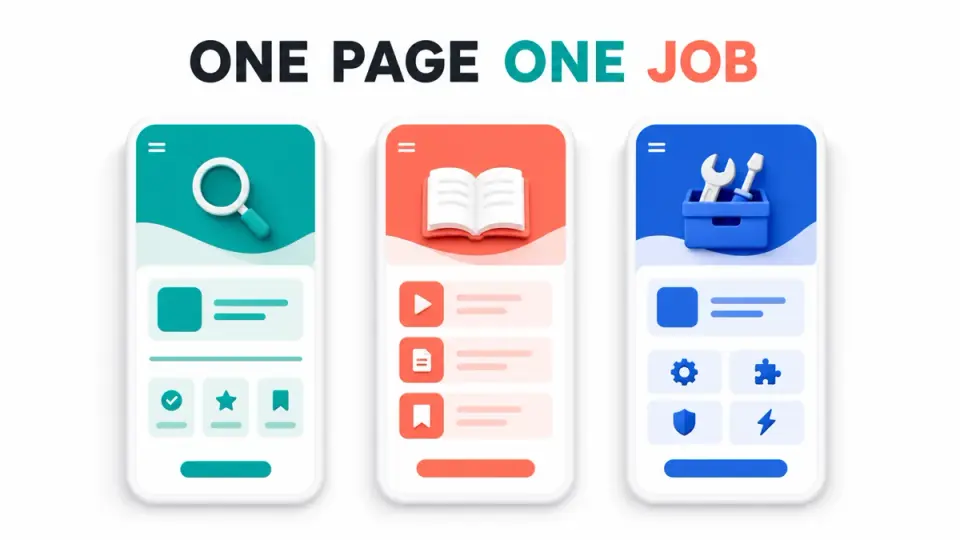
Example 1, Single-Offer Tutorial Bridge
Use a single-offer bridge when the video demonstrates one tool and the viewer wants the same workflow. The page headline should mirror the tutorial, such as "Edit short clips from one interview." Add two sentences on who the tool fits and one sentence on who should skip it.
Place a plain disclosure before the button. Then use one primary action and one fallback link to the tutorial or a neutral resource. Do not add unrelated offers beneath it.
The Canva affiliate program can fit design and content tutorials when access and traffic terms allow it. The recommendation should explain the asset or workflow demonstrated, not claim that a design tool guarantees reach.
Example 2, Two-Choice Comparison Page
A comparison page works when the video names two legitimate options. Open with a short decision table showing best user, main job, important limitation, and source date. Follow it with one paragraph per option and a visible disclosure before either commercial link.
Do not make both buttons look like equal recommendations if the video reached a clear verdict. State the default choice and the condition that favors the alternative. Avoid commission details unless they help an affiliate reader rather than the product buyer.
This format is stronger than a generic link wall because it preserves the choice the viewer came to make. It also gives the creator a place to update a recommendation when one product changes.
Example 3, Focused Creator Tool Stack
Use a tool-stack page for a recurring series about one workflow. A creator-business stack might include the Kit affiliate program for email, a design tool for assets, and one commerce or form tool. Group tools by job rather than payout.
Keep the first screen short. Show the disclosure, three or four job labels, and the most relevant starting point. Each card should include who it is for, what the creator actually uses it for, and when another choice is better.
The page should not become a list of every active partnership. Remove tools that no longer appear in content. The guide to affiliate programs for TikTok creators without a blog can help match programs to channel proof and audience intent.
Example 4, Video Companion Checklist
A companion page can turn a fast tutorial into a usable sequence. For example, a 45-second video on starting a newsletter can link to a five-step setup checklist. The affiliate recommendation appears beside the step where the tool is used, after a clear disclosure.
Use a hosted form only if it genuinely delivers or displays the promised resource. The Tally affiliate program can fit creators teaching forms, intake, quizzes, and no-code workflows, but the page should help the viewer complete a task before asking for another click.
Do not promise a template, calculator, or download that does not exist. A simple checklist on the page is better than an email gate with no useful follow-up.
Example 5, Email-First Education Page
Use an email-first page when the product requires more context than one short video can provide. Offer a relevant checklist, lesson, or update series, explain what the subscriber will receive, and ask only for necessary information.
The affiliate offer can appear after the resource is delivered or in a later email that explains the product fit. Disclose the relationship again near affiliate links in the email. Do not treat an email address as permission for unrelated promotions.
Example 6, FAQ and Objection Bridge
Some viewers are interested but have one repeated question: Does it work on mobile? Is there a free plan? Can it support a certain store or workflow? Build a short page around three to five verified questions, then offer the next step.
Every answer should stand alone and link to an official source when it includes a changeable product fact. If the answer depends on plan, country, device, or account, say so. Do not turn an unknown into a universal yes.
The Shopify affiliate program may fit ecommerce education where viewers are genuinely considering a store platform. A FAQ bridge should help a future merchant decide, not send casual viewers into a trial with no setup context.
Example 7, Maintained Resource Hub
A resource hub is appropriate when the creator returns to the same tools across many videos. Organize it by viewer task, show a last-reviewed date, and keep current recommendations separate from retired ones.
TikTok affiliate landing page examples often fail here because the page grows without a clear hierarchy. Put the most requested task first, limit each category, and archive dead links. The YouTube affiliate link landing page examples offer a related model for turning video traffic into a focused resource path.
Use the hub for profile-level traffic. Keep campaign or tutorial traffic on a narrower page when possible. A person who watched one editing tutorial should not have to search through travel, fashion, and business links.
Apply Disclosure and Source-Confidence Rules
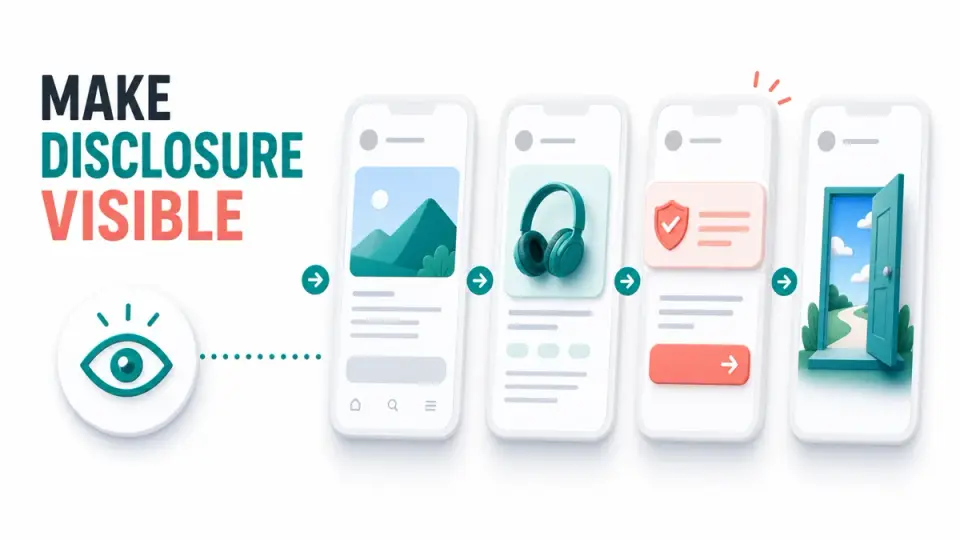
The FTC's Endorsement Guides FAQ says affiliate relationships should be disclosed clearly and conspicuously so readers can understand the connection. It also explains that placing the disclosure close to the recommendation or link helps readers make the connection.
Use direct wording such as: "I may earn a commission if you buy through links on this page." Place it before or beside the relevant links. Do not rely only on "affiliate link," a footer policy, or a disclosure hidden behind another tap.
Separate source confidence into three levels:
- High: tested page behavior plus current official product and account terms
- Medium: current official public source, but account or regional behavior is unknown
- Low: third-party summary, old screenshot, or unresolved conflict
Do not publish a precise price, commission, availability promise, or product feature from a low-confidence source. The affiliate review disclosure examples provides additional wording for reviews, comparisons, email, and social content.
Test the Page Before Linking It
Run a focused mobile check:
- Open the page from the TikTok in-app browser where available.
- Confirm the headline matches the originating video.
- Confirm the disclosure appears before commercial links.
- Tap every button and verify the intended destination.
- Check text size, contrast, focus order, and tap targets.
- Verify analytics labels without collecting unnecessary data.
- Test slow loading and a failed or expired destination.
- Record the source and next review date for each changeable claim.
Use descriptive button text such as "Compare plans" or "See the tool used in the tutorial." Avoid fake urgency, automatic redirects, hidden tracking behavior, and buttons that disguise the merchant destination.
Review high-traffic pages whenever a program, product, TikTok feature, or disclosure rule changes. A no-website setup still needs the same link maintenance as a conventional site.
Key Takeaways for TikTok Affiliate Landing Page Examples Without a Website
TikTok affiliate landing page examples work when they preserve the viewer's intent between the video and the offer. Choose a single-offer bridge, comparison, focused stack, checklist, email page, FAQ bridge, or maintained hub based on the question the video created.
Keep the page mobile-first, disclose clearly, verify claims, and follow the exact TikTok and program rules for the promotion. Browse FindAffiliates for relevant programs, then keep the published recommendation set small and maintainable.
FAQ
Can I use affiliate links on TikTok without a website?
Sometimes, depending on account features, region, TikTok policy, and the affiliate program's traffic rules. A hosted landing page can add context, but it does not override platform or program restrictions.
What should a TikTok affiliate landing page include?
Include a matching headline, short explanation, clear affiliate disclosure, one focused next step, source-backed claims, creator identity, and a review date for changeable links or terms.
Where should the affiliate disclosure appear?
Place it before or beside the affiliate links in language viewers can understand. Use TikTok's required commercial content setting as well when the promotion falls under that policy.
Is a link-in-bio page enough for every TikTok video?
No. A general hub can work for profile traffic, but a focused tutorial or comparison usually needs a narrower destination that repeats the video's promise and presents fewer choices.
How often should the landing page be checked?
Check it whenever a linked program, product, price, platform rule, or TikTok feature changes. Also schedule regular mobile link and disclosure reviews for active pages.