TikTok Shop Affiliate Product Rejection: 7 Fixes in 2026
Troubleshoot a TikTok Shop affiliate product rejection with seven evidence-based steps, the right appeal path, and a safe time to recheck eligibility.
On this page (10)
What Should You Compare Before Choosing?
A TikTok Shop affiliate product rejection does not always mean your creator account is banned. The notice may point to a creator eligibility check, a category restriction, a seller or product issue, or a formal policy violation. The safest next step depends on which decision you received.
Use these seven steps to preserve the notice, identify who can resolve the issue, and choose a supported correction, appeal, or recheck. This guide focuses on what to do after a rejection. The separate TikTok Shop product eligibility guide explains the eligibility checks before you select a product.
Quick answer: for a TikTok Shop affiliate product rejection, save the exact notice, confirm whether it concerns your creator account, a product category, or the seller's listing, then follow the matching policy. Do not change a product category or create another account to get around a restriction.
| What the notice points to | Who owns the next step | Safe response |
|---|---|---|
| Creator score, sales history, or content quality | Creator | Check the current account signal and category rule |
| Product is limited or invite-only | Creator | Choose a product in a category open to creators |
| Shop or listing qualification | Seller | Ask the seller to review shop standing and product status |
| A policy violation or enforcement action | Creator or seller named in the notice | Use the relevant appeal path and deadline |
1. Save the exact rejection notice
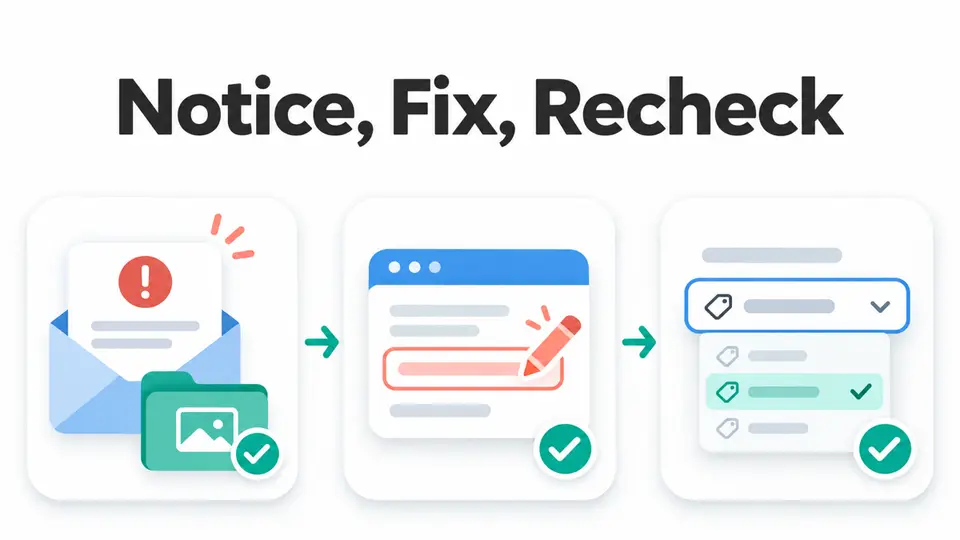
Before trying again, capture the wording, product name, displayed category, date, and the surface where you saw the result, such as Showcase, a video anchor, or LIVE. Keep the screenshot with any linked violation record or product identifier. A short note about what you selected makes the evidence easier to compare later.
Do not paraphrase the message as “TikTok rejected my account.” TikTok Shop's US Affiliate Creator Product Selection Policy says an automated notice explains why a product cannot be added. Preserve that reason because a category eligibility message and a formal enforcement notice lead to different next steps.
2. Identify what was rejected
Check whether the notice blocks one product, one category, one seller's affiliate products, or your broader creator access. If another unrelated product still appears normally, that is useful context, but it does not prove that every account or product check has passed.
The current US Affiliate Creator Product Selection Policy covers category checks when creators add products to Showcase, LIVE, or video anchors. Read the notice beside the relevant policy rather than relying on an old screenshot or a generic forum answer. The separate TikTok Shop product eligibility guide summarizes how creator, seller, and product checks differ.
3. Match the notice to the product category
TikTok Shop does not use one creator rule for every product. The current US policy groups selected categories under general creator criteria, gives some categories tailored requirements, and keeps certain categories invite-only. The notice and the product's actual category determine which group matters.
If the product is invite-only, repeated selection attempts will not create access. Choose another eligible item in a category open to creators. If the item belongs to a tailored category, check the specific path named in the policy, such as a relevant sales track record or consistent high-quality e-commerce content. Do not relabel the product to make it appear eligible for a different category.
4. Check the creator-side signal named in the notice
If the message points to your creator status, review the relevant account information before changing your promotion plan. TikTok's product selection policy identifies Creator Health Rating, Promotion Performance Score, sales history, and ongoing content quality as possible factors. Which factor matters can depend on the category.
Some notices require a score or a policy-compliant record, while others point to a category-specific qualification. Use the current value shown in Creator tools and compare it with the official rule. If a score is missing or still updating, keep the date and screenshot. Avoid assuming that a general account approval overrides a category-level restriction.
For a related overview, see the TikTok Shop affiliate requirements guide. For creators comparing different social link paths, the Instagram versus TikTok affiliate funnel guide covers the separate traffic and reporting decisions.
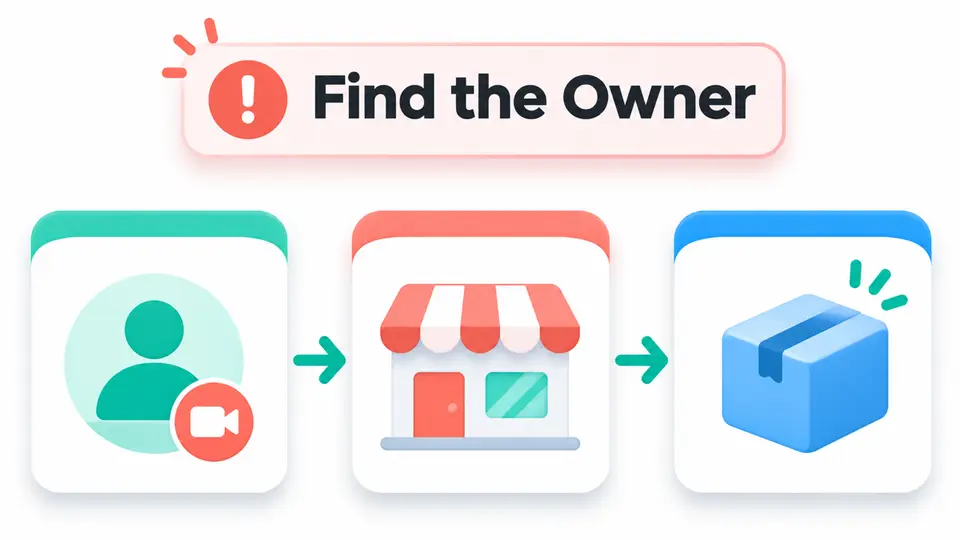
5. Send seller-side problems to the seller
An affiliate creator cannot repair a seller's shop score, product quality record, listing status, or product documentation. The US affiliate rules assess shop standing before individual products are evaluated, and product-level criteria can include customer satisfaction and policy status. The linked product eligibility guide summarizes these separate seller-side checks.
If the notice or product page indicates a shop or listing problem, send the seller the product identifier and the exact message. Ask whether the seller can verify the shop's affiliate access, product status, category, and any required supporting information. Do not promise that a product will be restored or that an edit will make it eligible.
When a product remains unavailable, build a separate content plan around offers that fit your audience and channel. FindAffiliates listings for the Etsy affiliate program, Shopify affiliate program, and Canva affiliate program are research starting points, not substitutes for TikTok Shop access. Verify each program's current application route and promotion terms before you apply.
6. Appeal only a formal violation decision
A product selection rejection is not automatically an appealable policy violation. If the notice names a creator content violation or another enforcement action that you believe is incorrect, use the appeal route shown for that violation. TikTok's creator appeal guide says creators can appeal a violation once within 30 calendar days through Creator Health Rating, then Violations, then the specific violation's Appeal action.
Keep the explanation tied to the decision and attach only relevant, clear evidence. The same guide says the video should remain public during review when the appeal concerns content. An appeal does not guarantee that the restriction will be removed. If the notice only says a product or category is unavailable, follow the eligibility path instead of filing an unrelated violation appeal.
7. Recheck when the relevant account state changes
Do not wait a made-up number of days before trying a permitted recheck. TikTok's product selection policy says eligibility is evaluated in real time when a creator selects a product. It specifically says that when a Promotion Performance Score becomes available, the next selection in a designated category checks the updated score.
That timing does not create a universal rescan schedule for every kind of rejection. If you corrected a profile detail, resolved an enforcement issue, or are waiting on a seller, use the status and instructions shown for that specific case. If the same rejection remains after the relevant signal changes, save the new notice and use the in-app support path rather than cycling through repeated attempts.
Key Takeaways for TikTok Shop Affiliate Product Rejection: 7 Fixes in 2026
A TikTok Shop affiliate product rejection is easier to handle when you separate creator eligibility, category access, seller status, product status, and enforcement. Save the notice, route the issue to the party that can fix it, and recheck only after the relevant information changes.
Use the FindAffiliates directory to research other partner programs for your content. The terms and application path are separate for each program.
FAQ
Why was my TikTok Shop affiliate product rejected?
The reason may involve creator eligibility, the product category, seller or product qualification, or an enforcement decision. Read the exact notice and compare it with the current US product selection policy.
How soon can I try adding the product again?
TikTok Shop says the selection check runs in real time. If your Promotion Performance Score becomes available, the next selection in a designated category checks the updated score. The public policy does not give one retry delay for every type of rejection.
Can I appeal a TikTok Shop affiliate product rejection?
Use an appeal only when the notice identifies an eligible violation or enforcement action. A normal category eligibility restriction may require checking the category rule, correcting the relevant issue, or choosing another product.
Should I change the product category to make it eligible?
No. Use the product's accurate category. Changing a category to avoid a restriction can create a separate policy problem.