12-Point Affiliate Software Migration Checklist for SaaS
Use this affiliate software migration checklist to preserve partner codes, customer attribution, commission history, payout evidence, tests, and rollback.
On this page (8)
What Should You Compare Before Choosing?
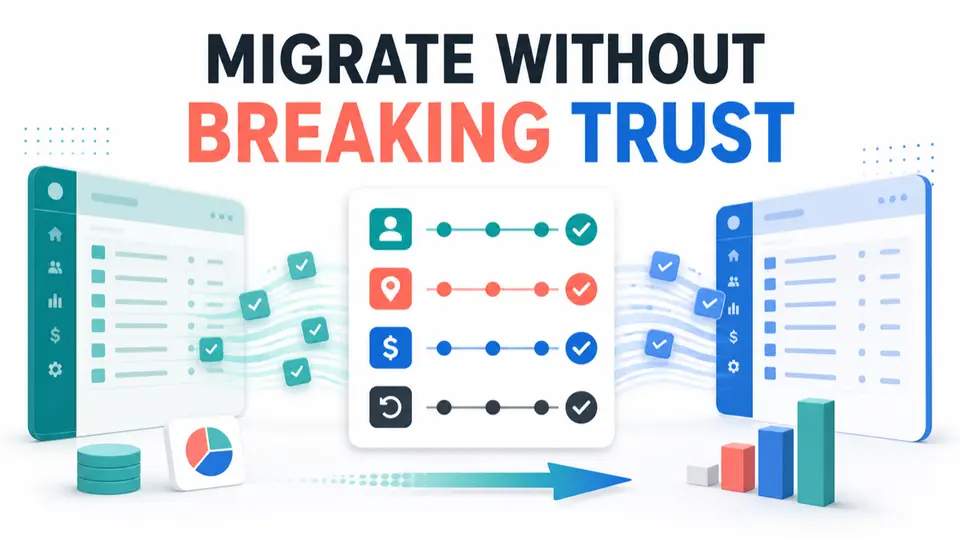
An affiliate software migration checklist should preserve more than partner names and email addresses. A safe move protects referral codes, customer mappings, unpaid commissions, historical evidence, payout records, partner access, tracking behavior, and a tested rollback path.
The highest-risk mistake is treating a successful CSV import as a complete migration. Many platforms can import affiliate accounts while leaving historical conversions, invoices, commissions, or payments behind. The old system may need to remain the historical ledger even after the new system becomes the tracking source.
This affiliate software migration checklist gives SaaS teams a practical sequence for planning, testing, communicating, and cutting over without losing partner revenue or audit evidence.
Quick Answer: How Should SaaS Teams Migrate Affiliate Software?
Inventory the old system, define stable identifiers, export complete history, map every field, preserve existing partner codes where possible, import accounts and customer attribution, recreate program rules, test billing events, run both platforms in parallel, reconcile commissions, communicate exact dates, and keep a rollback path until results agree.
| Migration objective | Evidence of success | Main failure risk |
|---|---|---|
| Preserve identity | Partner, customer, referral, and billing keys remain mapped | Email or display name used as the only key |
| Preserve links | Existing referral codes still resolve or redirects are tested | Published links stop attributing |
| Preserve money | Open balances and historical commissions are reconciled | Paid, pending, and reversed records are mixed |
| Preserve rules | Qualifying events, rates, holds, and exclusions match | Default settings replace approved terms |
| Preserve continuity | Old and new systems agree during parallel testing | Cutover occurs before renewal and refund tests |
| Preserve evidence | Dated exports and sign-off explain every difference | Old account closes before records are retained |
Migration scope depends on the source and destination platforms. Get a written list of supported imports before committing to a cutover date.
Before Starting the 12-Point Checklist
Assign an owner from partner operations, a technical owner, and a finance reviewer. Define the legal entities, brands, programs, currencies, billing systems, partner groups, and date range in scope.
Compare platform capabilities before choosing the destination. Rewardful, FirstPromoter, Tapfiliate, and PartnerStack can support different billing, portal, marketplace, reporting, and payout workflows. The migration plan should follow the actual destination, not a generic spreadsheet template.
The guide to billing-native vs pixel affiliate tracking explains why click capture and commission truth are separate layers. Map both before moving data.
12-Point Affiliate Software Migration Checklist
1. Define the Source of Truth for Every Record Type
List the systems that own partner accounts, referral codes, customers, subscriptions, invoices, commissions, balances, payouts, and messages. The billing system may own customer truth while the payout provider owns settlement, so record which source wins when systems disagree.
2. Freeze Configuration and Export Complete History
Set a change-freeze window for commission rates, campaigns, groups, domains, payout timing, and integrations. Export all available partners, applications, links, coupons, customers, transactions, commissions, adjustments, balances, payouts, and activity logs.
Use all-time exports where possible. Save the source, export time, time zone, filters, and record count. A dashboard screenshot is not a sufficient archive.
3. Create a Stable Identifier Map
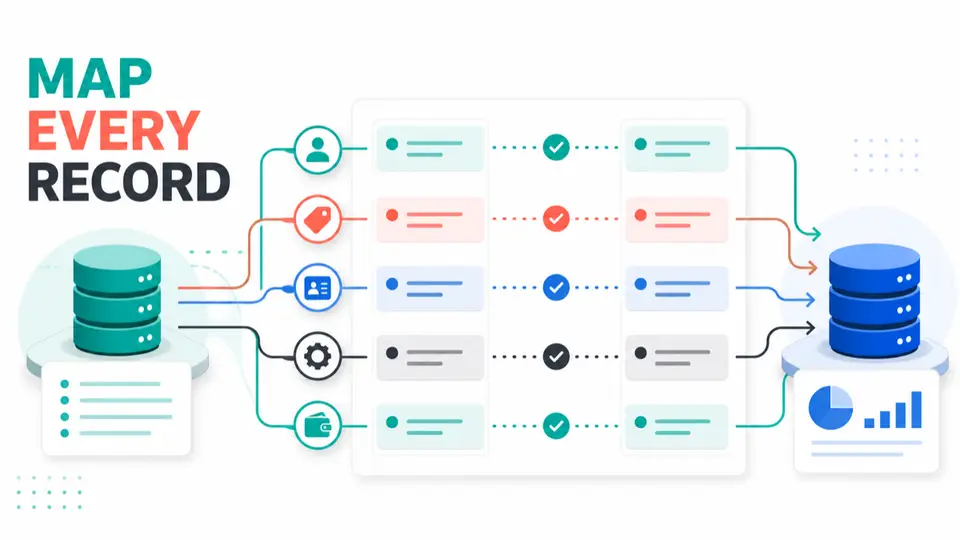
Build a mapping table for old partner ID, new partner ID, email, referral code, customer ID, subscription ID, invoice ID, commission ID, and payout reference. Include campaign and group IDs when they affect rates or access.
Treat email as contact data, not the only identifier. Test the mapping on a small partner sample before importing the full dataset.
4. Decide Which Referral Codes and URLs Must Stay Stable
Inventory links published in blogs, videos, newsletters, resource pages, partner sites, and paid campaigns. Rank them by traffic, revenue, and update difficulty.
Preserve the existing token or code when the destination supports it. If the URL format must change, define and test redirects before cutover. Confirm query parameters, deep links, coupons, custom domains, and mobile paths separately.
5. Map Importable Data and Historical Data Separately
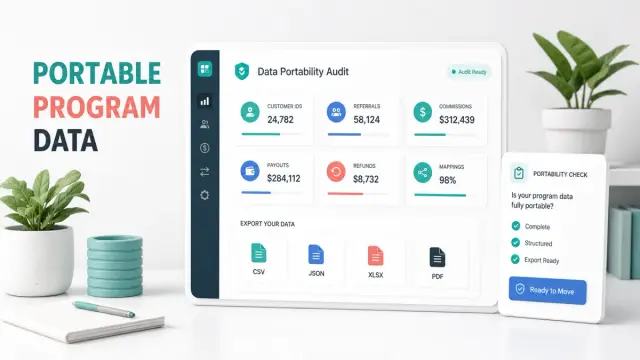
Ask the destination vendor for a field-level import specification. Mark every source field as imported, transformed, archived, recreated, or unsupported. Include required formats, limits, validation rules, and who performs the import.
Tapfiliate's official migration guidance states that affiliate accounts can be imported while historical conversions, customers, and payments cannot. Rewardful's official import guidance supports affiliates and referred customers but not historical invoices and commissions. These examples show why account import and financial-history migration must be treated as separate workstreams.
6. Recreate Program Rules Before Importing Partners
Configure qualifying events, rates, durations, caps, tiers, groups, cookies, attribution, coupon rules, hold periods, thresholds, currencies, reversals, self-referral rules, and payout timing in a test program.
Compare each setting with the approved partner terms. A destination platform default can create a valid technical record that is financially wrong. Record exceptions for legacy partners whose rates or durations differ from the new default.
7. Import a Pilot Cohort and Validate Access
Choose a small cohort covering active partners, custom rates, coupons, recurring customers, multiple currencies, and an open balance. Import them into a test environment where possible.
Confirm account status, group assignment, login, portal access, referral code, link destination, coupon mapping, customer attribution, and notification behavior. Do not send a mass welcome email until the content and credentials have been reviewed.
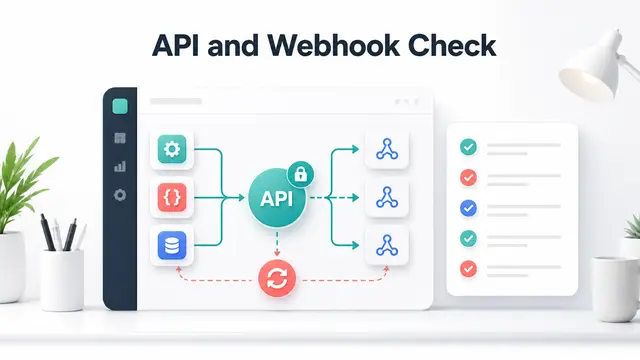
8. Reconnect Billing and Test the Full Event Lifecycle
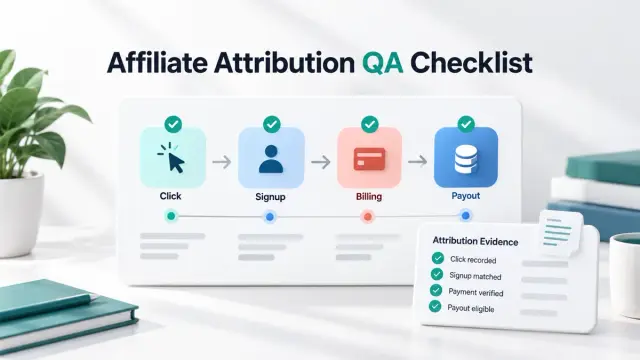
Install the destination integration and test a click, trial, paid conversion, renewal, plan change, cancellation, refund, chargeback, coupon, and failed payment. Include annual plans and multiple currencies when relevant.
The test should prove both attribution and commission calculation. Record the source event ID, customer ID, expected result, actual result, timing, and screenshots or exports needed for review.
9. Run the Old and New Platforms in Parallel
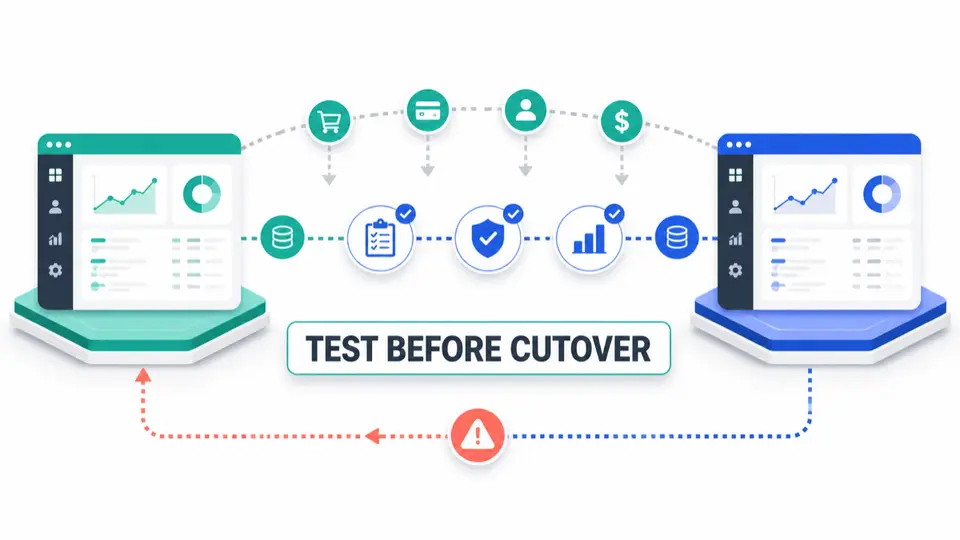
Keep both systems active for a defined comparison window when possible. Use controlled links and low-risk traffic to compare clicks, customers, renewals, refunds, and commissions.
Parallel running should have a written start date, end date, expected differences, and owner. It is not successful simply because both dashboards show activity. Reconcile the same stable customer and billing IDs across both systems.
10. Reconcile Open Commissions, Balances, and Payouts
Define how pending, approved, held, paid, reversed, and below-threshold balances will be handled. Do not move a net total without the records that explain it.
Some teams settle the old ledger before cutover. Others retain open balances in the old platform until final payout. Either approach can work if partners receive clear dates and finance can prove that no commission was paid twice or omitted. Use the affiliate payout audit checklist to trace source events through settlement.
11. Communicate the Cutover to Partners
Tell partners what is changing, when the old portal becomes read-only, whether links must change, how login works, where balances remain, and who handles questions.
Send different instructions to partners whose links remain stable and those who must update them. Provide a test path and enough time for high-value partners to replace hard-to-edit links. Keep commercial terms unchanged unless a separate approved notice covers the change.
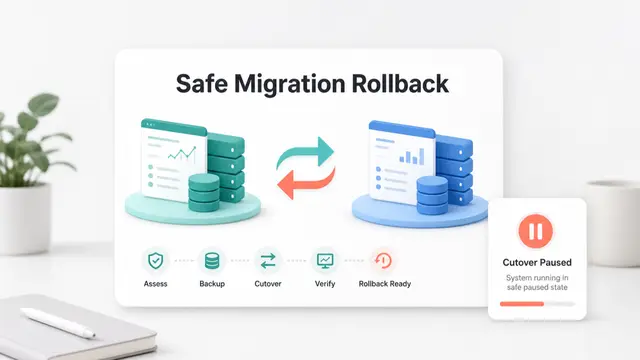
12. Approve Cutover, Monitor, and Preserve Rollback
Define go or no-go criteria before launch, including partner counts, code mapping, attribution, billing tests, commission calculations, open balances, payout ownership, and export retention.
After cutover, monitor missing conversions, duplicate commissions, login failures, broken redirects, unusual refund behavior, and partner questions daily. Keep the old integration, exports, and rollback instructions available until the agreed stabilization period ends.
Migration Acceptance Criteria
Use one sign-off table across product, partner operations, and finance.
| Area | Acceptance criterion | Reviewer |
|---|---|---|
| Partner accounts | Expected accounts imported with correct status and group | Partner operations |
| Referral codes | Priority links resolve and attribute to the mapped partner | Engineering |
| Customer mapping | Active referred customers connect to stable IDs | Engineering and finance |
| Program rules | Rates, durations, holds, and exclusions match approved terms | Partner operations |
| Billing events | New sale, renewal, adjustment, and refund tests pass | Engineering and finance |
| Open balances | Every balance is settled, retained, or migrated with evidence | Finance |
| Partner access | Login, portal, and communication paths work | Partner operations |
| Historical evidence | Exports and mapping files are retained with access controls | Finance and security |
| Rollback | Owners can restore the previous tracking path within the agreed window | Engineering |
Log each failed criterion as an exception with affected IDs, owner, severity, workaround, due date, and retest result. The affiliate payout reconciliation exception log provides a useful structure for those records.
Source Confidence and Platform Limits
Official documentation can confirm import formats, but it cannot prove that every source field or billing event will behave correctly. Request a written scope and sample import. Confirm historical limits, preserved identifiers, link changes, custom rates, and open-balance handling.
Export only required data, restrict access, keep payment credentials out of working spreadsheets, and delete temporary files under the company's retention policy.
Key Takeaways for 12-Point Affiliate Software Migration Checklist for SaaS
An affiliate software migration checklist protects identity, attribution, money, and evidence. Export the source, preserve stable codes, map fields, test billing, reconcile balances, and retain rollback until the new system is stable.
The goal is a migration that partners can trust and finance can reproduce. Browse FindAffiliates to compare affiliate software before choosing the next platform.
FAQ
Can affiliate accounts be migrated between platforms?
Often, yes. Many platforms support CSV imports of names, emails, referral codes, groups, or customer mappings. Historical conversions, invoices, commissions, and payouts may not be importable, so confirm the exact field-level scope first.
Should a SaaS team keep old affiliate links working?
Yes, when possible. Existing links may be embedded in pages and videos that partners cannot update quickly. Preserve the old code or provide tested redirects, then monitor high-value links during and after cutover.
How long should affiliate platforms run in parallel?
Run them long enough to test the important billing events and compare real records, including at least one renewal or adjustment when recurring commissions matter. Use defined acceptance criteria rather than a fixed universal number of days.
What happens to unpaid commissions during migration?
They can be settled in the old platform, retained there until payment, or migrated when the destination supports the required records. Document the chosen method, reconcile every balance, communicate it to partners, and prevent duplicate payment.
When is it safe to close the old affiliate platform?
Close it only after the new system meets acceptance criteria, partners have working access, open balances have an owner, historical exports are retained, and the rollback period has ended without unresolved critical exceptions.