Affiliate Marketing Budget Worksheet: 90 Days in 2026
Plan your affiliate marketing budget worksheet by month, separate recurring costs from capped tests, and set clear upgrade and stop rules for 90 days.
On this page (10)
What Should You Compare Before Choosing?
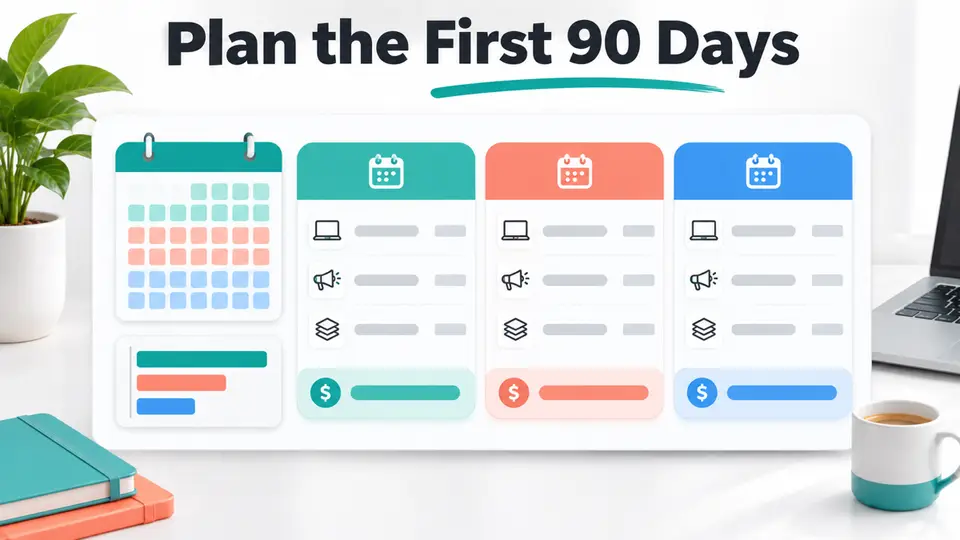
An affiliate marketing budget worksheet should show when cash leaves your account, which costs repeat, and what result would justify the next expense. A 90-day view makes it easier to separate a one-time setup purchase from a subscription that renews before an affiliate commission is approved.
This is a month-by-month planning template, not a universal startup price or a promise of earnings. Copy the worksheet into your own notes or spreadsheet, enter real quotes, and keep expected commissions separate from cash received. The separate affiliate marketing startup costs by channel guide explains which cost categories may apply to a publishing channel.
Quick answer: plan the first 90 days with one row per expense, a payment date, a cost type, a monthly cash amount, and a stop or upgrade rule. Start with the channel you can publish on using resources you already have.
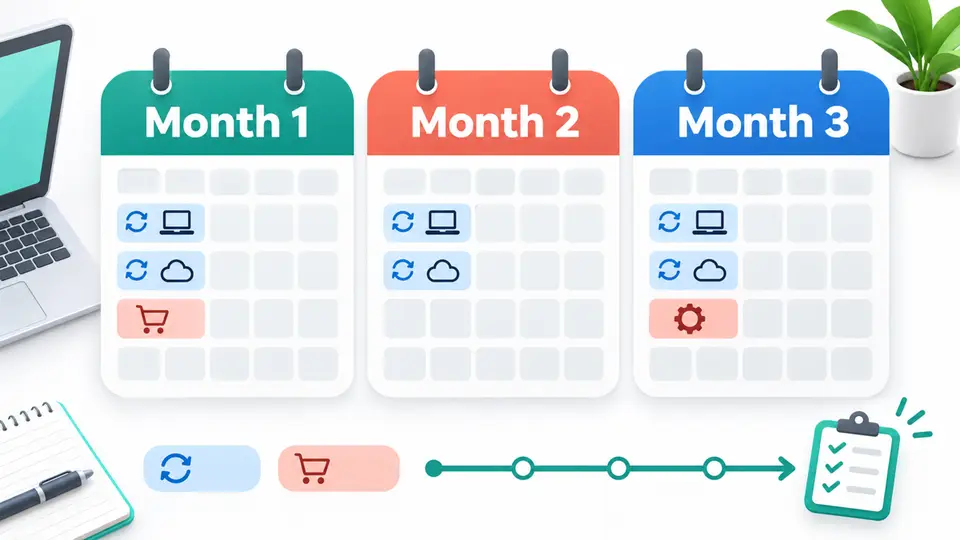
| Planning period | Main decision | Budget check |
|---|---|---|
| Month 1 | Choose one channel and set it up | Record upfront charges and annual billing |
| Month 2 | Publish and observe the workflow | Keep recurring tools only if they are being used |
| Month 3 | Review evidence before expanding | Approve a test only with a fixed cap and stop rule |
1. Choose one channel for the first 90 days
An affiliate marketing budget worksheet gets easier to use when it starts with one publishing channel. A blog, newsletter, short video channel, and paid campaign have different setup needs. Budgeting for all of them at once can turn optional tools into assumed monthly bills.
Write down the audience, format, and publishing cadence you can sustain. For example, a search-focused blog may need a site plan and time for research, while a newsletter may need a signup tool and a repeatable email schedule. A video workflow might use a phone and natural light you already have. The goal is to list what your chosen format actually needs, not to buy a complete creator stack before you publish.
The guide to starting affiliate marketing with no money covers first actions when you want to avoid new spending. Use this worksheet when you are ready to plan costs over a specific three-month period.
2. Separate costs into four budget lines
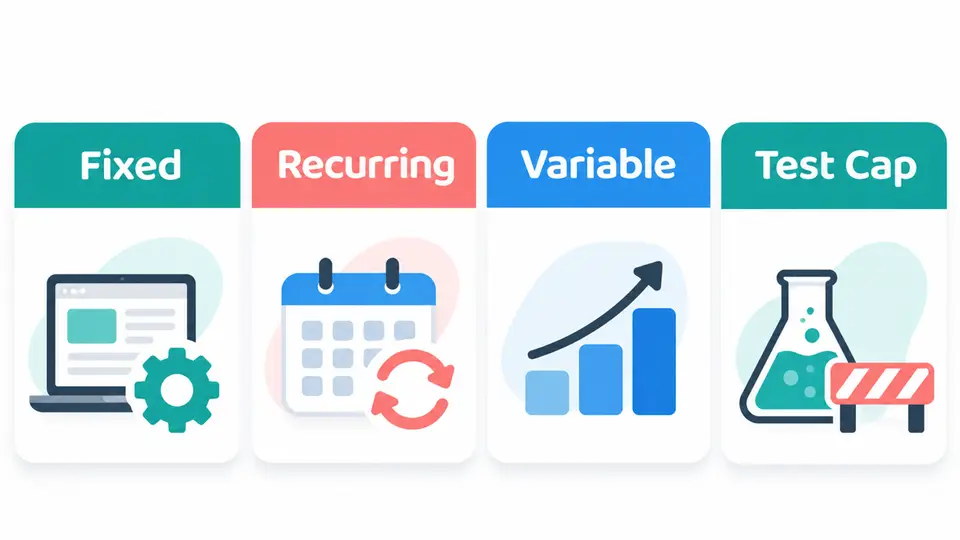
Label each expense before you add an amount. Four useful types are fixed, recurring, variable, and test costs.
| Cost type | How to record it | Example |
|---|---|---|
| Fixed | One-time amount and payment date | A domain transfer or one-time setup service |
| Recurring | Billing frequency, renewal date, and cancellation rule | Hosting, email service, or editing software |
| Variable | Cost that changes with output or audience | A sample, transcription, or freelance edit |
| Test cap | Maximum total spend plus a stop condition | A limited paid traffic experiment |
Also add the value of your own time in a separate planning column. Research, writing, filming, fact checks, disclosure review, and link maintenance use capacity even when they do not create an invoice. Keeping hours separate from cash helps you see whether a workflow is affordable without pretending that your time is free.
3. Enter a real price, billing period, and renewal date
Do not convert a monthly headline into a three-month cash total without checking how the vendor bills. An annual subscription may charge the full year at the beginning. A free tier may have subscriber, send, storage, or feature limits that change the cost later.
As of November 6, 2026, WordPress.com lists its Personal plan at US$4 per month when billed yearly. Its annual plan includes a new domain for the first year, and the domain renews at the standard registration price after that period. In a cash worksheet, record the upfront annual charge and the future domain renewal date instead of entering only a monthly equivalent. Confirm the current quote on the WordPress.com pricing page before paying.
MailerLite's current pricing page lists a Free plan for up to 250 subscribers and 2,500 monthly emails. Its Comfort plan starts at US$12 per month. If you choose an email platform, record the limit that would trigger an upgrade and the billing period you will actually select. The MailerLite pricing page is the source for current plan details.
These are examples of how to fill a worksheet, not required purchases. You can begin with a free site or email option, use a different provider, or publish on a channel you already have.
4. Plan the cash by month, not only by category
Use one row for each expense and spread it across the month when the payment is due. Your 90-day forecast can use this simple formula:
Cash needed each month = setup charges due + recurring charges due + variable production costs + approved test spend
| Worksheet field | What to enter |
|---|---|
| Expense | The service, item, or work |
| Channel | Blog, email, video, or paid test |
| Cost type | Fixed, recurring, variable, or test cap |
| Due date | The date cash is charged or paid |
| Month 1, 2, and 3 plan | Amount expected in each month |
| Actual paid | Cash that has left the account |
| Renewal or review date | When to keep, cancel, or reprice the item |
| Stop or upgrade rule | The condition that changes the decision |
For a recurring bill, record the actual charge in each due month. For an annual plan, place the upfront payment in the month it is charged and add a reminder before renewal. Do not divide a one-time payment by twelve and then forget that the full amount is due today.
5. Set a cap before testing optional promotion
Paid promotion is optional. If you decide to test it, put the maximum total spend and the test dates in the worksheet before launching. Define what you will measure, such as qualified visits, affiliate clicks, or approved conversions, and what evidence would make you stop.
Do not borrow money for a test or increase the cap because a dashboard shows more clicks. A click is not an approved commission, and an unconfirmed referral is not available cash. Keep advertising in its own line so it cannot quietly consume money reserved for hosting, taxes, or essential bills.
Include content production and sample costs in the same review. If a claim requires hands-on use, decide whether you can test the product, rely on official specifications with a clear note, or skip that claim. The affiliate review disclosure examples guide can help you plan the time needed to label a recommendation clearly.
6. Add a stop or upgrade rule for every subscription
A useful affiliate marketing budget worksheet gives every recurring expense a decision date. Write down the job a service performs and the signal that would justify keeping it. Examples include a required feature, a subscriber threshold, a repeated production task, or time saved on a measurable workflow.
For an email plan, a subscriber or sending limit may be the upgrade trigger. For research software, the trigger might be repeated use in published work rather than a trial ending. For a paid editor, it could be a monthly publishing cadence that makes the expense worthwhile. If the tool is not used and does not solve a specific problem, set a cancellation reminder before the next billing date.
A program directory can help you research offers that match your audience, but expected commissions should not be entered as guaranteed funding. When reviewing potential offers, compare the SiteGround affiliate program, MailerLite affiliate program, and Canva affiliate program as separate research tasks. Check their current application terms and keep any future commission out of the budget until it is earned and payable.
7. Review the plan at days 30, 60, and 90
At the end of each month, compare planned cash with actual payments. Note any new renewal, production fee, or upgrade before it appears on the next statement. If an expense changed, record why rather than overwriting the original estimate.
At day 30, remove setup costs that will not repeat and confirm that the publishing routine is realistic. At day 60, check whether recurring tools are being used and whether any test is still within its cap. At day 90, decide whether to continue the channel, stop optional spending, or fund one clearly defined next test.
Use the affiliate program research checklist before investing time in a new offer.
Key Takeaways for Affiliate Marketing Budget Worksheet: 90 Days in 2026
An affiliate marketing budget worksheet is most useful when it tracks real payment dates, future renewals, actual spend, and the rule for each optional expense. Pick one channel, plan three months at a time, and expand only after your publishing process and evidence support the next cost.
Use the FindAffiliates program directory to research offers that fit your content, then verify the current terms before applying or recommending a paid product.
FAQ
How do I make an affiliate marketing budget worksheet?
Use one row per expense and include its channel, cost type, amount, billing date, renewal date, actual cash paid, and stop or upgrade rule. Add a separate column for your time.
How much should I budget for affiliate marketing?
There is no single amount for every publisher. Your first 90-day cash need depends on your channel, current equipment, billing periods, production choices, and whether you test paid promotion.
Should affiliate marketers include expected commissions as income?
Keep expected commissions separate from cash received. A click or unconfirmed referral may not become a payable commission, so do not use it to fund bills or expand a test.
Should I pay for ads in the first 90 days?
Paid promotion is optional. If you test it, decide the cap, dates, measurement, and stop condition before spending. Do not expand a test based only on clicks.