3D Printer Filament Affiliate Program Application Checklist
Use this 3D printer filament affiliate program application checklist to organize public samples and a content plan for 3D printing creator programs.
On this page (6)
Who Should Promote This Affiliate Program?
A 3D printer filament affiliate program application checklist helps a maker send a clear, reviewable application. Prepare your audience profile, public channel examples, product use cases, regions, and a realistic content plan before you open the application form.
The strongest application shows how your work helps a buyer choose material. A printer calibration video, a material test, or a project tutorial gives a program reviewer concrete evidence. A follower count by itself does not show what your audience prints or why a recommendation would fit.
The seven steps below focus on the application process. They are practical preparation steps, not universal admission rules. Each company can set different requirements, and some criteria may appear only in the network account after signup.
| Step | Prepare | Why it helps |
|---|---|---|
| Offer route | Official application page or network | Sends your form to the right team |
| Public channels | Website, video, or social URLs | Lets a reviewer inspect your work |
| Work samples | Three relevant posts or projects | Shows product and audience fit |
| Audience summary | Topic, format, region, and stage | Explains who you reach |
| Content plan | One useful material-focused idea | Makes the proposed promotion specific |
| Application answers | Honest claims and clear disclosures | Prevents avoidable review questions |
| Post-approval check | Link, code, page, and terms | Confirms you can promote correctly |
How we chose these application checks
The 3D printer affiliate programs for makers guide compares hardware offers, while the filament program roundup compares five material-led programs and their public terms. This article covers how to prepare and submit an application. It does not rank the programs or repeat their commission comparison.
We chose checks an applicant can verify before or after approval: the official route, public channel examples, audience and regional fit, planned content, form answers, and active terms. This prepares a reviewer to assess your fit without assuming every brand uses the same criteria.
3D-Fuel's official affiliate page offers a link and discount-code route for promoting filament. It is one example, not a rule for other brands. Read the current application page and account terms for the program you select.
Seven steps to apply
1. Identify the official application route
Start at the brand's own affiliate or creator page, then follow the application link to the network or form it names. Brands may use direct applications, network listings, creator forms, or separate routes for different partners. Do not submit through a page copied from an old blog post if the brand's current site points somewhere else.
Save the application URL and the date you checked it. Note whether the route asks you to create a network account first, apply to the specific advertiser, or wait for an invitation. If you already have an account with that network, verify that you are applying from the correct publisher profile and adding the right property.
The Anycubic, Creality, and Bambu Lab listings are starting points for discovering maker offers. Open each brand's official application route before relying on any directory summary or older link.
2. Make every channel easy to review
List the exact website, YouTube channel, TikTok, Instagram account, newsletter, or community you plan to use. Use a direct public URL that opens without a login. Check the profile name, description, contact route, and recent posts so the reviewer can quickly understand who owns the channel and what it covers.
If the application requests a website but you primarily publish video, provide the video channel and ask whether that format is accepted. Do not label a personal social account as a business publication unless its public content supports that description. Remove draft links that are broken or pages that are not ready for a brand to review.
3. Choose three work samples that prove relevance
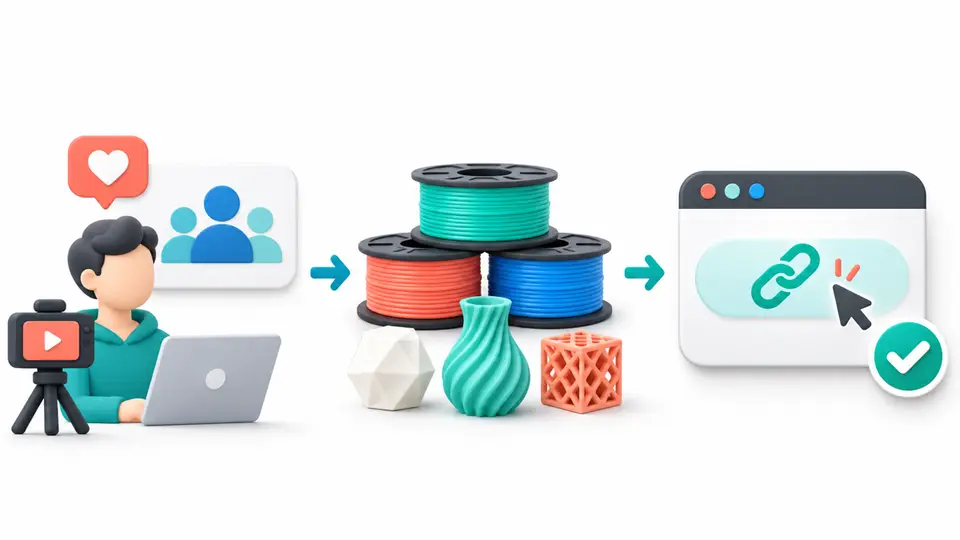
Select a small group of public examples that match the product and audience. A useful set could include a material comparison, a printer setup tutorial, and a finished project that explains the filament used. Choose examples with enough context to show your role and the questions you answer.
Add a short note beside each URL: the audience problem, the material or process covered, and what a viewer can learn. If a project is sponsored, disclose that relationship and do not imply a test result beyond what you actually observed. If you have not yet tested a brand's filament, say that your proposed content is a sourced guide or a future review, not a completed hands-on test.
4. Describe your audience with useful evidence
Give a short explanation of the people who follow your work. A channel might serve cosplay builders, classroom educators, hobbyist makers, print farms, product designers, or small shops. These groups can want different materials and buying guidance, so describe the audience in terms of the projects they make and the problems they ask you to solve.
Use a recent, clearly defined time range if you share analytics. Summarize the main regions and content formats, then explain how the numbers connect to the application. Avoid unsupported claims such as “all makers” or “high purchase intent.” If the program asks for audience size, provide the requested metric and its date rather than combining followers across unrelated accounts.
5. Propose one specific content plan
Describe one realistic piece of content that could help your audience make a decision. For example, you might explain how you compare two materials for a print that needs impact resistance, or document the settings used to troubleshoot stringing. Include the channel, format, product category, and the question the piece will answer.
Do not promise a set number of sales or views unless you have a defensible basis. Tell the program whether the plan is a hands-on test, a comparison based on published documentation, or a tutorial using products you already own. A clear scope helps a reviewer distinguish product education from a generic placement request.
6. Answer the application and promotion questions precisely
Read each form field before answering. A program may ask about website ownership, promotion channels, geographic reach, paid advertising, coupon use, or competing relationships. Answer only what the form asks, and explain any condition that affects your plan. If an item is unclear, ask the program before assuming it is allowed.
Keep the application language consistent with what you can publish. Do not claim to be an authorized representative, imply product testing you have not done, or promise access to a channel you do not control. If the program requires examples, provide the public work samples you selected rather than a list of broad future ideas.
7. After acceptance, verify the link and disclosure
Approval is not the last check. Open the partner account, confirm that the correct property and offer are active, and review the current product exclusions, attribution, code rules, and payment conditions. Create a link or code using the approved account, then check that it lands on the product or storefront you intend to recommend.
Plan the affiliate disclosure before you publish. The Federal Trade Commission explains that a relationship that may affect how people assess an endorsement should be disclosed clearly and conspicuously. Its endorsement guide questions and answers apply the principle to examples such as paid or gifted recommendations. Put the disclosure where the audience can see it before acting on the recommendation.
Keep a simple application record
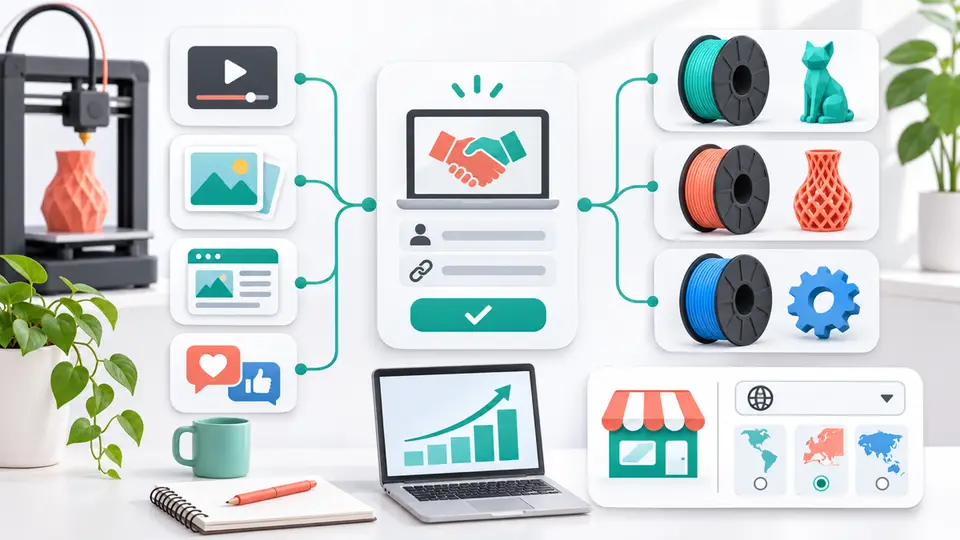
Store the application date, source URL, selected channel, work samples, audience summary, submitted answers, and any response from the program. When you are approved, add the account name, active terms source, link or code, and restrictions.
Reuse this 3D printer filament affiliate program application checklist for other brands, updating the route, channels, and terms.
| Record field | What to save | Check before submission |
|---|---|---|
| Application route | Official URL and check date | Matches the current brand site |
| Public channels | Profile and website URLs | Opens without a login |
| Work samples | Three relevant links and notes | Shows original, relevant work |
| Audience | Topic, format, region, dated metrics | Claims match available evidence |
| Content plan | One topic, channel, and format | Describes testing honestly |
| After approval | Terms, link or code, restrictions | Matches the active account |
If a program declines the application, do not guess at the reason. Ask whether the issue was the channel, region, audience, content, or a program requirement. Use the response to improve your next application, but do not suggest that you are affiliated with a brand before you have permission to use its approved materials and tracking link.
For a wider research process, use the affiliate program research checklist and browse the FindAffiliates directory for programs that fit your audience.
Key Takeaways for 3D Printer Filament Affiliate Program Application Checklist
A 3D printer filament affiliate program application checklist works when it helps a program reviewer see your public work, maker audience, channel, region, and proposed content at a glance. Submit accurate information, wait for approval, and check the current account terms before placing a link. Browse the FindAffiliates directory to compare more programs for your channel.
FAQ
What should I include in a filament affiliate application?
Include your public channel URLs, three relevant work samples, a clear audience description, the regions you reach, and a specific plan for the content you want to publish.
Do I need a large 3D printing channel to apply?
Requirements vary by program. Some public pages do not state a minimum audience size. Ask the program about its criteria and show the original content and audience fit you can verify.
Can I promote a filament brand on social media?
Only if the program accepts that channel and your account is approved for it. Check the official channel rules before adding a link or discount code to a post.
What should I check after an affiliate application is approved?
Confirm the active offer, approved channel, product eligibility, tracking link or code, attribution terms, and disclosure plan before publishing a recommendation.