Circle vs Mighty Networks Migration Checklist 2026
Use this Circle vs Mighty Networks migration checklist to map members, content, permissions, links, affiliate pages, testing, and launch communication safely.
On this page (11)
What Should You Compare Before Choosing?
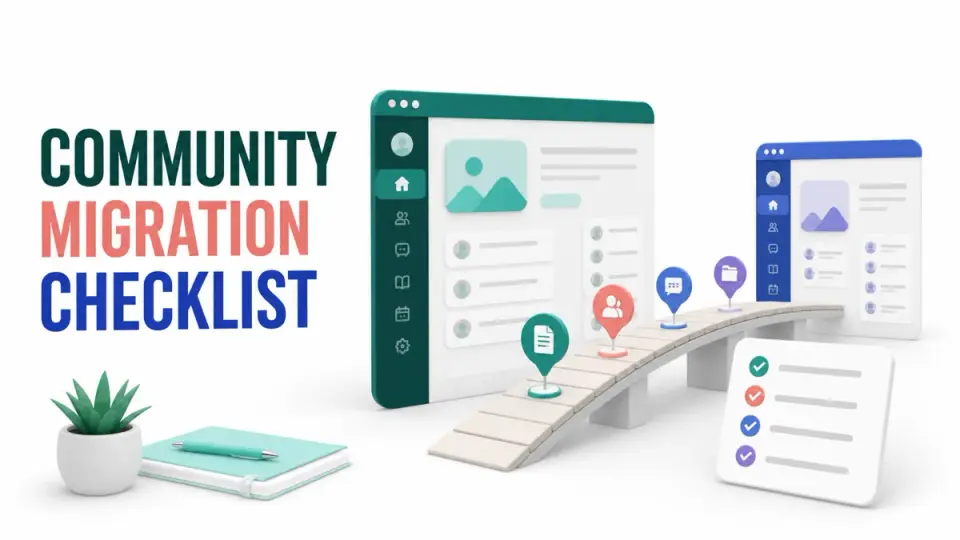
A Circle vs Mighty Networks migration checklist should protect the member experience before it moves content. The safest sequence is to inventory identities, permissions, spaces, paid access, links, automations, and ownership, then test a small migration before inviting the full community.
The quick answer is to treat the move as a controlled relaunch, not a file transfer. Export what each platform makes available, map every old object to a new destination, preserve proof of consent and payment status, and keep the original community read-only until the new one passes acceptance checks.
Quick answer: Build one migration register with a row for every member segment, space, content collection, event, access rule, link, and integration. Assign an owner and acceptance test to each row. Move a pilot group first, fix gaps, then communicate one clear cutover date.
Source confidence is highest for public export capabilities. Circle documents a member CSV export, while Mighty Networks documents conditions for downloading member data. Content conversion, historical engagement, plan-specific limits, and assisted migration services may vary by account, so confirm those items inside the current product and agreement.
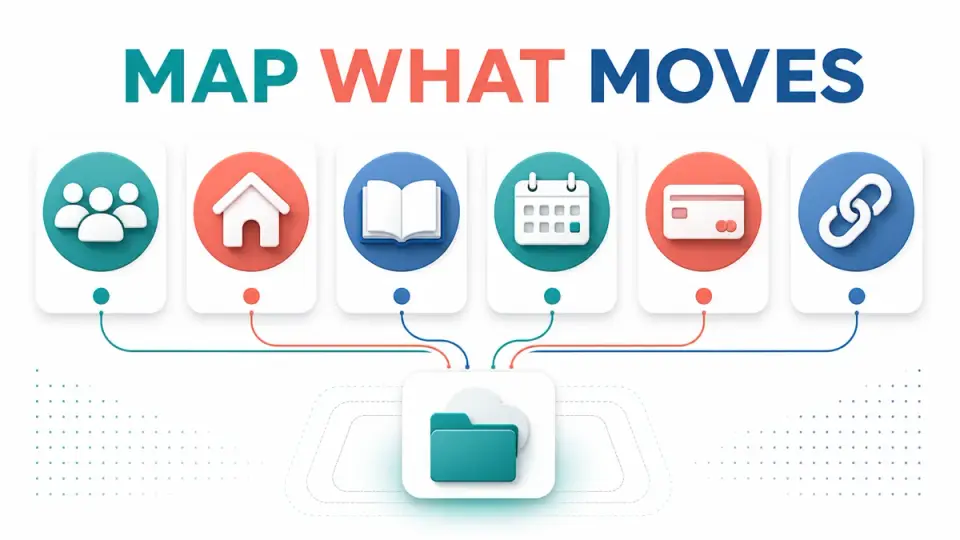
Migration Scope at a Glance
Use this table before anyone starts copying pages or inviting members.
| Migration area | Record before moving | Acceptance test |
|---|---|---|
| Members | Email, name, status, role, consent source | Pilot member can sign in and has the correct role |
| Spaces and groups | Purpose, owner, privacy, access rule | Only intended members can enter each space |
| Content | URL, author, date, format, attachments | Priority content is readable and correctly attributed |
| Paid access | Plan, entitlement, renewal owner | Test accounts receive the intended paid access |
| Events | Date, host, registration, replay | Event details and reminders work in the new system |
| Affiliate pages | Destination, disclosure, tracking link | Link resolves and the disclosure remains visible |
| Integrations | Trigger, action, credentials owner | Test event reaches the correct downstream tool |
| Analytics | Baseline date and metric definition | New reports use documented, comparable definitions |
The Circle versus Mighty Networks affiliate comparison already compares their partner offers. This guide has a different job: preserving community operations and affiliate content during a platform change.
Step 1: Freeze the Source Inventory
Start with a dated inventory, not a live dashboard that changes throughout the project. List public, private, paid, archived, and staff-only spaces. Record the owners, moderators, access rules, connected products, recurring events, pinned posts, files, and links attached to each area.
Export member data through the current account controls. Circle's official guide explains how administrators can export a CSV of members from audience and analytics views. Mighty Networks explains that downloading the member list requires the relevant host permissions in its member data export guidance. Those pages support the existence of exports, not a promise that every historical object will transfer.
Store an untouched source export and a separate working copy. Add columns for migration status, destination role, destination space, consent evidence, exception reason, owner, and verification date. Never fill an unknown field by guessing from activity or payment history.
Keep the Circle vs Mighty Networks migration checklist beside this inventory so every exported field has a destination, owner, and test before import.
Step 2: Map Identity, Roles, and Consent
Email is usually the practical matching key, but it is not enough by itself. Normalize case, remove obvious duplicates, and separate active members from invited, canceled, banned, complimentary, and staff accounts. Decide how each source status maps to the destination before any bulk invite.
Preserve the evidence that explains why a person can receive operational or marketing email. Community access and newsletter consent are not interchangeable. A member may need account instructions without being eligible for promotional campaigns. Keep those permissions in distinct fields and suppress records that lack a supportable basis.
Map roles narrowly. A source moderator should not automatically become a destination administrator. Create least-privilege roles for owners, staff, moderators, paid members, free members, guests, and alumni. Test each role with a dedicated account rather than relying on an administrator preview.
Step 3: Rebuild the Community Architecture
Do not reproduce every old space simply because it exists. Mark each one keep, merge, archive, or retire. A smaller destination structure is easier to navigate and test, but the decision should be based on purpose and member need, not convenience alone.
For every retained space, define its title, description, owner, audience, posting rights, notification default, and first useful action. Map courses, events, discussions, resource libraries, and direct support to the destination feature that best serves the same job. If there is no equivalent, document a substitute and tell affected members.
Teams still selecting a destination can compare the Circle affiliate program, Mighty Networks affiliate program, Kajabi affiliate program, and Podia affiliate program. These directory pages support commercial research, but the migration decision should still be based on the current product plan and tested capabilities.
Step 4: Move Content by Business Value
Prioritize onboarding, rules, paid resources, current courses, recurring event information, support answers, and high-traffic evergreen discussions. Preserve the original author and publication date where the destination supports them. If it does not, add a short migration note rather than making old material look newly published.
Create redirects or replacement links for public pages that attract search, email, or affiliate traffic. Update affiliate disclosures alongside destination URLs. A migrated buying guide should not lose the sentence explaining that the publisher may earn a commission, and an old tracking link should not survive simply because it still redirects.
Use the broader affiliate software migration checklist for link, event, and rollback thinking. Community content needs the same discipline even when the products use different data models.
Step 5: Reconcile Paid Access and Automations
Build a separate entitlement table for paid memberships. Include the customer identifier, plan, billing owner, access level, renewal state, cancellation state, and source of truth. Do not infer an active subscription from community activity, and do not change billing systems during the same cutover unless that change has its own reconciliation plan.
List every automation as a trigger, condition, action, failure path, and owner. Common examples include new-member welcome messages, course access, event reminders, CRM updates, support notifications, and canceled-member removal. Recreate one flow at a time and trigger it with a test record.
The Circle vs Mighty Networks migration checklist should include negative tests. Confirm that a canceled account does not gain paid access, a free account cannot enter staff areas, a duplicate email does not receive two invitations, and a failed automation creates a visible exception.
Step 6: Run a Pilot and Reconcile Results
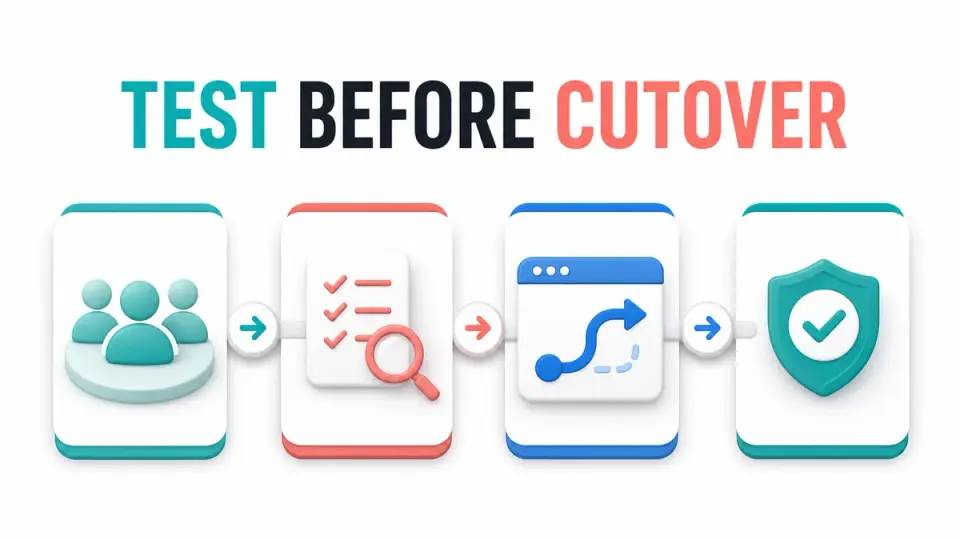
Choose a pilot that represents the difficult cases, not only friendly power users. Include free and paid members, moderators, mobile users, members in multiple spaces, and at least one account with an unusual entitlement. Ask them to complete a fixed script covering sign-in, profile, access, posting, notifications, event registration, search, and support.
Compare source and destination counts by segment. Investigate every difference instead of treating a similar total as proof. A correct total can hide missing paid members and duplicate free accounts. Record each defect, severity, owner, fix, retest result, and launch impact.
Step 7: Communicate Cutover and Rollback
Send members a concise explanation of what is changing, what is staying, when the old community becomes read-only, how to access the new one, and where to get help. Avoid claiming that every post or preference will transfer unless it has been verified.
Define launch ownership by time block. One person watches access failures, one monitors member questions, one checks integrations, and one owns the rollback decision. Keep the source available in a controlled read-only state until the acceptance window closes and required records are retained.
The membership platform affiliate programs guide can help creators evaluate adjacent platforms after the migration is stable. During cutover, focus on the chosen destination and avoid introducing additional tools that expand the failure surface.
Key Takeaways for Circle vs Mighty Networks Migration Checklist 2026
A Circle vs Mighty Networks migration checklist works when it connects every source object to a destination, owner, test, and fallback. Inventory first, separate identity from consent, rebuild only useful architecture, reconcile paid access, pilot hard cases, and communicate a single controlled cutover.
Use the FindAffiliates directory to research community and creator platforms, then confirm migration capabilities inside the current account before committing member data or launch dates.
FAQ
Can every Circle or Mighty Networks post be migrated automatically?
Do not assume so. Public documentation confirms member export paths, but content formats, comments, reactions, attachments, authorship, and dates may require separate handling. Inventory priority content and test the destination before promising full history.
Should members be invited before content is moved?
Usually, core onboarding, rules, paid resources, and navigation should be ready first. A small pilot can enter earlier, but the general invitation should wait until access and content acceptance tests pass.
How long should the original community stay available?
Keep it available in a controlled read-only state for the acceptance and reconciliation period defined by your operating and retention needs. Set an owner and closure condition instead of leaving both communities active indefinitely.
What is the biggest migration risk for affiliate publishers?
Broken destination links and missing disclosures can damage trust and attribution. Test every important public and affiliate link, preserve disclosure context, and update content only after the new destination resolves correctly.