Amazon Associates Commission Rates by Category in 2026
Amazon Associates commission rates by category range from 0% to 10%. Use this 2026 US table, then verify qualifying revenue, session rules, and storefront.
On this page (8)
What Should You Compare Before Choosing?
Amazon Associates commission rates by category show the standard percentage Amazon.com assigns to a qualifying purchase in the United States. In the current public table, rates range from 0% to 10%, with many named categories below the 4% rate that applies to all other categories.
Quick answer: luxury beauty and Amazon Explore are listed at 10%; physical books, kitchen, and automotive are 4.5%; several product groups are 3% or less; and some categories pay 0%. The percentage is only one input. A purchase must also meet Amazon's qualifying purchase and tracking rules.
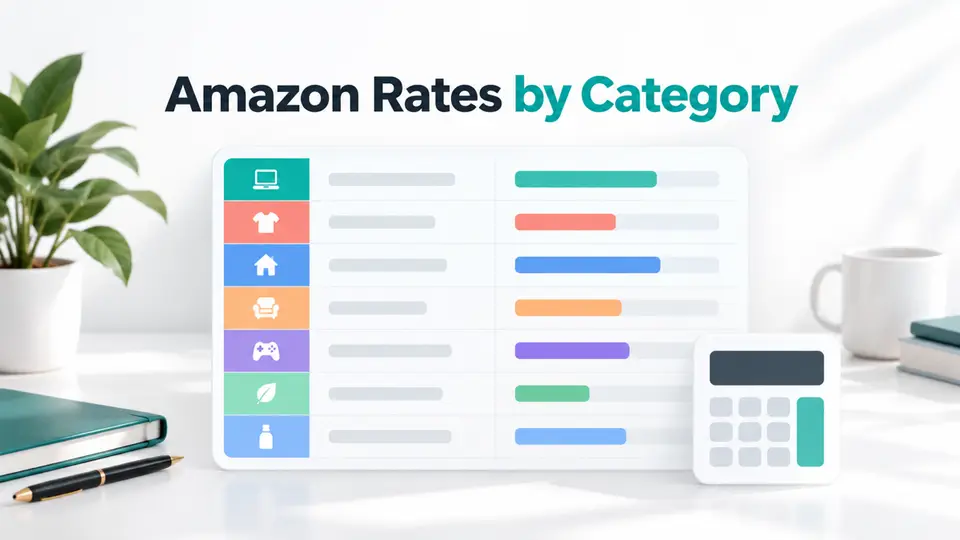
Amazon Associates commission rates by category
This table summarizes the standard US rates published in Amazon's Associates Program Standard Commission Income Statement. The statement calculates standard commission as a fixed rate of qualifying revenue for products in the listed categories.
| Amazon.com product category | Standard rate |
|---|---|
| Luxury Beauty, Luxury Stores Beauty, Amazon Explore | 10% |
| Digital Music, Physical Music, Handmade, Digital Videos | 5% |
| Physical Books, Kitchen, Automotive | 4.5% |
| Amazon Fire Tablet and Kindle devices, select Amazon devices, apparel, watches, jewelry, luggage, shoes, handbags and accessories | 4% |
| Toys, furniture, home, home improvement, lawn and garden, pets, headphones, beauty, musical instruments, business and industrial supplies, outdoors, tools, sports, baby products, Amazon Coins | 3% |
| PC, PC components, DVD and Blu-ray | 2.5% |
| Televisions, Digital Video Games | 2% |
| Amazon Fresh, physical video games and consoles, grocery, health and personal care | 1% |
| Gift cards, wireless service plans, alcoholic beverages, digital Kindle subscriptions, vehicle leasing and sales, pet prescription medication, restaurant-prepared food, Amazon Appstore, Prime Now, Amazon Pay Places, Coach | 0% |
| All other categories | 4% |
Amazon Associates commission rates by category differ by storefront. The table is for Amazon.com in the United States. Other Amazon storefronts have separate terms and rates. A Canadian publisher should check the Amazon.ca program instead of reusing the US figures.
Why the 4% default can mislead
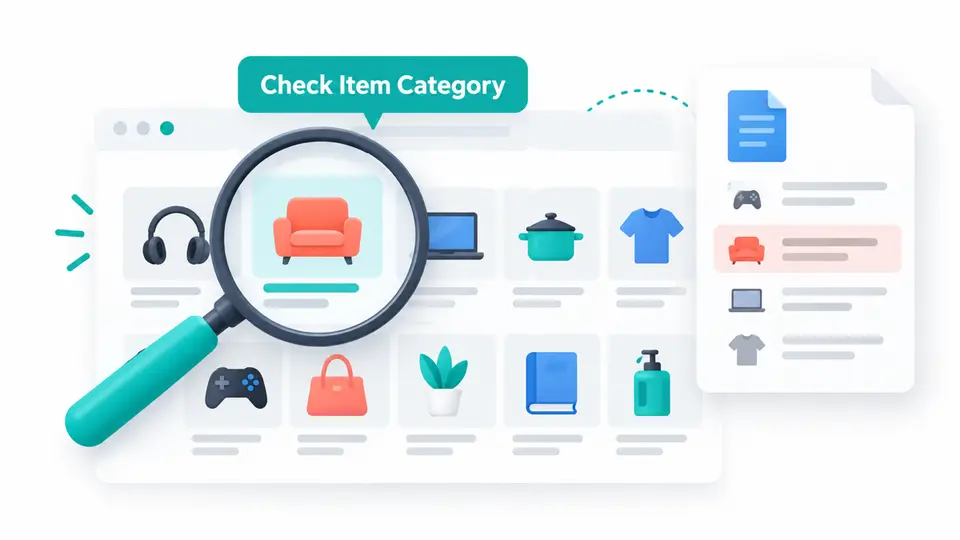
The 4% row applies to products that do not fall into a specifically listed category. It does not replace a named category rate. For example, a home product might fit a 3% category, while a kitchen item is listed at 4.5%. The item category in Amazon's system matters more than the way a publisher describes the product.
Several broad labels also have exceptions. Beauty appears in the 3% group, while Luxury Beauty appears at 10%. Amazon devices and some apparel appear at 4%, while other electronics have lower rates. Use the current statement to classify the product before estimating revenue.
Special commissions are separate
The same statement lists some bounty events separately from standard product rates. Those are paid for a specific qualifying action, such as an eligible trial registration, rather than as a percentage of a product order. Do not add a bounty to the product rate or assume every visitor can trigger one. Confirm that a promotion is currently listed and that the customer meets its eligibility rules.
What the rate does and does not tell you
Amazon describes standard commission as a percentage of qualifying revenue. That is narrower than the full value shown in a product cart. The commission statement and program policies define qualifying purchases, revenue, exclusions, and reporting. They also allow the effective rate shown in a report to differ slightly because calculations are rounded for each qualifying purchase.
A simple example helps show the arithmetic without predicting results. If a qualifying order had $80 of qualifying revenue and the product category rate were 4.5%, the standard commission before other account adjustments would be $3.60. This is only a rate calculation. It does not mean every order qualifies, or that an $80 order total equals $80 in qualifying revenue.
Use a real account report to replace the assumptions in any earnings model. Keep click counts, orders, shipped items, returns, and qualifying revenue in separate columns. A page with strong click-through can still earn little if products sit in lower-rate categories or if the session ends before a qualifying purchase.

Three checks before using the table
1. Confirm the storefront
The table above is from the US Amazon.com Associates program. Amazon runs separate storefront programs, and the country in the URL is not a small detail. Rates, product categories, currencies, payment terms, and attribution rules can differ. If your audience shops through Amazon.ca, Amazon.co.uk, or another store, use that storefront's official statement and agreement.
2. Confirm the qualifying purchase
Amazon's Associates Program Policies say that a qualifying purchase generally begins with a customer clicking a properly formatted Special Link to an Amazon site. The standard session can end after 24 hours, when the customer places an order, or when the customer clicks another Special Link to Amazon, subject to the full terms and exclusions. Some purchases, actions, or link setups do not qualify.
This is why the category table is not a standalone earnings forecast. Product category sets the percentage, while the program rules determine whether the referred order is eligible and tracked. Keep the destination, tag, product, and current link format in your audit notes.
3. Recheck before publishing a payout claim
Amazon Associates commission rates by category and special promotions can change. Add a review date beside any rate table you publish, save the official source you checked, and re-open it before a seasonal refresh. If a source omits a detail, mark it unknown instead of borrowing a value from another Amazon storefront or a third-party article.
How to use Amazon alongside other programs
An Amazon rate table helps with product selection, but it does not decide which program should receive a reader's click. A publisher who writes about household products might compare the Walmart affiliate program, the Target affiliate program, and the Etsy affiliate program as separate options. These programs have their own product catalogs, application rules, tracking, and commission terms. Do not assume that their rates or cookie windows match Amazon.
For the broader context, see our guide to affiliate commission rates by industry and the Amazon Associates versus Walmart affiliate program comparison. One guide compares example payout models across industries; the other focuses on retailer fit and shopper intent. Together they help separate the question of how a rate is calculated from the question of which merchant fits a specific reader.
A short method for checking a product
- Identify the exact Amazon storefront and confirm that the account is enrolled there.
- Find the product's current category in Amazon's own system rather than relying on its marketing label.
- Look up the category in the current standard statement and note the rate.
- Review whether the click and purchase meet the current session, link, and eligibility rules.
- Compare the reported qualifying revenue with the rate card after the transaction appears in reporting.
This method is more useful than copying an old percentage into a spreadsheet. If you update a resource page, keep the source date, marketplace, category, and link destination together. A future rate change is easier to spot when the earlier assumption is documented.
Summary table
| Question | What to record |
|---|---|
| Which rate card applies? | The Amazon storefront and source date |
| Which percentage applies? | The current product category and standard rate |
| What earns commission? | Qualifying revenue and the specific qualifying action |
| What can change the result? | Session ending, exclusions, link formatting, returns, and reporting adjustments |
The Amazon Associates commission rates by category are a reference point, not a promise of earnings. Use the official rate statement for the applicable storefront, then verify qualifying purchase rules and your own report before changing content strategy.
Browse FindAffiliates to research additional programs that fit your audience, then verify current terms with each program before adding links.
FAQ
Where can I verify Amazon Associates commission rates by category?
Use Amazon's current Amazon.com US standard commission statement to verify Amazon Associates commission rates by category. It lists 10% for Luxury Beauty, Luxury Stores Beauty, and Amazon Explore. Special bounty events are separate and should not be added to the standard product rate.
What is the default Amazon Associates commission rate?
The US rate statement lists 4% for all other categories, meaning products that are not assigned to one of the specifically listed categories. Named categories can have lower or higher rates.
Does Amazon pay commission on every purchase after a click?
No. A click alone does not guarantee a commission. The purchase must meet Amazon's qualifying purchase rules, the link must be correctly formatted, and the order must not fall under a listed exclusion.
Are Amazon affiliate rates the same in every country?
No. This article covers Amazon.com in the United States. Check the official rate statement and participation terms for the Amazon storefront your audience uses.