Affiliate Tracking SLA Checklist: 8 Ecommerce Tests
Use an affiliate tracking SLA checklist to define order, refund, and renewal event targets, record evidence, and escalate missed delivery promises.
On this page (9)
What Should You Compare Before Choosing?
An affiliate tracking SLA checklist helps an ecommerce team and its platform provider agree on what counts as a received order event, how long a processing step may take, and what evidence is needed when a commission is missing. It is for merchants testing an operating service after setup, not a general guide to choosing attribution rules.
The useful question is whether each order, refund, or renewal can be traced across the store, tracking system, affiliate record, and report within the agreed targets.
Quick answer: set the event and clock first
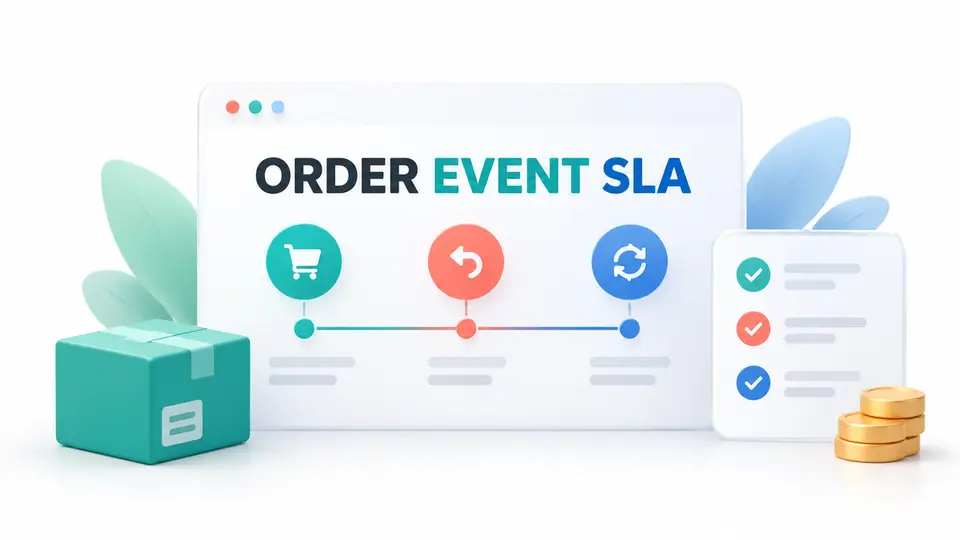
This affiliate tracking SLA checklist starts with the event clock, required acknowledgement, expected business state, and evidence for each step. Keep technical receipt, commission approval, and payout timing separate. No single response-time target applies to every vendor or integration.
| Scenario | Start the clock at | A passing record should show |
|---|---|---|
| Paid order | The store's documented paid or completed event | Matching order reference and expected affiliate |
| Refund or cancellation | The store's refund or cancellation timestamp | A linked adjustment or documented review state |
| Subscription renewal | The eligible renewal or invoice event | The original referral and renewal rule |
| Delayed delivery | The event creation timestamp | Receipt time, retry history, and final state |
| Report reconciliation | The agreed reporting cutoff | Matching order IDs and clearly labeled statuses |
Separate event receipt from a payable commission
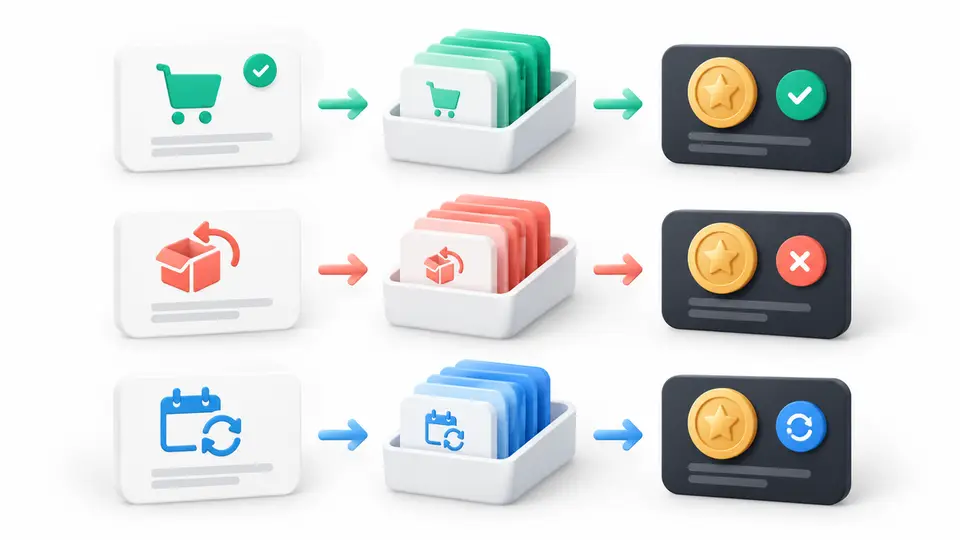
An ecommerce event can arrive successfully while its commission remains pending validation. Conversely, a commission may appear after the original click because the program uses a return window or validates an order only after shipment. Record the clock for each stage rather than describing every delay as a tracking failure.
For example, Refersion's test-order guide asks merchants to use a test affiliate link, place an order, and check the conversion record. It says a test conversion may take about ten minutes to appear and may remain pending. That is Refersion's setup guidance, not a universal affiliate software SLA. Use the provider's current instructions.
Eight ecommerce event checks
1. Match a paid order to its store reference
Use a safe test product or an approved test environment. Open the intended affiliate link, complete the documented purchase path, and record the store order reference and timestamp. Check that the affiliate system receives the event and ties it to the expected program, partner, and order.
The pass condition is not simply a new conversion count. The order reference must be traceable in both systems, and the recorded value must follow the program's documented rule. If the platform reports only an anonymous conversion, ask which export or support view exposes the join key.
2. Test the documented link and code precedence
If the store accepts both referral links and creator or coupon codes, create a test case where the signals point to different partners. Write down the expected outcome before testing. Different programs can set different precedence rules, and the checkout product can have its own behavior.
Compare the completed order with the affiliate record. Save the rule version, code, link path, and outcome. Do not infer an attribution error merely because a different system assigns the same purchase to a different channel. The merchant's affiliate terms determine payable credit.
3. Measure delivery delay separately from processing delay
Capture the event creation time, first delivery attempt, acknowledgement, commission creation time, and report visibility time. This affiliate tracking SLA checklist separates late delivery from a slow refresh or validation hold.
Set the allowed interval with the provider for each stage that matters. If a target is missed, keep the original event time and the provider's receipt time. A report that shows only the latest update cannot establish how long the event spent in a queue.
4. Send the same event twice and check for duplicates
In a test environment, repeat a delivery or use the provider's supported retry test. Confirm whether the system recognizes the same event and avoids creating two payable commissions. If the provider cannot expose a safe retry control, ask support how duplicate deliveries are handled and what identifier is used.
Keep the expected behavior in the test record. Some systems update an existing order; others reject a duplicate or add an audit entry. The important result is that one business event cannot silently become two partner payments.
5. Refund or cancel the test order
After the conversion appears, follow the provider's approved refund procedure. Check whether the original order stays visible and whether the commission becomes reversed, held, declined, or otherwise changes under the written rules. A clear link between the refund and the original order makes a later dispute easier to review.
Do not require a refund to erase every record. A traceable adjustment is stronger evidence than a vanished row. Record the refund reference, the affiliate status before and after, the report update time, and any notice that a partner receives.
6. Verify subscription renewals when the offer is recurring
If your program pays on eligible renewals, use a provider-supported test event or a designated test subscription. Confirm that the renewal points to the original customer and referral, uses the correct commission rule, and appears once. First orders and later invoices may use different event names or timing.
If renewal testing is unavailable in a sandbox, ask the vendor to demonstrate the production-safe test path before launch. Mark the result as unverified until the team has a controlled example. Do not treat a first-order test as proof that future renewals work.
7. Check recovery after a delayed or failed delivery
Review the provider's delivery log or ask support for the event identifier, attempts, response codes, and current status. The test should show how a missed delivery is detected, who owns the recovery, and whether a backfill can restore the order without creating a duplicate.
Shopify's webhook troubleshooting documentation illustrates why terms must be provider-specific: Shopify retries failed deliveries, measures response time, and may stop delivery after repeated failures. Those behaviors do not define an affiliate platform's service level. Request a clear recovery path for your integration.
8. Reconcile the report and support handoff
Export the test order from the store and the affiliate platform after the agreed reporting window. Compare the order reference, currency, status, commission amount, adjustment, and event timestamps. If a field is not available to the merchant, note that limit and ask the provider for the corresponding diagnostic.
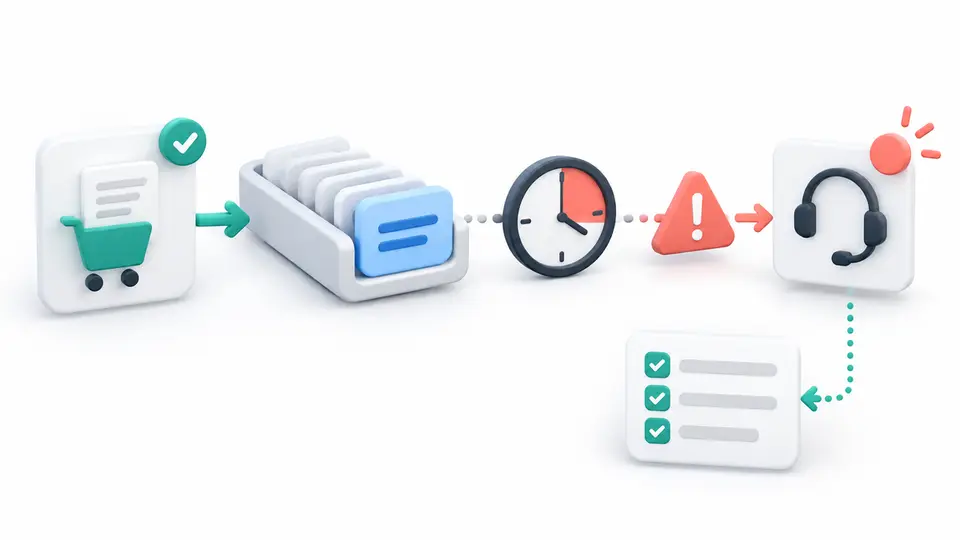
Before launch, document the support channel, required evidence, acknowledgement target, escalation owner, and the response expected for a missing or duplicated event. A ticket number alone is not a resolution. Record who owns the next action and when the merchant should check again.
Put the service target in a usable worksheet
Use one row for each event and one separate row for each later business state. Include:
| Field | What to record |
|---|---|
| Test ID | A non-sensitive label for the scenario |
| Event and source | Paid order, refund, or renewal, plus the system that created it |
| Start and end clocks | Exact timestamps and time zone for the measured interval |
| Expected state | The result required by the contract or program rule |
| Actual state | What the store, affiliate system, and report displayed |
| Evidence | Redacted order reference, event ID, response, export, and rule version |
| Owner and next step | Merchant or vendor owner, escalation route, and follow-up time |
This affiliate tracking SLA checklist should use a defined target, not a phrase such as “real time.” Ask which events count, how the window is measured, and what remedy applies when the target is missed.
Keep the launch evidence safe and useful
Use a permitted test environment and the provider's supported test procedure. Do not create an unapproved live purchase just to test a dashboard. If a real order is required, coordinate the transaction and refund with the merchant owner and follow the provider's current guidance.
Store only the evidence needed to diagnose the integration. Redact customer names, email addresses, payment data, session cookies, and secret tokens before sharing a ticket or worksheet. Keep test evidence separate from actual sales and partner payout reporting.
Compare software documentation with publisher offer pages
For merchants, a FindAffiliates profile is not a service-level agreement. It describes a vendor's publisher-facing affiliate offer, not the tracking behavior included in a merchant contract. You can review the Rewardful affiliate program, FirstPromoter affiliate program, and Tapfiliate affiliate program for publisher research, then ask each software provider for its current integration and support terms.
The ecommerce affiliate platform contract checklist covers what to confirm before signing. The affiliate attribution QA checklist for SaaS covers the broader click-to-payout path. This worksheet stays focused on measurable order-event delivery and escalation after setup. Browse the FindAffiliates directory for related program research.
Source confidence and limits
Refersion's test-order instructions support the practical steps for checking a controlled conversion and its pending status. Shopify's webhook documentation supports the narrower point that event delivery can have retries, response-time requirements, and recovery behavior. Neither source sets the merchant's affiliate platform SLA.
Set the target from the signed service terms and the actual integration. Record unavailable information as unknown and ask the vendor to define it. This checklist is an operations worksheet, not a guarantee that every order can be attributed or legal advice about a service contract.
FAQ
What is an affiliate tracking SLA?
It is an agreed service target for a defined tracking process, such as receiving an order event, making a diagnostic available, or responding to a support case. It should name the clock, scope, exclusions, measurement method, and remedy.
How fast should an affiliate conversion appear?
There is no universal time. A conversion can be recorded, validated, and displayed at different times. Use the current provider instructions and the account's written service terms to set the expected interval.
Does one test order prove affiliate tracking works?
No. One order checks one path. Also test the refund, duplicate-delivery, code or link conflict, recurring renewal, and report-reconciliation cases that your program actually uses.
Should an SLA include a response time for support?
If delayed or missing events can affect partner balances, specify how quickly the provider acknowledges a case, what evidence is required, who owns escalation, and how the final resolution is recorded.