Affiliate Program Application Tracker Template: 9 Fields
Use this affiliate program application tracker template to record nine key fields, compare requirements, and plan a relevant follow-up without guessing.
On this page (9)
Who Should Promote This Affiliate Program?
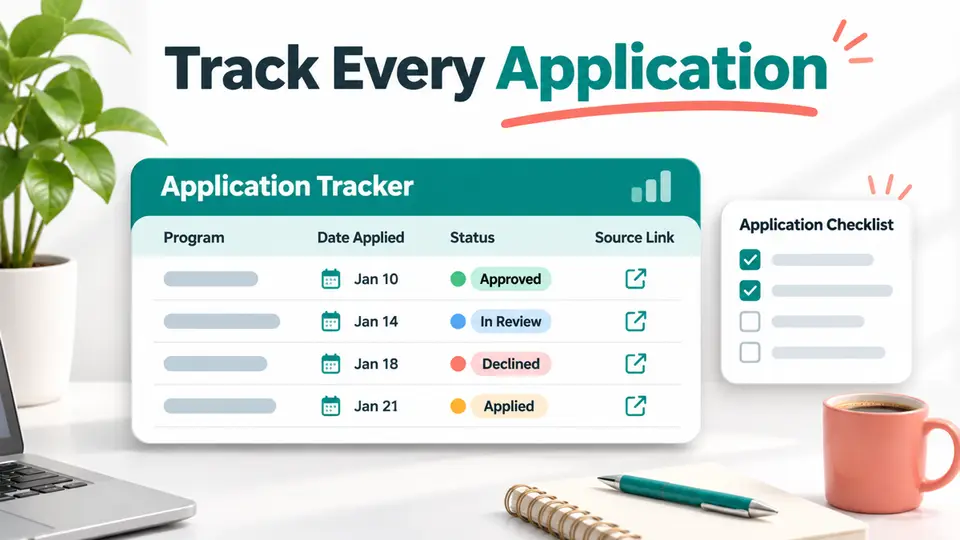
An affiliate program application tracker template keeps each application, source, eligibility rule, and next action in one place. A useful tracker separates what the program says from what you have submitted, so you can follow up with evidence instead of relying on memory.
Use this affiliate program application tracker template as a spreadsheet or project board. The template works for a new creator applying to several networks and for an experienced publisher reviewing terms before adding a program to an existing site. It does not assume every company replies on the same schedule.
Quick Answer
| Field | What to record |
|---|---|
| 1. Program | Brand and exact offer name |
| 2. Source | Official program or network URL and date checked |
| 3. Audience fit | Reader, channel, region, and product connection |
| 4. Application route | Network, form, or contact page used |
| 5. Eligibility | Published requirements and evidence you satisfy them |
| 6. Submission record | Date, channel, and materials sent |
| 7. Status | Current state and the evidence for it |
| 8. Next action | Program-specific review trigger or follow-up date |
| 9. Outcome and terms | Decision, approved details, and next content step |
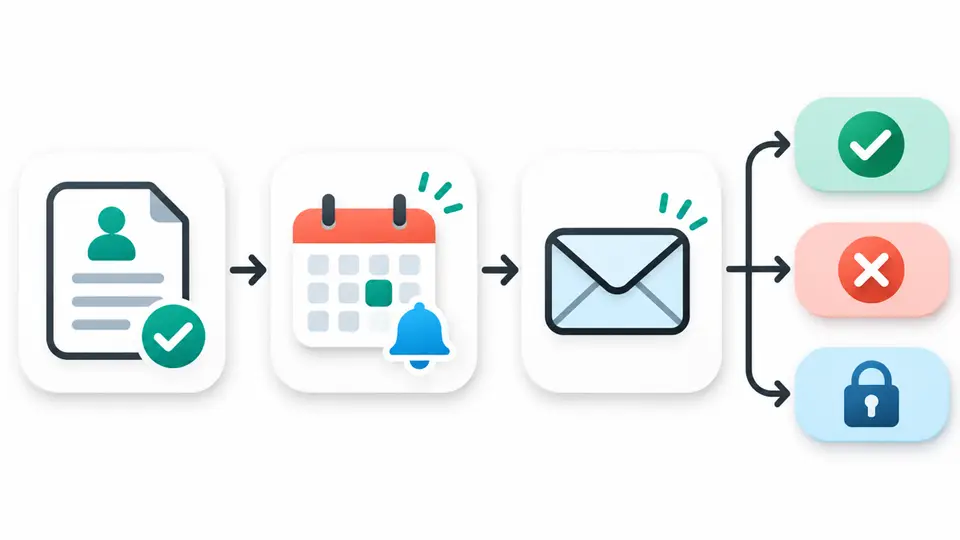
A row should make it possible to answer three questions quickly: what did you apply to, what does the program require, and what is the next useful action? Do not add a follow-up date unless you have a reason for it, such as a published review period or an application status page instruction.
The Nine Fields to Put in Your Tracker
1. Program and Offer Name
Record the brand plus the exact program or offer name. A network can list multiple offers for one company, and those offers may have different regions, products, or terms. Use one row per offer when the rules are different.
2. Source URL and Check Date
Save the official program page, network listing, or application form URL, along with the date you checked it. A source link lets you verify the terms later. The date warns you when the information may be stale. Use an official page for requirements and rates, then keep a directory or research page as a discovery aid.
3. Audience and Channel Fit
Write down who the offer serves, how you will reach that audience, and why the product belongs in your content. For example, a home gym equipment offer may fit a strength training channel with real gear comparisons. A software referral may need a tutorial, setup guide, or workflow demonstration.
This field is a short decision note, not a promise of performance. If you cannot name a reader problem the offer solves, pause and improve your research before applying. Your audience fit note can also help you write a specific application description.
4. Application Route
Record the network, direct application form, or contact route. Include the publisher account name or offer ID when useful, but do not place passwords, authentication codes, or sensitive financial details in a shared tracker. Keep credentials in the password manager you already use.
The route matters when you need to reopen an application or contact the right team. For example, Titan Fitness routes applicants through Impact. Keeping the network and offer together prevents you from confusing one brand's direct program with a separate network listing.
5. Eligibility and Required Evidence
Copy the requirements in plain language and list the proof you can provide. Requirements might specify a country, a content channel, an active website, or an existing customer relationship. Keep the source URL nearby and separate a published rule from your own interpretation.
For instance, the official Amazon Associates qualifying sales and review guidance says an application review follows three qualifying sales within the first 180 days and includes a check of the site or app. A tracker can capture the start date, qualifying-sales progress, and content review checklist. That is more useful than entering only "Amazon applied" and forgetting the condition.
6. Submission Date and Materials
Record when you applied, which channel you named, and what materials you submitted. Store a link to a non-sensitive copy of your site description, media kit, or application answers. If the program asks for a specific URL, save that too.
This history helps you give a consistent answer if the network asks a question later. It also helps identify whether an application was submitted for a blog, newsletter, social profile, or more than one channel.
7. Status and Evidence
Choose a small set of statuses, such as planned, ready, submitted, in review, approved, declined, or needs information. Add the date you observed the status and the evidence, such as an email subject, account page, or network notice. Do not mark an application approved because a form displayed a thank-you message.
A clear status prevents duplicate applications and unnecessary messages. If a program asks for more information, change the status and write down exactly what is missing. If an application is declined, record the stated reason and a review date only if the program gives one.
8. Next Action or Review Trigger
Set the next action from the program's own instructions. That might be to finish required content, confirm a profile, answer a request, or recheck an account after a published threshold. If the program gives no response window, leave a follow-up date blank or note that none was published. Avoid applying a universal seven-day or fourteen-day rule to every company.
A relevant action could be "add two product comparisons, then recheck application readiness" or "review status after the network's stated period." The action should help the application or protect a real opportunity, not create a reminder merely to fill a cell.
9. Outcome and Approved Terms
When the program responds, record the decision and any approved commission, tracking, payout, attribution, and product restrictions. Save the date and source. If terms appear only in a private network account, note where you checked them without copying confidential data into a public document.
If approved, create a next task for the content or link placement that fits the audience. If declined, record the exact feedback and decide whether to address it, wait for a stated reapplication window, or move on. Keep the original application record for future reference.
Copy-Ready Spreadsheet Row
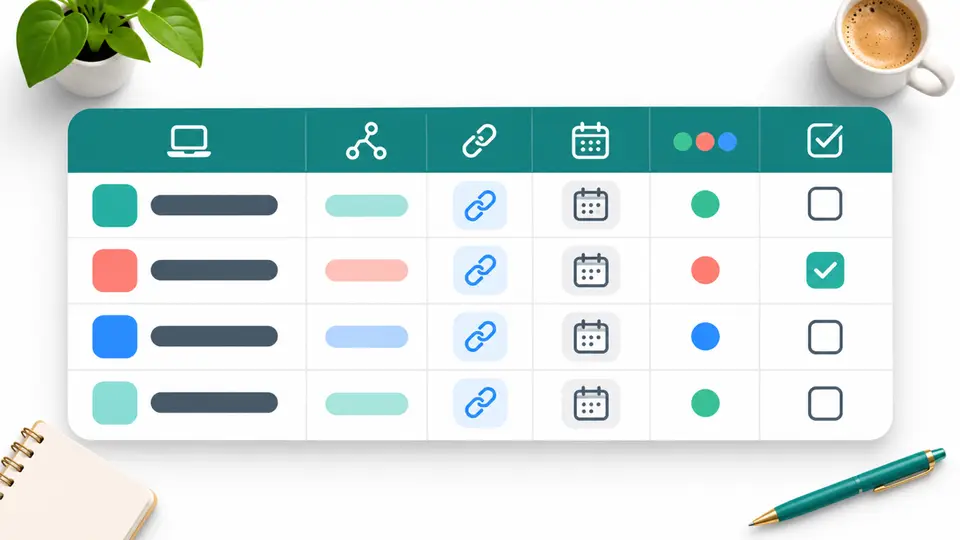
Create columns for the nine numbered fields in this affiliate program application tracker template, then duplicate the header for each offer:
| Program | Source and checked date | Audience fit | Application route | Eligibility and evidence | Submission date and materials | Status and proof | Next action or trigger | Outcome and approved terms |
|---|---|---|---|---|---|---|---|---|
| Example offer | Official URL, date | Audience, channel, product fit | Network or direct form | Requirement plus proof | Date and submitted channel | Status, date, evidence | Specific task or no date | Decision and verified terms |
Keep the first sheet easy to scan. If you need more detail, add a second sheet for program terms and another for content tasks. Avoid adding extra status labels unless they change what you do next.
Use the Tracker Without Creating Busywork
First, shortlist programs with an audience and product connection. A program research checklist can help gather the basic offer, region, and source information before an application begins. Add a row only when the offer passes that first relevance check.
Second, apply through the correct route and save the actual submission date. If an offer runs through a network, verify the specific merchant listing, rather than assuming the brand's general page describes every country or channel. For example, a publisher researching Fathom can compare its Fathom Analytics affiliate program profile with the official terms before deciding whether to apply.
Third, set a next action only when there is a useful trigger. An account notice or published eligibility rule is stronger evidence than a guessed response time. Use a status field that describes what is known, not what you hope will happen.
Fourth, review approved terms before building a content plan. A partner can change its rates or conditions, and a network dashboard can show terms that differ by region. Record what you checked and when. A comparison worksheet can help you evaluate the offer against other affiliate commission options.
Examples That Show Why the Fields Matter
For a strength equipment publisher, the Titan Fitness affiliate program profile can point to the offer and its Impact route. The official page publishes a 5% commission and 30-day cookie. Record the date checked, your channel, the Impact status, and the current offer details. Do not treat the public rate as a guaranteed account term.
A creator comparing strength products can also research the REP Fitness affiliate program. The official program information describes its region and activity requirements. Those details belong in eligibility and next-action fields. If you do not qualify, note the reason and choose another suitable offer rather than applying repeatedly.
For a software publisher, Fathom's official affiliate program page lists 25% recurring commission and a 30-day cookie, with a customer requirement. This illustrates why the tracker should separate the public offer from your own eligibility. If you are not yet a customer, your next action may be to decide whether the product is a fit, not to submit an application immediately.
To improve an application, use the guide on how to get approved for affiliate programs. If a program declines your request, the affiliate application follow-up email templates can help you send a relevant, professional question when a follow-up is appropriate.
Mistakes to Avoid
- Tracking a brand instead of its actual offer: separate network entries when the rates or regions differ.
- Saving a rate without a source date: keep the official URL and check date so stale data is visible.
- Treating a submitted form as approval: wait for the program or network to show a decision.
- Inventing a follow-up schedule: use a published response window or a specific status change.
- Mixing public and private information: store links to account records, not passwords or confidential files.
- Leaving out the next action: every active row should have a useful task or a clear reason to wait.
Make the Tracker a Decision Tool
An affiliate program application tracker template works when every field supports a real decision. It helps you find the source, show why your channel fits, remember what you submitted, and act when the program gives a reason to act. It also creates a dated record of terms you should recheck before publishing.
Keep the template small enough to maintain. Add a new field only when it helps you decide whether to apply, what to improve, or how to promote an approved offer accurately. Explore the FindAffiliates home page to find relevant programs, then use the tracker to evaluate each one on your own audience and evidence.
FAQ
What should an affiliate program application tracker include?
An affiliate program application tracker template should record the program, source and date, audience fit, application route, eligibility, submission details, status evidence, next action, and outcome or approved terms.
Should I follow up if a program has not replied?
Check the application status page and any response period the program publishes. If there is no stated timeline, do not assume a fixed interval. Follow up when you have a specific, relevant question.
How often should I update affiliate program terms?
Recheck terms when you plan a new promotion, when a network shows an account notice, or when the official page changes. Keep the date you verified each rate, cookie, and eligibility rule.
Can I use this tracker for multiple affiliate networks?
Yes. Record the network and exact offer on each row, then save the offer-specific terms. A single company may have different rules across regions or networks.