Pinterest Affiliate Pin Refresh Audit: 7 Checks for 2026
Use this Pinterest affiliate Pin refresh audit to check links, offer status, disclosure, policy fit, and Pinterest Pin analytics before updating older Pins.
On this page (9)

What Should You Compare Before Choosing?
A Pinterest affiliate Pin refresh audit checks whether an older Pin still points to a working offer and remains useful. Pinterest says Pins can continue to engage over time, so age alone is not a reason to rewrite or delete one.
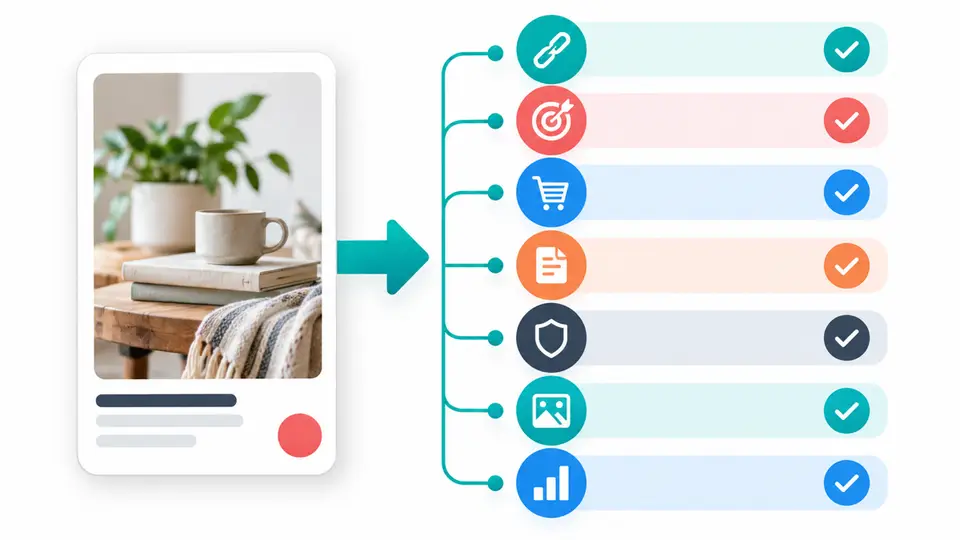
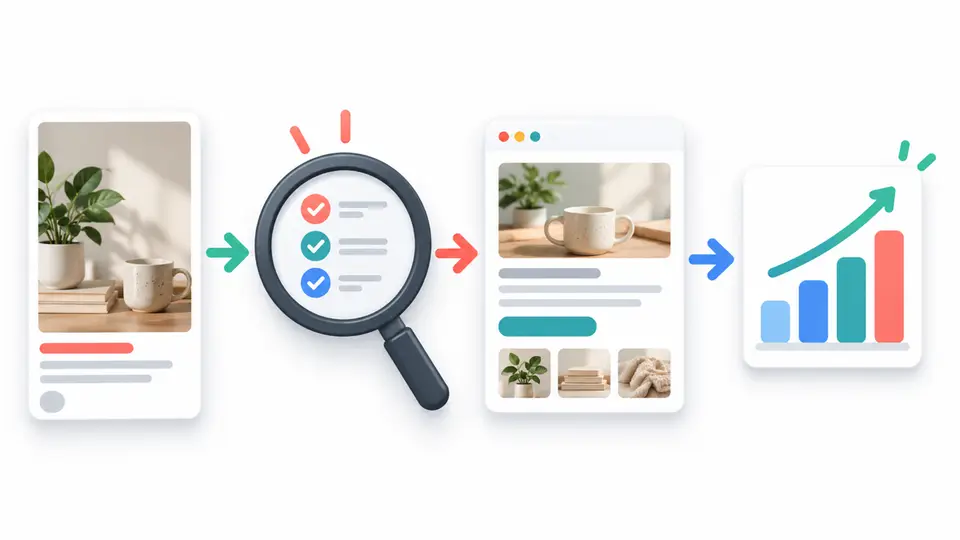
Use these seven checks when a link, offer, performance, or disclosure needs review. The audit does not promise higher reach. It helps you leave the Pin alone, fix a defect, or publish a clearer version.
Quick answer: check the destination before changing the Pin
| Check | What to inspect | Next action |
|---|---|---|
| Performance | Recent impressions, saves, and outbound activity | Compare a consistent reporting period |
| Link | The destination opens and the affiliate route works | Repair or replace a broken link |
| Offer | The product and promotion are still available | Remove stale claims or links |
| Match | Pin image and description reflect the destination | Rewrite the mismatch |
| Disclosure | Commercial relationship is clear and visible | Add or improve the disclosure |
| Policy | Pin adds value and avoids repetitive promotion | Edit or retire content that breaks policy |
| Record | Pin ID, date, edit, and next review point | Log the change so results remain interpretable |
How we chose these checks
These checks cover four practical audit areas: Pin performance, working links, account analytics, and commercial content. Pins can engage over time, so there is no universal refresh interval. Read Pinterest's guidance on Pin performance and distribution before treating a change as a platform rule.
Use the analytics available in your account and compare the same reporting window. Check metric definitions before drawing conclusions. A new image, keyword, or description cannot guarantee reach.
Seven checks before refreshing an affiliate Pin
1. Compare performance, not just age
Start in analytics and record the Pin's recent impressions, saves, and outbound activity. Compare a consistent period with an earlier period that had similar seasonality or promotion. One quiet week does not prove that the Pin has stopped working, and a high impression count does not mean readers are reaching the destination.
Use the numbers to choose what to inspect next. If impressions stay steady but outbound activity is weak, review the promise and call to action. If clicks continue but conversions fall, inspect the destination and offer. If the reporting period is too short to show a pattern, gather more evidence before rewriting the Pin.
2. Open the exact destination link
Click the link from the Pin and confirm that it loads, reaches the intended page, and does not land on a blank page, error, unrelated category, or expired promotion. Test the final page on mobile as well as desktop. Redirects can change, and an affiliate network may send visitors through more than one tracking step.
If Pinterest does not offer an edit option for a Pin, do not assume you can change its destination. Avoid promoting a broken route, and publish corrected content only after confirming the destination works.
3. Confirm the offer is still available
Check the merchant's program dashboard, product page, and current promotion terms. Confirm the product is still sold, the landing page works, and any discount, bonus, plan name, or price in the Pin remains accurate. Do not assume that an affiliate link will be credited just because it still redirects.
When a program ends or a product changes, remove the outdated claim from your own content and use the provider's approved replacement link if one exists. Keep a note of when you checked the terms. The same process applies to seasonal offers that have expired but still attract old saves or clicks.
4. Match the Pin promise to the landing page
Read the Pin image text, title, description, and destination as one message. If the Pin promises a free template but the link now opens a paid bundle, the mismatch can frustrate readers even when the page loads. If the destination has changed, update the creative and wording so they describe the current product and the reader's next step.
Do not add keywords just because they appear popular. Use words that describe the image and destination accurately. A useful refresh might clarify the audience, benefit, or product name while preserving the original Pin's intent. Change one main element at a time when practical, then record what changed so you can interpret later results.
5. Make the affiliate disclosure easy to notice
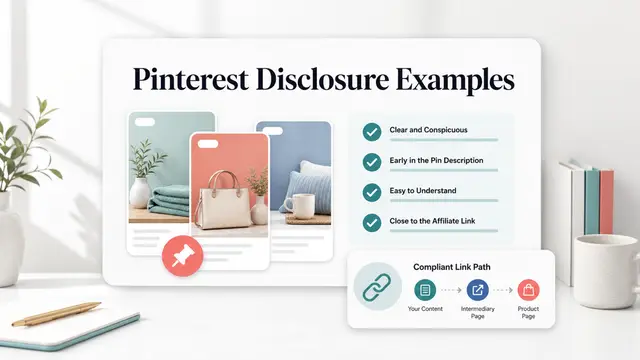
Readers should understand that a commercial relationship may affect your recommendation before they act on the link. Place a clear disclosure close to the affiliate link or recommendation, using plain wording that fits the Pin and destination. A profile level disclosure alone may not be visible when someone encounters a saved Pin directly.
Pinterest's commercial and branded content guidelines emphasize original content and transparency about its commercial nature and links. The guidelines require clear disclosure for EEA commercial content and paid partnerships. Review the examples in our Pinterest affiliate disclosure guide. Do not imply that a paid relationship is an independent endorsement.
6. Check the creative and policy fit
Look at the Pin as a reader would see it in a feed. Is the product recognizable? Does the image remain legible on a phone? Does its text make the same promise as the destination? Correct outdated branding, cropped text, inaccessible contrast, or an image that no longer represents the offer. Make the design useful even when the reader sees it without the description.
Avoid making multiple near-identical Pins in bulk just to repeat an affiliate link. Pinterest's commercial guidance emphasizes original content and prohibits repetitive or manipulative behavior. If you create a new version, add a real difference such as a new use case, updated comparison, or clearer image, and keep the landing page relevant to that version.
7. Log the change and choose one next action
Record the Pin URL or ID, the date checked, the destination, the source used to verify the offer, the edit made, and the metric window you plan to review. Then choose one action: keep the Pin, correct its link or claim, publish a genuinely useful updated version, or stop promoting it. This small change log helps you avoid repeating work and makes future comparisons clearer.
Treat each update as a test of your own content, not a guarantee from Pinterest. If you change the destination, image, and description at the same time, you may not know which change mattered. When practical, make one meaningful edit, give the Pin time to collect enough data for your audience, and compare the same metrics and reporting window. A Pinterest affiliate Pin refresh audit should end with an owner, a date, and a next action, even when that action is to leave the Pin unchanged.
How to run the audit in one sitting
Choose a small group with a reason for review, such as a broken link, discontinued product, or changed outbound activity. Record each Pin's details and analytics. Check the destination and partner terms, then review disclosure and policy. Sort findings into fix now, monitor, or stop promotion. Fix broken or misleading links; monitor limited data when no defect is clear; stop when an offer ended or a policy issue cannot be corrected. Do not delete Pins only because they are old or quiet.
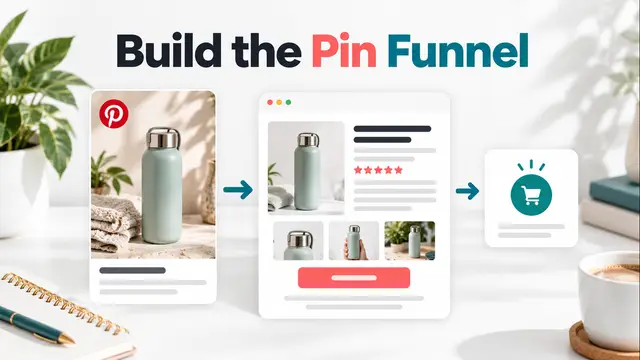
For broader strategy, the Pinterest affiliate marketing funnel guide explains the path from discovery to a useful destination. If you are new to the channel, see the Pinterest affiliate programs for beginners guide.
Tools to research before changing your workflow
If you need help scheduling or designing new Pins, treat software affiliate listings as research starting points. The Tailwind affiliate program page describes a social scheduling tool and asks publishers to verify its current terms. The Canva listing currently says new applications are closed and that affiliate benefits are limited to accepted Canvassador members. The Creative Market program listing can help you investigate design asset promotion. Check each provider's current rules before applying or recommending a product.
These listings do not guarantee program acceptance, Pin reach, or sales. Choose tools based on the design, scheduling, and analytics work your audience actually needs. You can research more offers in the FindAffiliates directory.
Final review table
| Check | Leave the Pin | Fix or publish an update | Stop promotion |
|---|---|---|---|
| Performance | Data is limited and no defect is visible | A clear metric change gives you a reason to investigate | Do not use low activity alone as a deletion rule |
| Link | Destination and tracking path work | Repair a link you can edit or create a corrected Pin | The destination cannot be repaired |
| Offer | Product and terms remain current | Replace a stale claim with verified information | The offer ended or no approved link exists |
| Message | Pin and page make the same promise | Clarify a real change in product or audience | The mismatch cannot be corrected honestly |
| Disclosure | Relationship is clear near the recommendation | Add visible plain language disclosure | A compliant disclosure cannot be added |
| Policy | Content adds value and is not repetitive | Improve original value or creative clarity | The promotion depends on manipulative repetition |
| Record | Existing details are still current | Log each specific edit and review window | No action is needed solely because of age |
Key Takeaways for Pinterest Affiliate Pin Refresh Audit: 7 Checks for 2026
A careful Pinterest affiliate Pin refresh audit protects the reader's path from Pin to product page. Check performance, links, offer status, message match, disclosure, policy fit, and your record before changing a creative. Keep the Pinterest affiliate Pin refresh audit with your content calendar. Make one evidence based decision at a time, without promising better distribution.
FAQ
How often should I run a Pinterest affiliate Pin refresh audit?
Pinterest does not provide a universal refresh interval. Review a Pin when its link, offer, disclosure, or message may be outdated, or when your own analytics show a reason to investigate.
Should I delete an old Pin with few clicks?
Not only because it is old or quiet. First check whether it still has a useful destination, accurate content, and enough data to judge. Fix a specific problem or stop promotion when the offer is no longer suitable.
Can I change the affiliate link on a saved Pin?
Pinterest says you can update links on Pins you created, but not on Pins saved from Pinterest or through the browser button. If you do not own the Pin, make sure any replacement content uses a working, approved link.
What should I track after a Pin update?
Record the Pin, date, destination, specific change, and a consistent analytics window. Review the metrics available in your account, including outbound activity, and avoid treating a small or changing estimate as proof of a trend.