Live Stream Affiliate Link Placement Audit Template 2026
Live stream affiliate link placement audit template for Twitch and YouTube to test mobile links, replay parity, disclosures, and tracking before publishing.
What Should You Compare Before Choosing?
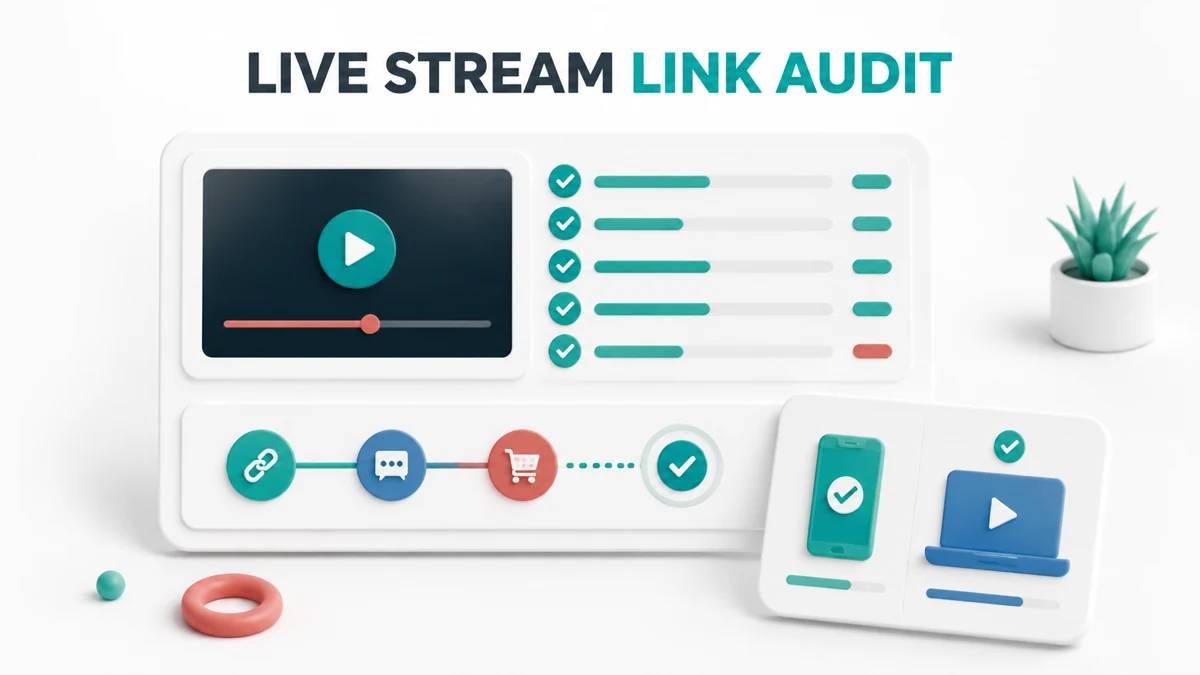
A live stream affiliate link placement audit template helps you test more than whether a link exists. It checks whether viewers can see the recommendation, understand the relationship, open the destination on a phone, and still find the right path after the broadcast becomes a replay.
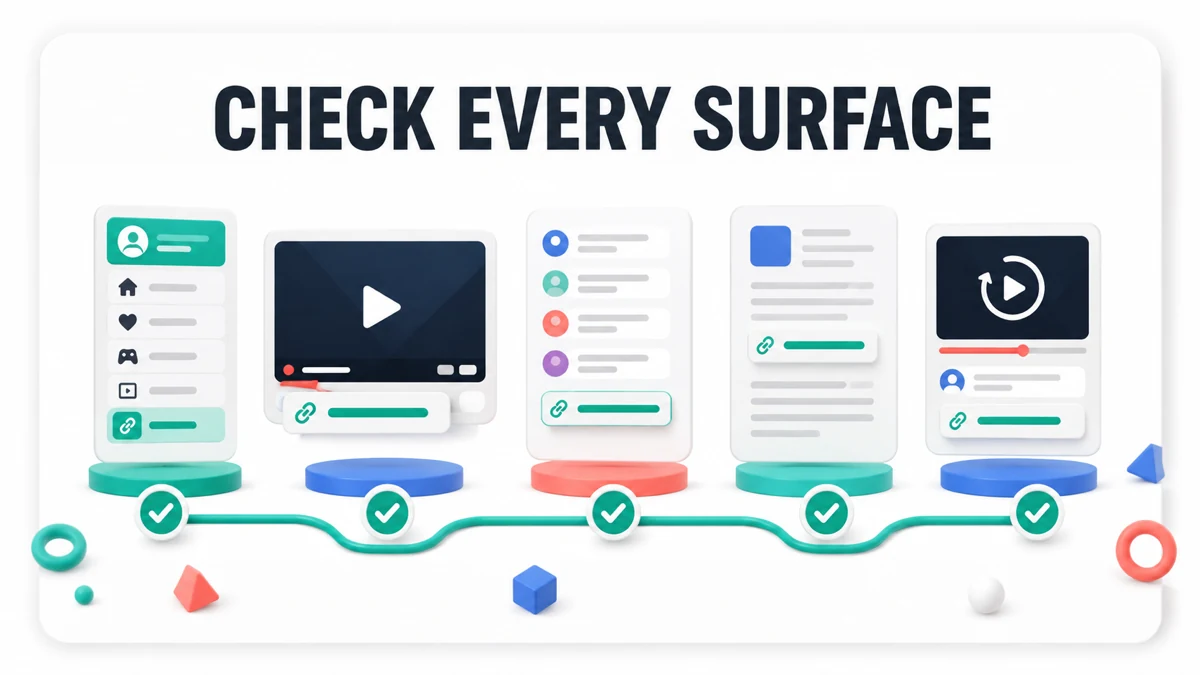
The most useful audit treats a stream as a chain of surfaces: channel panels, descriptions, chat messages, overlays, spoken callouts, and the replay page. This guide gives you a reusable record for checking each surface before and after a Twitch or YouTube stream.
Quick answer: Audit the link destination, placement, disclosure, tracking label, mobile view, replay view, and owner for every promotional surface. Save a timestamp or screenshot for each pass, and fix the surface that fails instead of assuming viewers will find another link.
The broader live stream affiliate link placement checklist covers the basic placement choices. This audit template goes further by adding evidence, replay verification, and a clear handoff for follow-up.
What the audit should record
Start one record per stream or campaign. Give each link a short internal label, such as mic-review-panel or editing-tool-replay. Do not use a vague label like main-link, because a useful audit must connect a click or commission to a specific surface.
| Field | What to record | Why it matters |
|---|---|---|
| Surface | Panel, description, chat, overlay, spoken mention, or replay | Shows where the viewer met the recommendation |
| Destination | Final URL and expected page | Catches redirects, dead links, and wrong products |
| Disclosure | Exact words and placement | Keeps the commercial relationship understandable |
| Tracking label | Campaign, stream, or surface identifier | Separates live, replay, and channel traffic |
| Device check | Desktop and phone result | Finds clipped text, hidden links, and poor tap targets |
| Evidence | Screenshot, timestamp, or test click | Makes the pass repeatable and reviewable |
Record the final destination after following any redirect. If the destination changes by country, device, or login state, capture that behavior in the notes. A working desktop click does not prove that a viewer on a phone will see the same offer.
Audit channel-level placements
Channel-level surfaces remain available when the stream is offline, so they are the foundation of the audit. Check them before the broadcast, then repeat the check from a logged-out or private browser window when possible.
Twitch information panels
Twitch says information panels appear below the video player on a channel page and can include a title, image, embedded image link, and links in the description. That makes a panel useful for evergreen equipment pages, creator resources, and a short disclosure that stays near the recommendation. Confirm the panel is visible on the public channel page, not just in the editor.
The official Twitch information panel guide is the source for the panel behavior. In the audit record, save the panel title, the destination URL, the disclosure wording, and a phone screenshot. Check that the link remains understandable when the page is viewed without the stream player expanded.
If the promoted tool is part of a production workflow, a creator can use the ManyCam affiliate program as one example of a program-specific destination. The content should explain why the tool fits the stream instead of placing a generic link under every panel.
YouTube description and watch page
For YouTube Live, audit the description as a standalone entry point. Put the disclosure close to the first relevant affiliate link, use descriptive link text, and confirm the full URL is visible or reachable from the published watch page. Test the page while signed out so you see the public description rather than an editing view.
The YouTube live-stream help documentation notes that live chat is available on watch pages, not embedded players. Record whether the stream is being watched on the channel page, a watch page, or an embed, then test the link path on the surface your audience will actually use. A chat instruction that works on the watch page may not be available inside an embedded player.
Use the Riverside affiliate program when your example involves remote recording or a guest workflow. Keep the example specific: the viewer should know whether the link is for recording, editing, publishing, or another job.
Audit live-only placements
Live surfaces can create urgency, but they are also easy to miss. The audit should prove that a viewer who arrives late, watches without sound, or reads chat after the message has moved can still understand the offer.
Chat messages and pinned guidance
Test the exact message a moderator or bot will post. It should name the product or task, use a stable destination, and include a short disclosure when the message is a recommendation that may earn commission. Do not rely on a raw URL or a message that says only affiliate link.
Run the message through a short timing test. Note when it appears, how long it remains visible, whether the link is clickable, and whether a replay viewer can find an equivalent destination in the description. If a chat command changes the response by stream, verify the command again before every event.
The streamer affiliate disclosure examples provide channel-specific wording ideas. Use them as a starting point, then adapt the wording to the product and the actual compensation relationship.
Overlays and spoken callouts
An overlay can support a product demonstration, but it should not be the only route to the offer. Test it at the smallest common player size and while the main content is moving. If the text is readable only in a full-screen view, add the same destination to the description or a panel.
For tools used during the broadcast, the Wave.video affiliate program can illustrate a video-production example. A creator should identify the feature being demonstrated, show where the viewer can learn more, and disclose the possibility of commission before or near the recommendation.
The FTC advises that live-stream disclosures should be repeated periodically so viewers who see only part of a stream receive the information. Treat the FTC social-media disclosure guide as a compliance source, then check the platform's own tools and the program's promotion rules.
Phone and accessibility checks
Open the channel, watch page, description, and destination on a phone. Check tap spacing, contrast, line wrapping, expandable text, and whether the disclosure stays close to the recommendation. Read the message aloud and confirm that the link label makes sense without visual context.
Mark a surface as failed when the viewer must guess which link belongs to the product, when the disclosure is separated from the recommendation, or when a tiny overlay is the only call to action. Fix the content or move the link to a more durable surface.
Audit replay and reporting continuity
The replay is a separate product experience. A viewer may never see the live chat, a temporary overlay, or a spoken reminder, so repeat the audit after the broadcast is archived.
Replay parity
Open the published replay in a private window. Confirm the title and description still match the recommendation, the link is present, the disclosure is near the link, and any chapters or pinned comments do not send viewers to an outdated destination. If the platform trims or changes the replay, record the new URL and timestamp.
The YouTube affiliate resource page examples show why a durable resource path can complement a single stream. A replay description should answer the same basic question as the live callout: what is the tool, who is it for, and where should the viewer go next?
Tracking labels and destination checks
Use one label per meaningful surface when the program permits it. For example, distinguish stream-panel, stream-description, stream-chat, and replay-description. Do not add tracking parameters that violate the affiliate program's rules or obscure the final destination.
Click every labeled link once from desktop and phone. Confirm the final page, the expected product, the absence of unexpected login barriers, and the correct country or plan path. Keep a record of any redirect or attribution limitation instead of treating a successful page load as proof of commission eligibility.
Program permissions and offer changes
Check the current affiliate agreement before a campaign goes live. Rules can limit coupon use, paid traffic, brand bidding, software overlays, or the placement of a link in chat. A link can be technically functional and still be disallowed.
If the product or offer changes, pause the old surface, update the description and panels, and rerun the phone and replay checks. The Descript affiliate program is a useful example of a creator-tool destination, but the current program terms and product offer should control the final copy.
Copyable audit template
Paste this table into your campaign record and complete it for every active surface:
| Surface | Destination tested | Disclosure present | Phone pass | Replay pass | Tracking label | Owner | Evidence |
|---|---|---|---|---|---|---|---|
| Channel panel | |||||||
| Stream description | |||||||
| Chat message or command | |||||||
| Overlay | |||||||
| Spoken callout | |||||||
| Replay description |
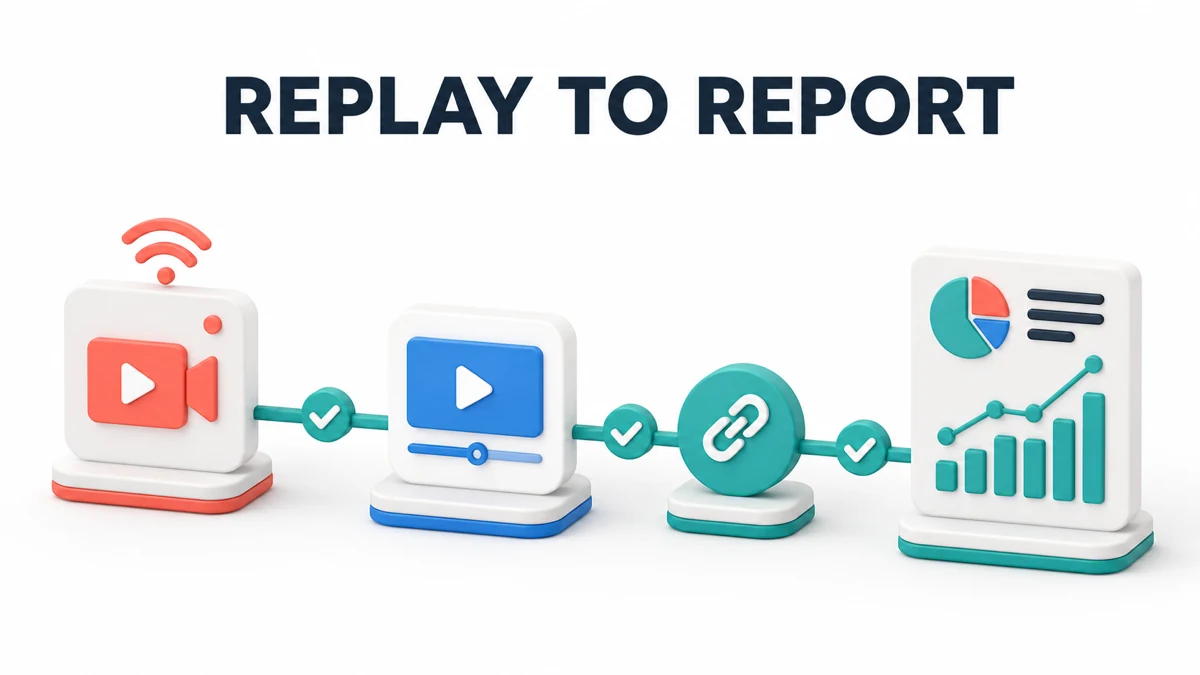
Before going live, verify the destination, disclosure, phone view, and owner. During the stream, verify the timing of chat and spoken reminders. After publishing the replay, verify the description, pinned guidance, final destination, and reporting label again.
Do not mark the row complete because another surface works. The purpose of a live stream affiliate link placement audit template is to expose the exact point where a viewer can lose context, access, or attribution.
Key Takeaways for Live Stream Affiliate Link Placement Audit Template 2026
A reliable live stream affiliate link placement audit template connects placement to evidence. Test panels, descriptions, chat, overlays, spoken callouts, and replays; keep disclosure close to the recommendation; check the experience on a phone; and assign someone to resolve failures.
The best placement is the one your audience can understand and use after the stream ends. Use the FindAffiliates directory to compare creator-tool programs, then verify each program's current promotion rules before you publish a link.
FAQ
What is a live stream affiliate link placement audit?
A live stream affiliate link placement audit checks whether affiliate links are visible, understandable, functional, disclosed, trackable, and still available in the replay. It covers channel panels, descriptions, chat, overlays, spoken mentions, and post-stream pages.
Where should affiliate links appear on a live stream?
Use durable surfaces such as a channel panel or video description, then support them with chat, overlay, or spoken reminders when appropriate. The exact mix depends on the platform, audience, product, and program rules, so test every surface viewers are expected to use.
Do live streams need repeated affiliate disclosures?
The FTC advises repeating disclosures during a live stream so viewers who join late or watch only part of the broadcast receive the information. Keep the language simple, place it near the recommendation, and follow the platform and program requirements as well.
How do I test affiliate links for replay viewers?
Open the published replay in a private browser window, then check the description, pinned guidance, chapters, and any visible call to action. Follow the link from a phone, confirm the final product page, and record the result with a timestamp.
What should an affiliate link audit record include?
Record the surface, final destination, disclosure wording, tracking label, desktop and phone result, replay result, owner, and evidence. Also note redirects, login barriers, country differences, offer changes, and any promotion restriction that could affect attribution or eligibility.